Night Flash AI Filter
Choose Your Perfect Flash Photography Filter
Explore a collection of AI filters designed to create stunning night and retro flash effects. Whether you want a subtle glow or dramatic paparazzi style lighting, find your match.
Key Features of Night Flash AI Filter
Our app packs everything you need to create professional grade night flash photography instantly, right on your phone.
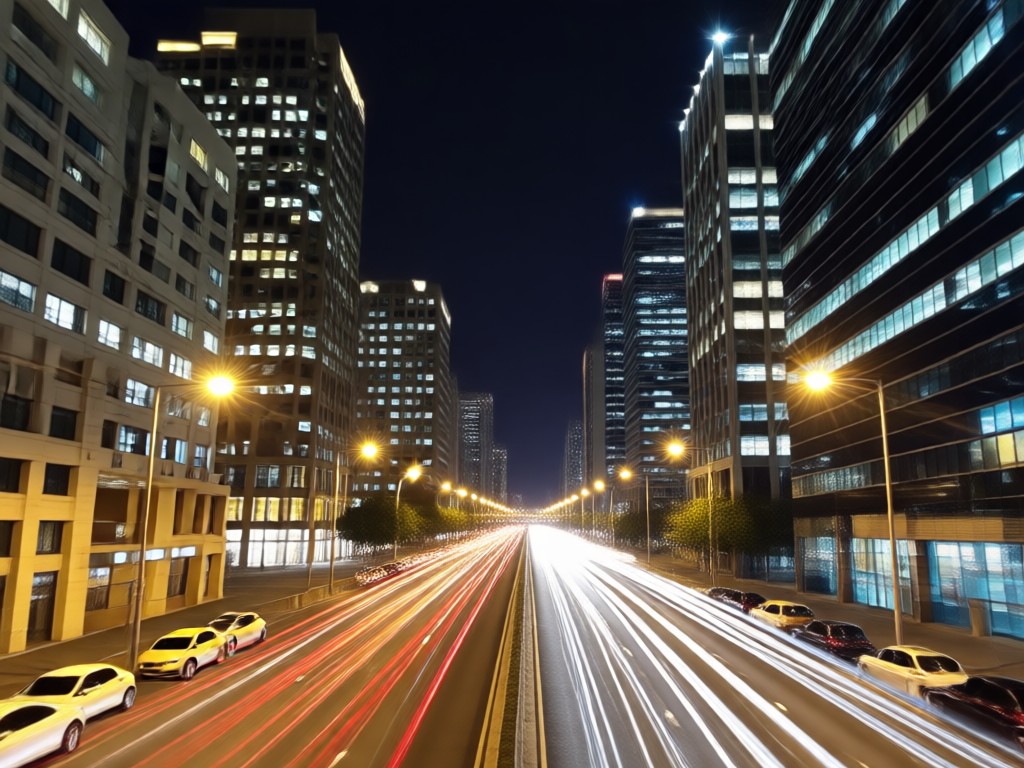
Realistic Retro Flash Effect
Add authentic vintage flash photography effects that mimic the classic film look. The AI intelligently adds light bloom, soft halos, and a warm color cast.
Realistic Retro Flash Effect
Add authentic vintage flash photography effects that mimic the classic film look. The AI intelligently adds light bloom, soft halos, and a warm color cast.
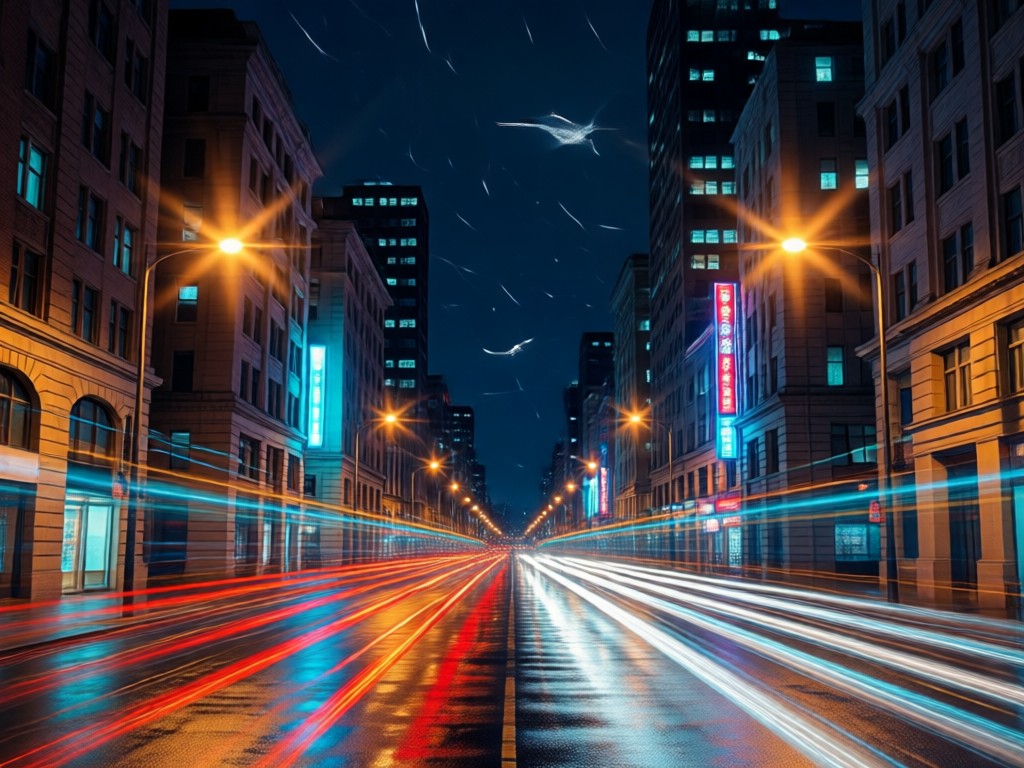
AI Powered Night Glow Enhancement
Automatically brightens dark subjects while preserving shadows, creating a balanced, professional looking glow. Perfect for low light portraits and night cityscapes.
AI Powered Night Glow Enhancement
Automatically brightens dark subjects while preserving shadows, creating a balanced, professional looking glow. Perfect for low light portraits and night cityscapes.
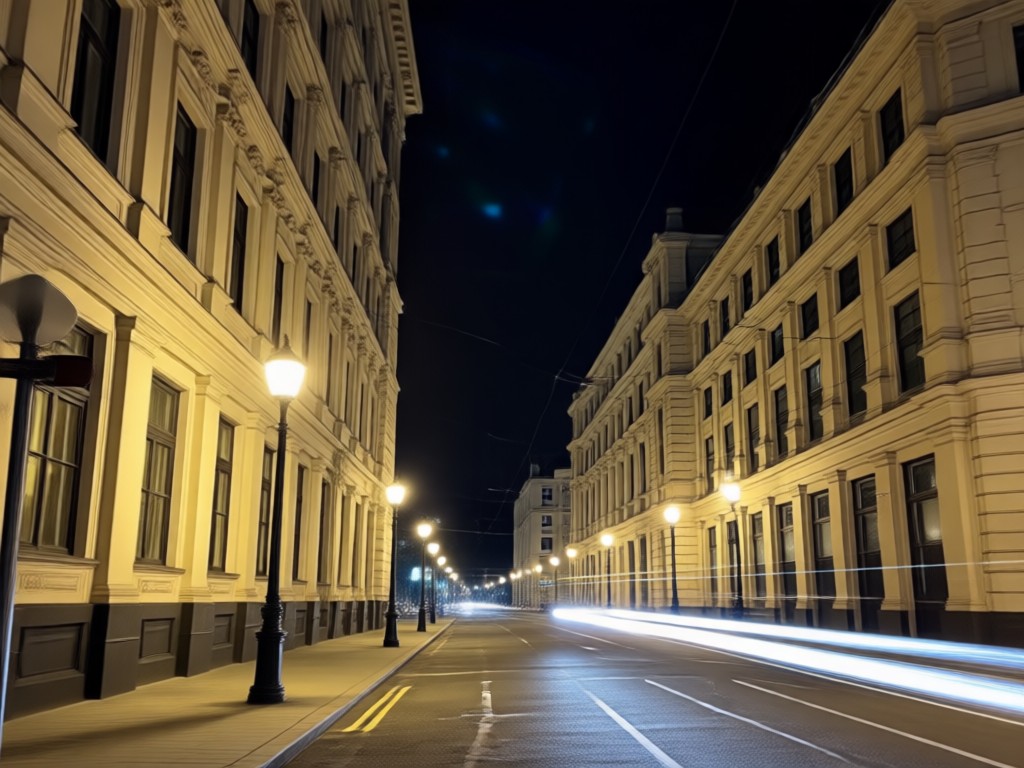
Paparazzi Style Spotlight
Create the dramatic, high contrast look of being caught in camera flashes. The filter adds multiple light sources and sharp highlights for that celebrity feel.
Paparazzi Style Spotlight
Create the dramatic, high contrast look of being caught in camera flashes. The filter adds multiple light sources and sharp highlights for that celebrity feel.
Explore Night Flash AI Creations
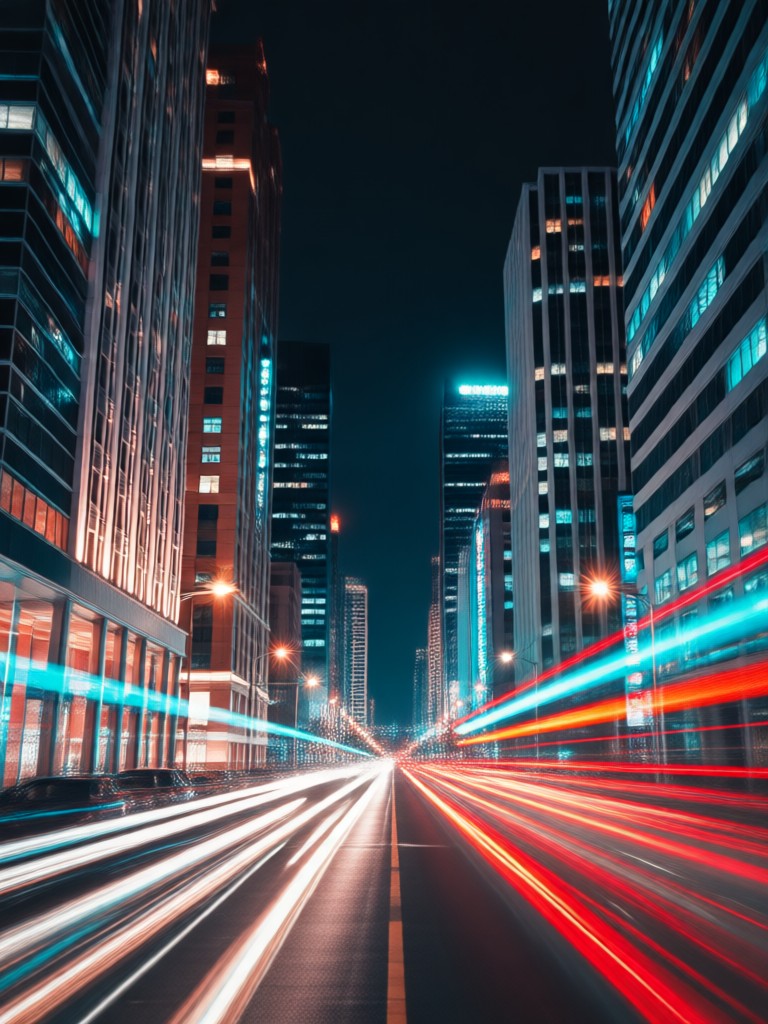
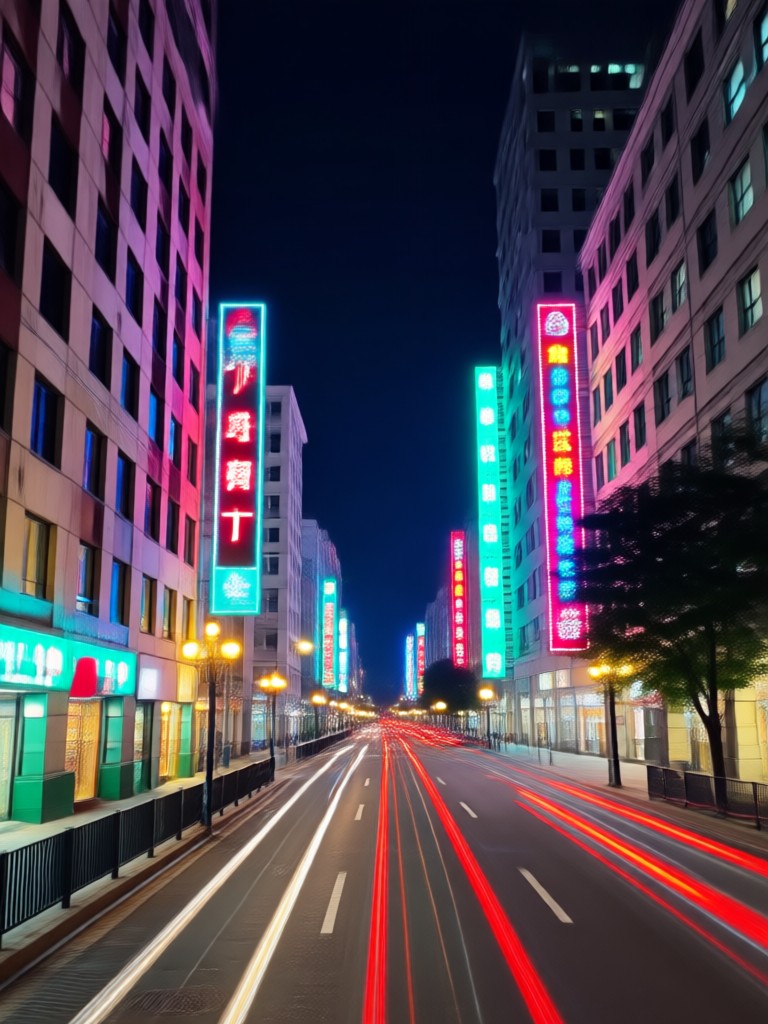
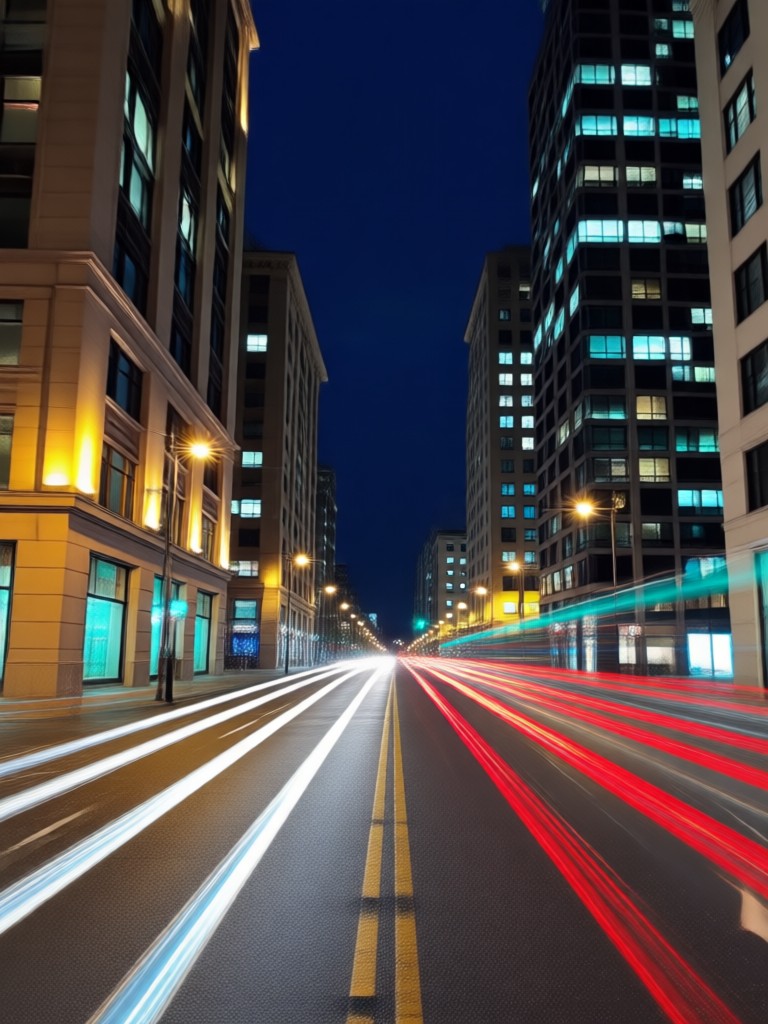
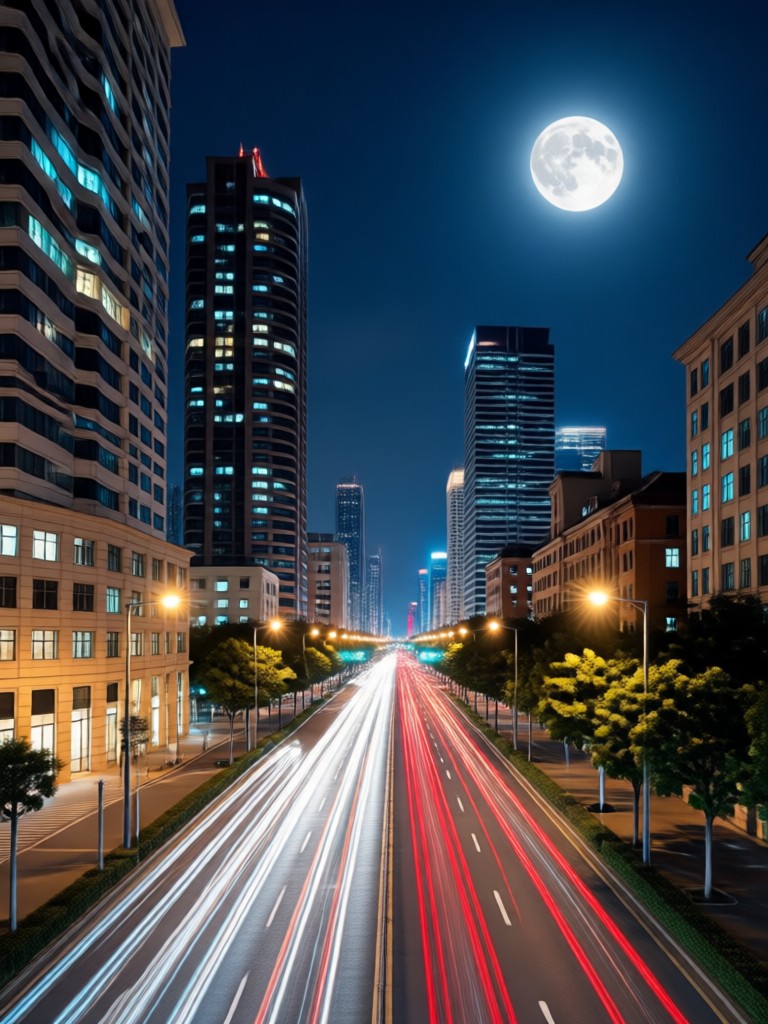
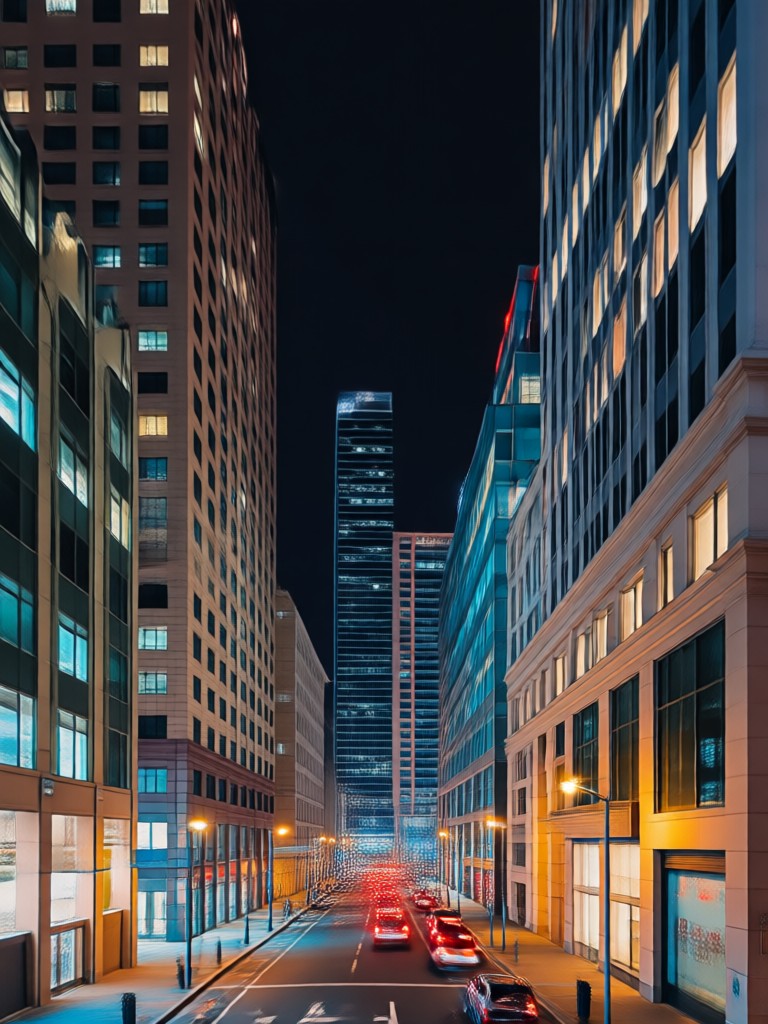
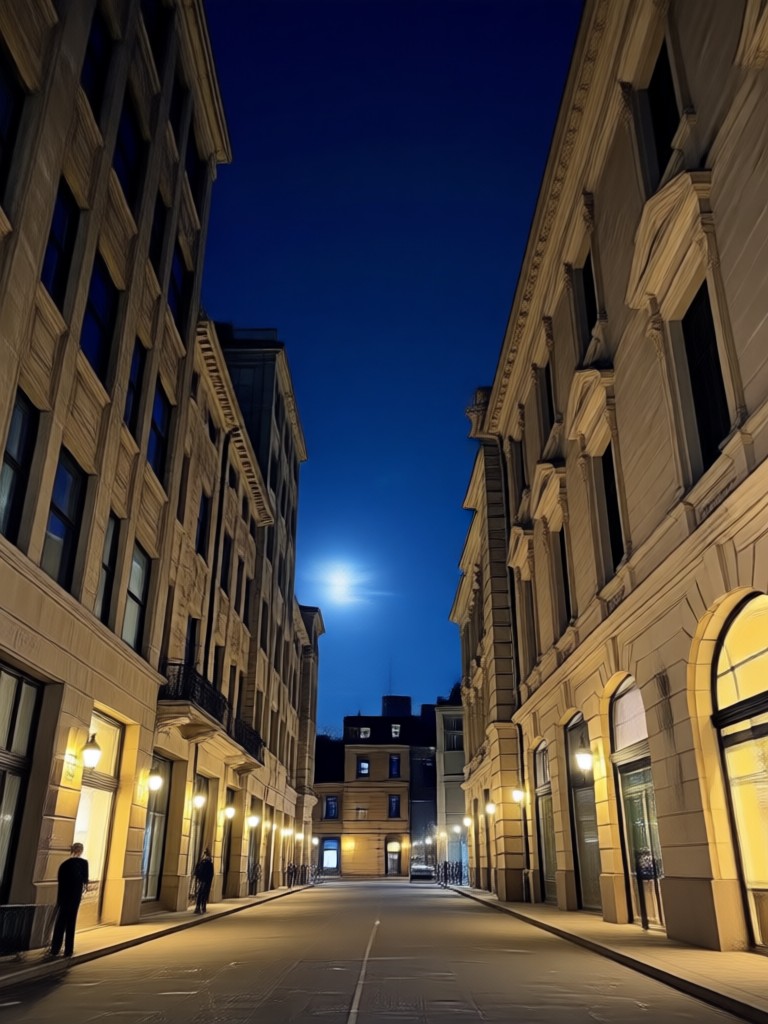
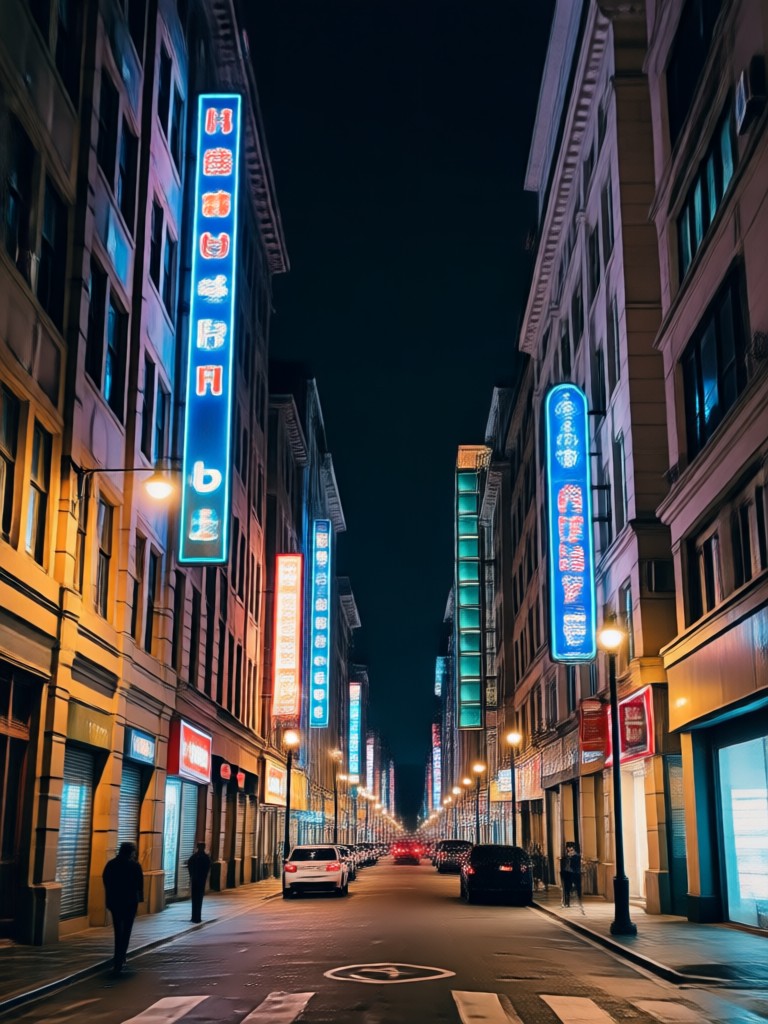
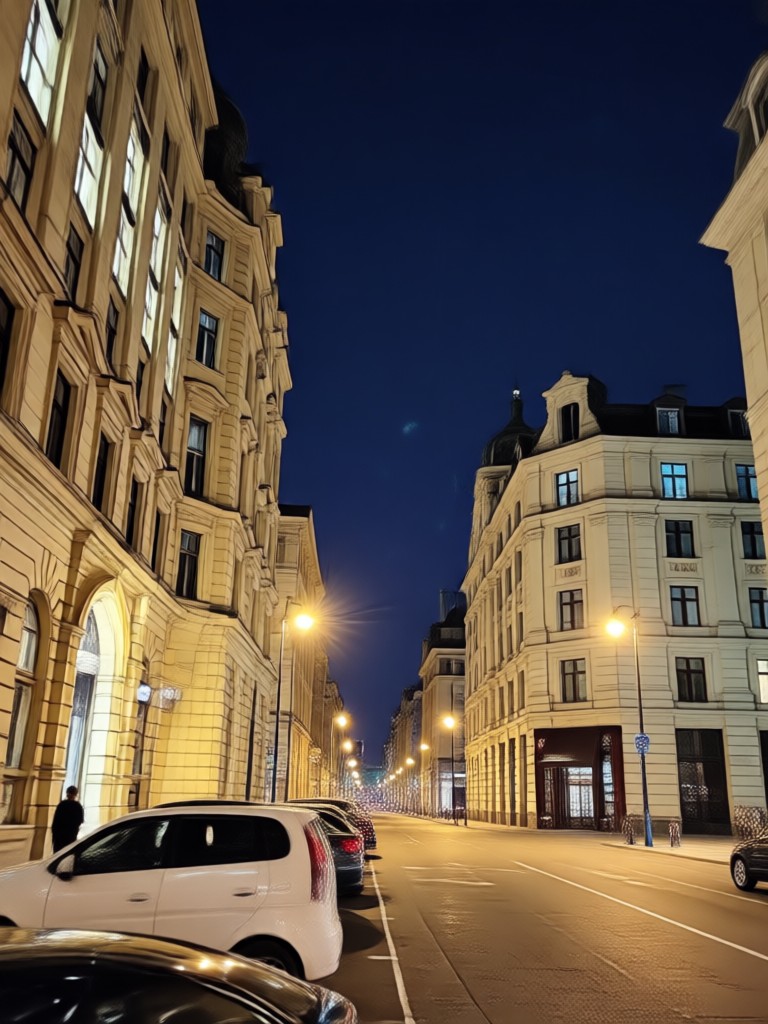
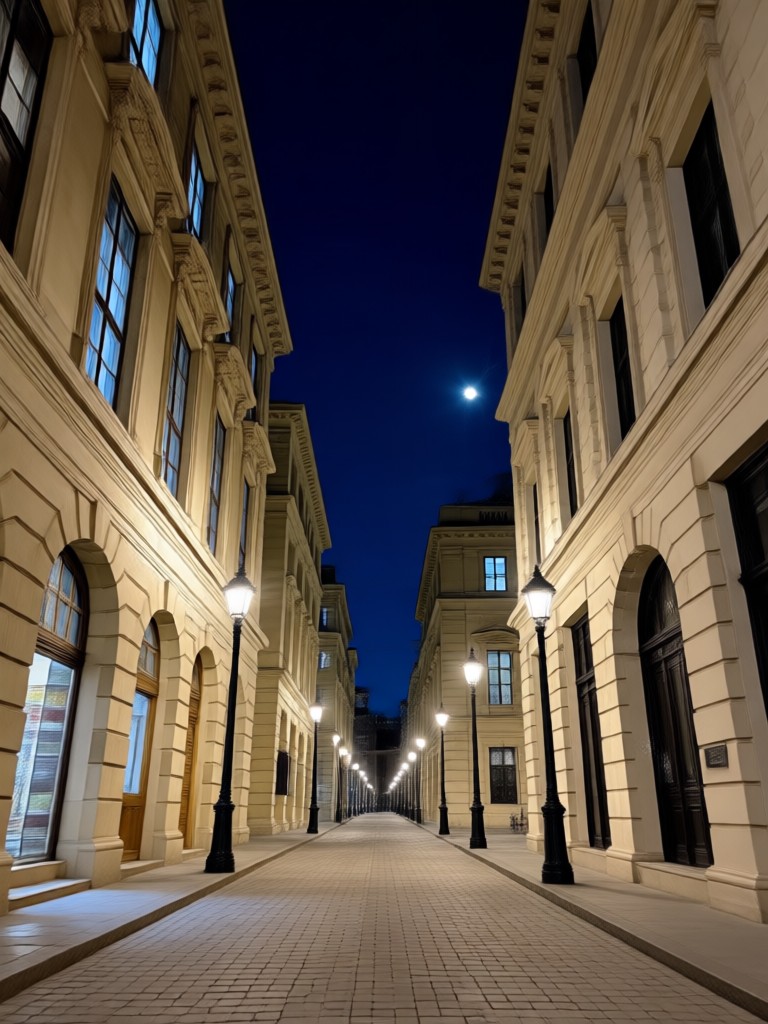
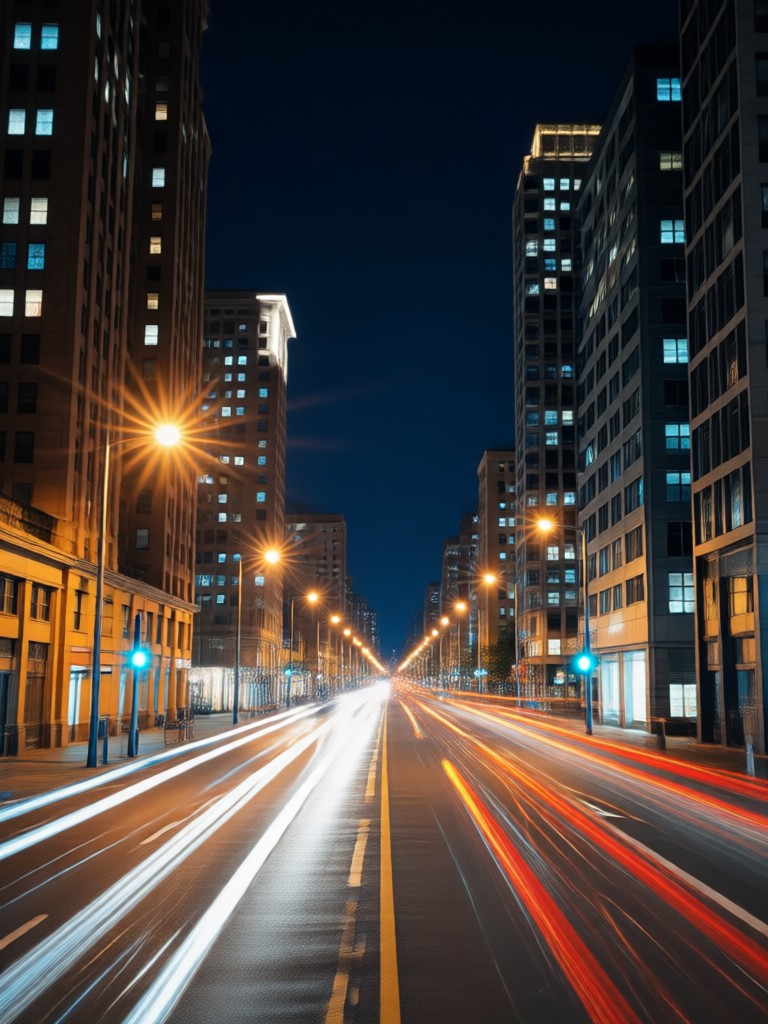
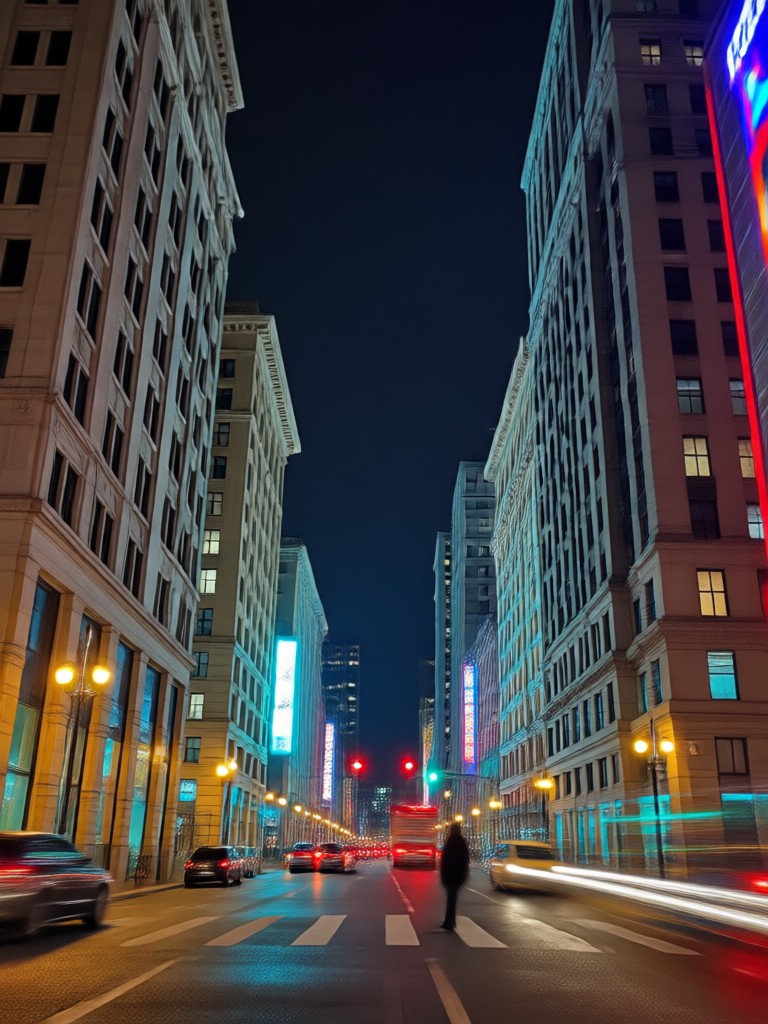
Browse stunning examples of photos transformed with our Night Flash AI Filters. See how ordinary shots become glamorous, professional looking images.
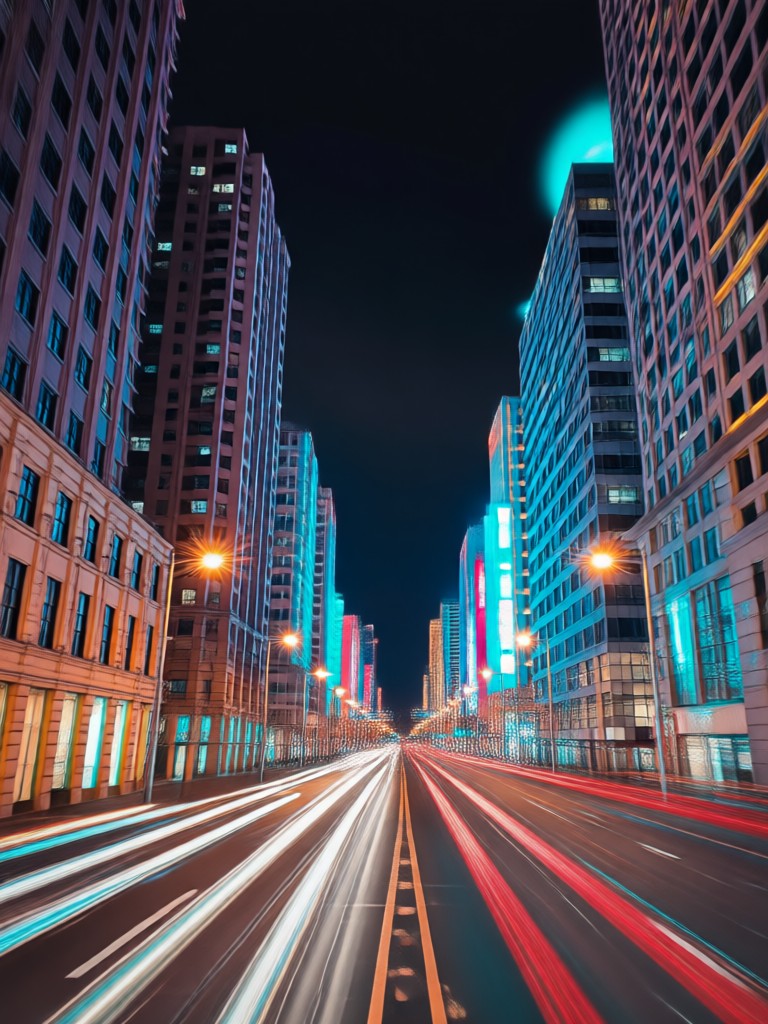
How to Use Night Flash AI Filter?
Create stunning night flash photos in just three simple steps with our powerful mobile app.

Step 01.
Download the rendia app from Google Play to get instant access to all Night Flash AI filters and effects.

Step 02.
Select the 'Night Flash' category and choose from a variety of filters like Retro Flash, Paparazzi Glow, or Night Enhancer.

Step 03.
Upload your photo, apply the filter with one tap, and instantly download or share your glamorous new image.
Who Uses Night Flash AI Filter
Chloe R.
This filter is a game changer for my Instagram content. The retro flash effect makes my nighttime outfit photos look like they're from a fashion magazine, instantly boosting engagement.
Marcus T.
As an event photographer, I use the paparazzi flash filter to add drama to my concert and party shots. It saves hours of editing and clients love the professional, high energy look.
Sofia L.
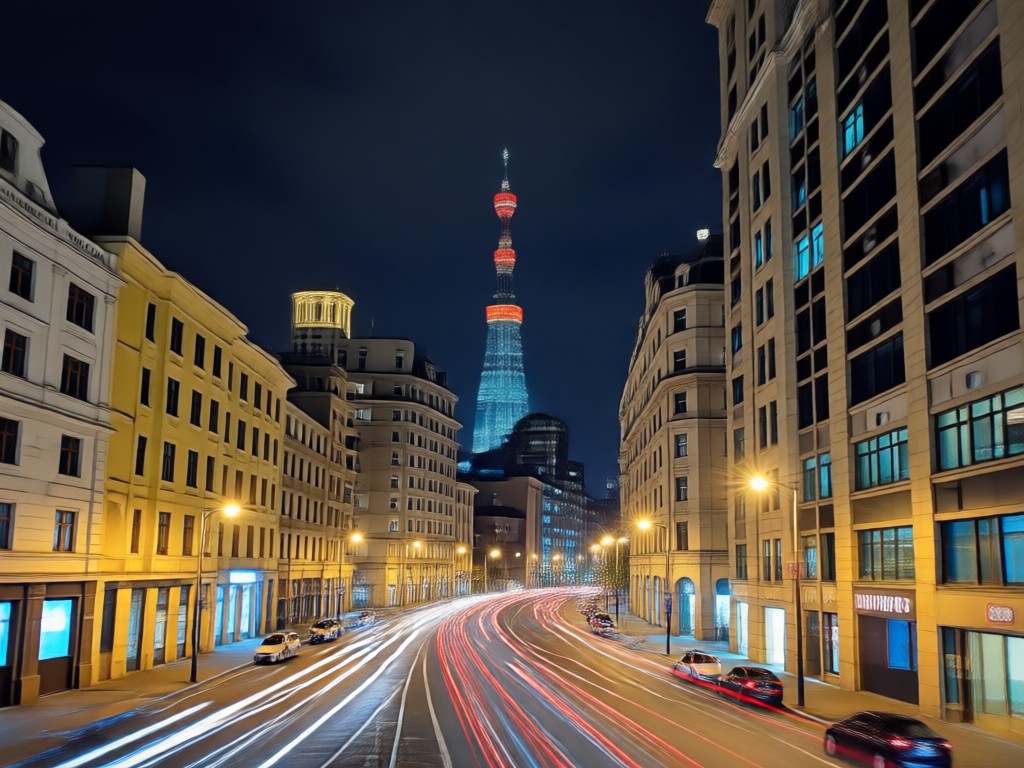
My night cityscape photos were always too dark. The Night Glow AI filter brightens the scene perfectly while keeping the mood, making my travel blog photos stand out.
Alex K.
I create aesthetic content for TikTok. The flash photography filters help me achieve that trendy, vintage film look effortlessly. It's my go to tool for making visually striking content.
Chloe R.
This filter is a game changer for my Instagram content. The retro flash effect makes my nighttime outfit photos look like they're from a fashion magazine, instantly boosting engagement.
Marcus T.
As an event photographer, I use the paparazzi flash filter to add drama to my concert and party shots. It saves hours of editing and clients love the professional, high energy look.
Sofia L.
My night cityscape photos were always too dark. The Night Glow AI filter brightens the scene perfectly while keeping the mood, making my travel blog photos stand out.
Alex K.
I create aesthetic content for TikTok. The flash photography filters help me achieve that trendy, vintage film look effortlessly. It's my go to tool for making visually striking content.
Chloe R.
This filter is a game changer for my Instagram content. The retro flash effect makes my nighttime outfit photos look like they're from a fashion magazine, instantly boosting engagement.
Marcus T.
As an event photographer, I use the paparazzi flash filter to add drama to my concert and party shots. It saves hours of editing and clients love the professional, high energy look.
Sofia L.
My night cityscape photos were always too dark. The Night Glow AI filter brightens the scene perfectly while keeping the mood, making my travel blog photos stand out.
Alex K.
I create aesthetic content for TikTok. The flash photography filters help me achieve that trendy, vintage film look effortlessly. It's my go to tool for making visually striking content.
Why Choose Our Night Flash AI Filter?
Unlike basic photo editors, our AI powered tool understands lighting. It doesn't just overexpose your photo, it intelligently simulates how a real camera flash interacts with night scenes, subjects, and colors for truly realistic results.
Why Choose Our Night Flash AI Filter?
Unlike basic photo editors, our AI powered tool understands lighting. It doesn't just overexpose your photo, it intelligently simulates how a real camera flash interacts with night scenes, subjects, and colors for truly realistic results.
Frequently Asked Questions
Find clear answers about using Night Flash AI Filters and start creating stunning photos right away.
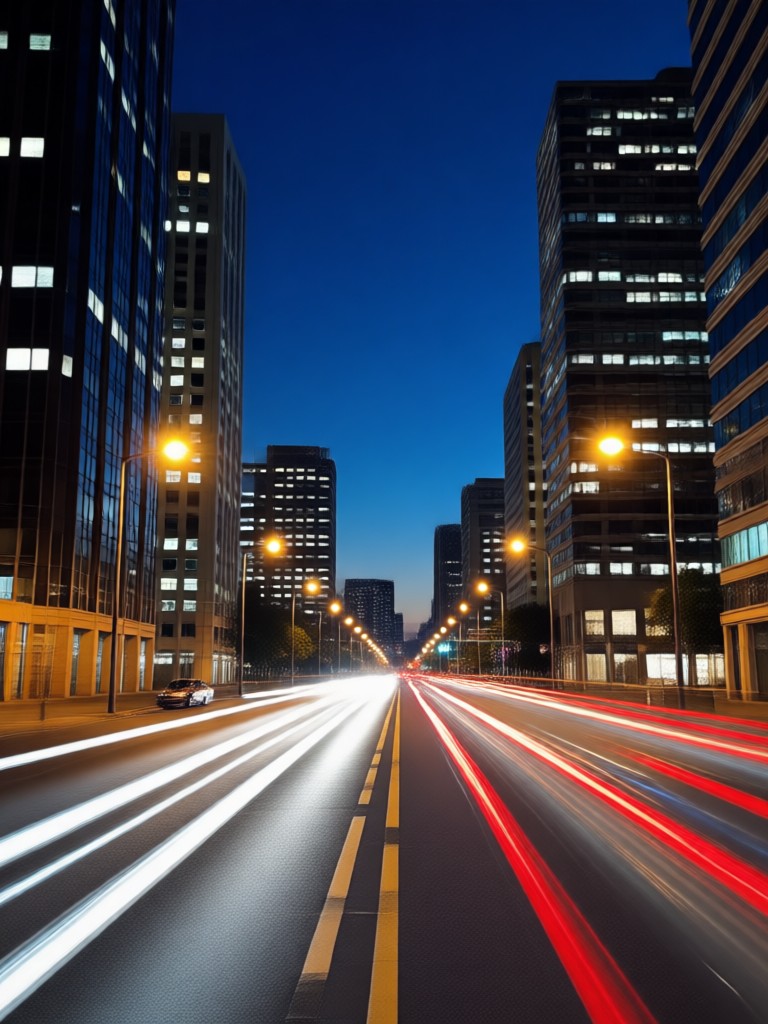
Night Flash Photo Editor in Your Pocket
Transform any dark photo into a stunning masterpiece with professional flash effects. No computer or complex software required.

More Topics You May Like
Explore more topics you may like and discover fresh ideas tailored to your interests.
Relive 2016 Aesthetic: Vintage Instagram Filters & Photo Editor

Craft Your Perfect Hero: AI D&D Character Generator
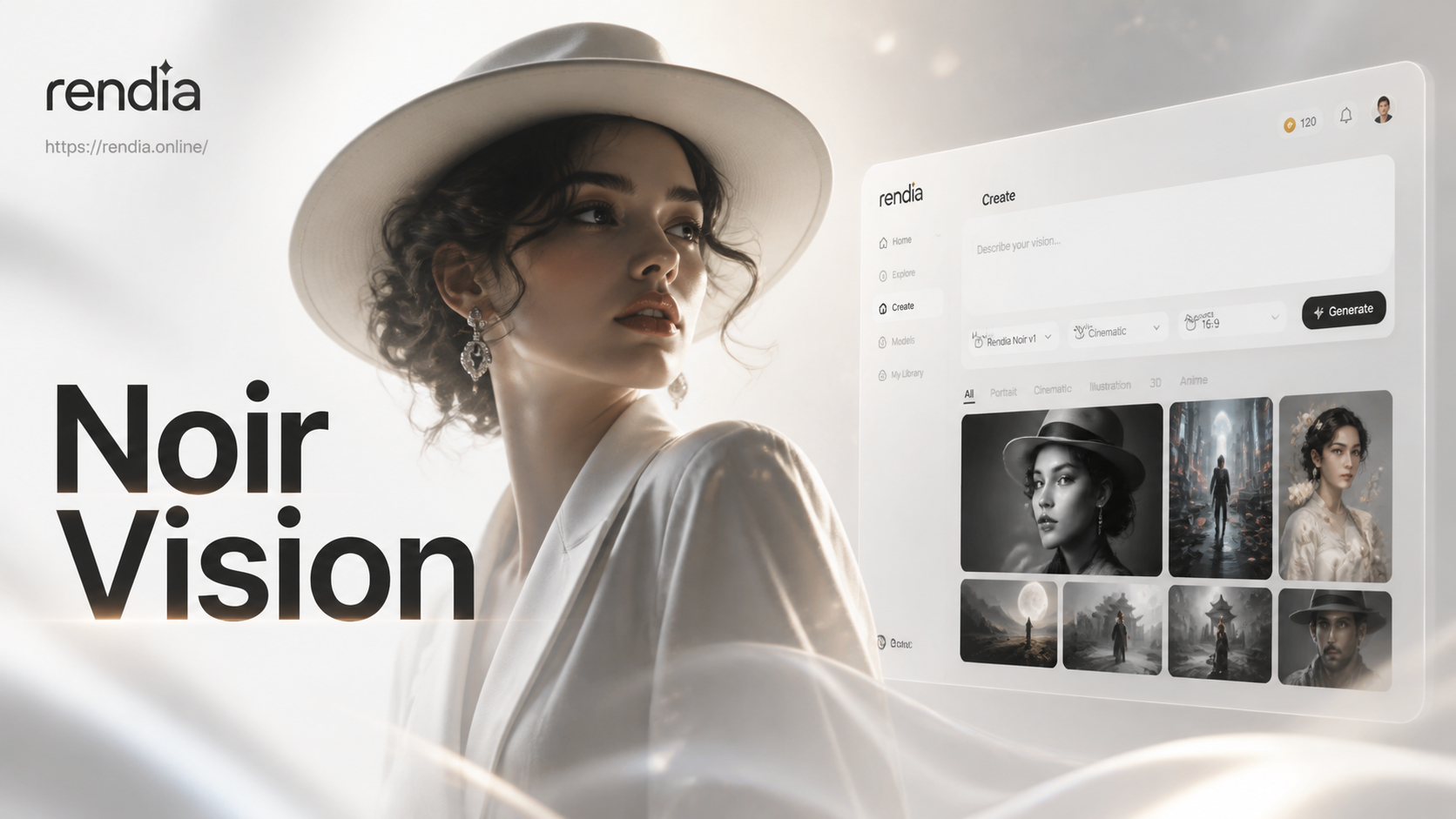
Craft Noir Portraits with AI Cinematic Style
Create Old Money Portraits with AI | Effortless Luxury Aesthetic
Relive 2016 Aesthetic: Vintage Instagram Filters & Photo Editor
Craft Your Perfect Hero: AI D&D Character Generator
Craft Noir Portraits with AI Cinematic Style
Create Old Money Portraits with AI | Effortless Luxury Aesthetic
Your Perfect Night Flash, Instantly
Apply the latest viral flash and glow effects to your photos effortlessly. Stay ahead of trends and create content everyone will notice.

Your Perfect Night Flash, Instantly
Apply the latest viral flash and glow effects to your photos effortlessly. Stay ahead of trends and create content everyone will notice.