2016 Aesthetic Filter

Curated 2016 Aesthetic Collection
Don't just get one filter. Explore our library of iconic 2016 photo filter styles, from moody VSCO presets to bright, faded Instagram classics.
Why Our 2016 Filter Stands Out
Our AI doesn't just add a preset. It intelligently analyzes your photo to apply the most authentic 2016 aesthetic adjustments for a perfectly nostalgic result.
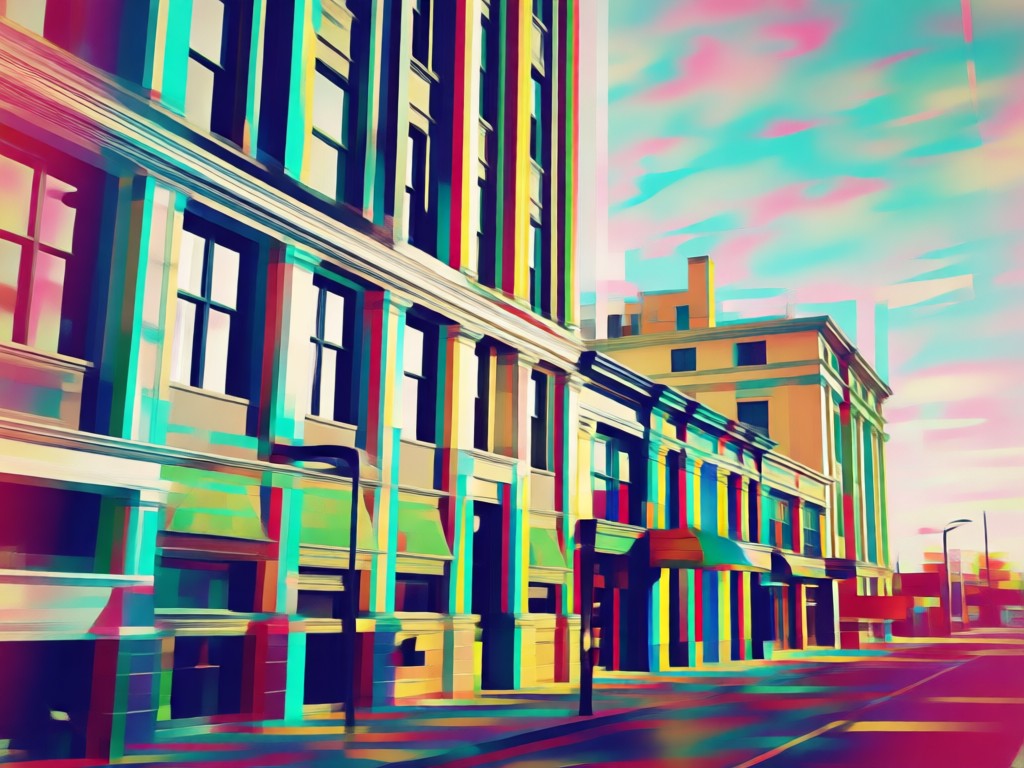
Authentic Color Grading
Experience true-to-era edits. Our AI applies the exact muted tones, lifted shadows, and subtle fade that defined the 2016 Instagram filter look.
Authentic Color Grading
Experience true-to-era edits. Our AI applies the exact muted tones, lifted shadows, and subtle fade that defined the 2016 Instagram filter look.
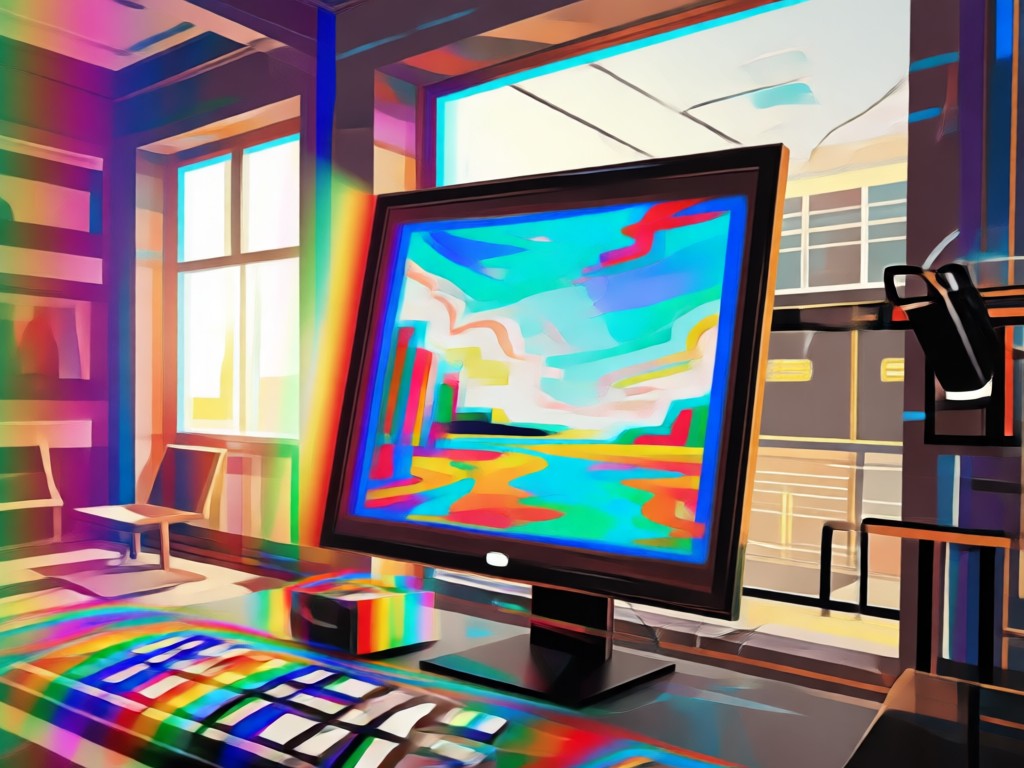
One-Click Style Transfer
Upload any photo. Our AI instantly transforms it with complex 2016 aesthetic styles, blending grain, light leaks, and vintage borders seamlessly.
One-Click Style Transfer
Upload any photo. Our AI instantly transforms it with complex 2016 aesthetic styles, blending grain, light leaks, and vintage borders seamlessly.
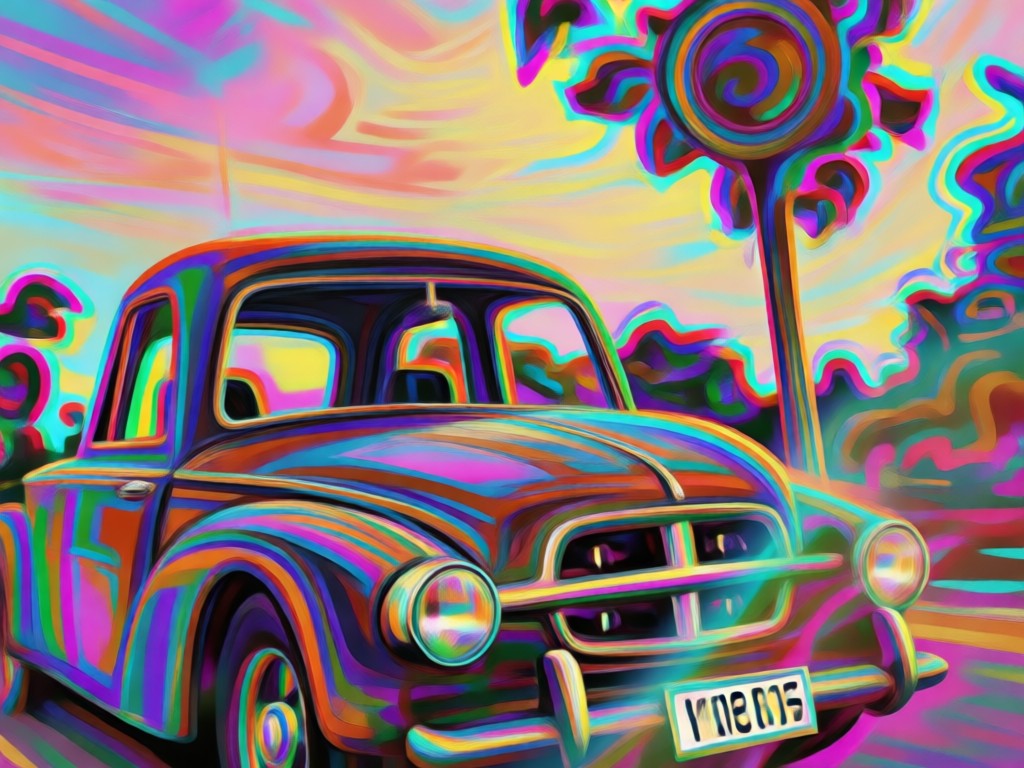
Batch Edit & Consistency
Create a cohesive 2016 aesthetic feed. Apply the same filter settings across multiple photos to maintain a uniform, nostalgic theme for your profile.
Batch Edit & Consistency
Create a cohesive 2016 aesthetic feed. Apply the same filter settings across multiple photos to maintain a uniform, nostalgic theme for your profile.
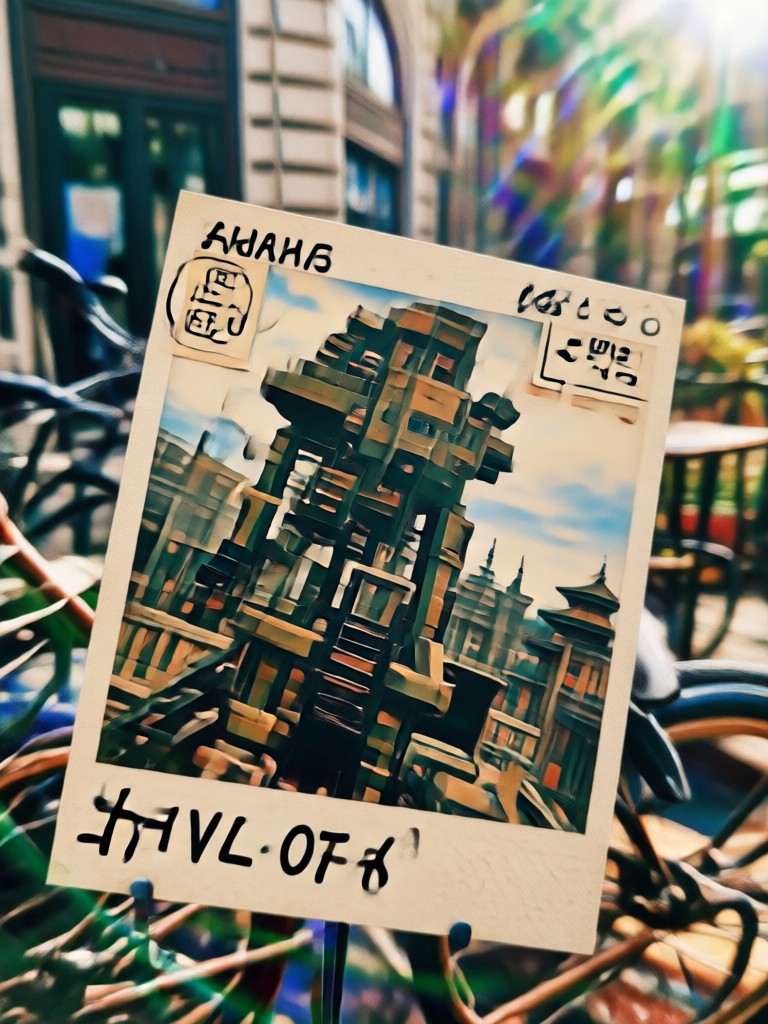
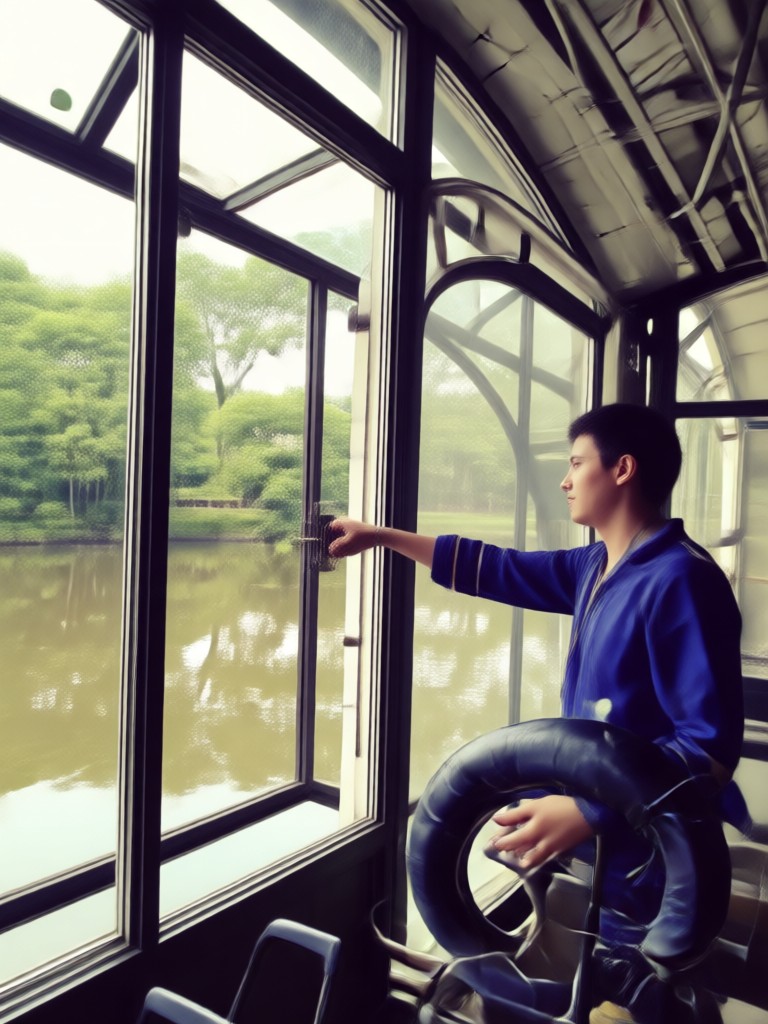
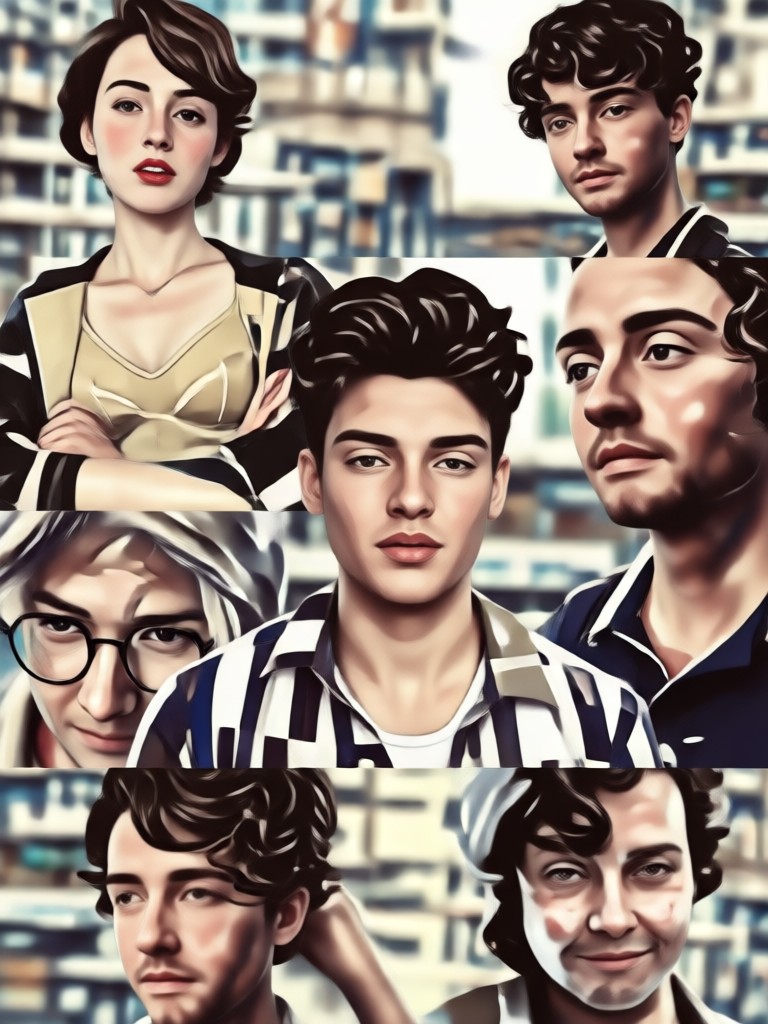
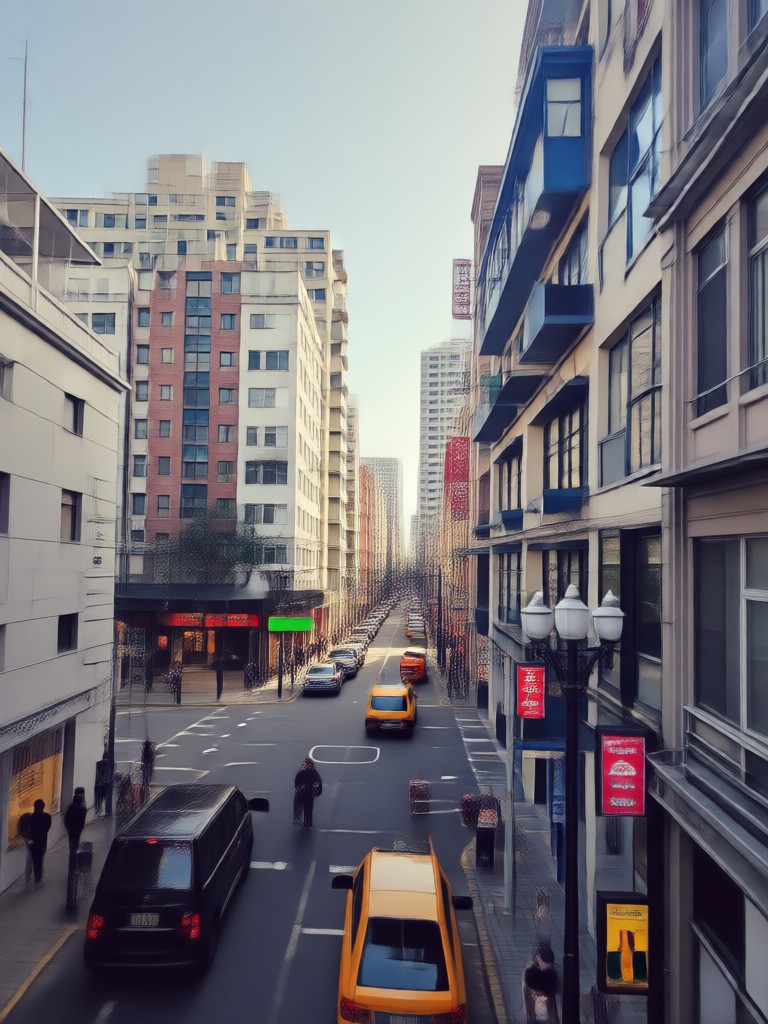
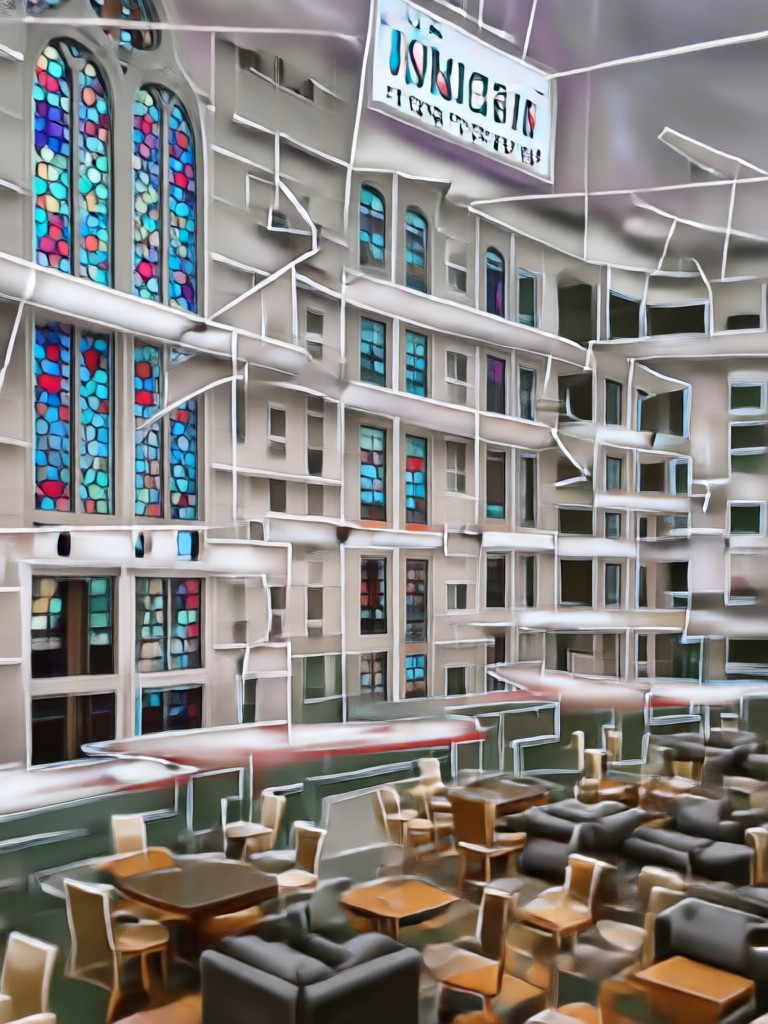
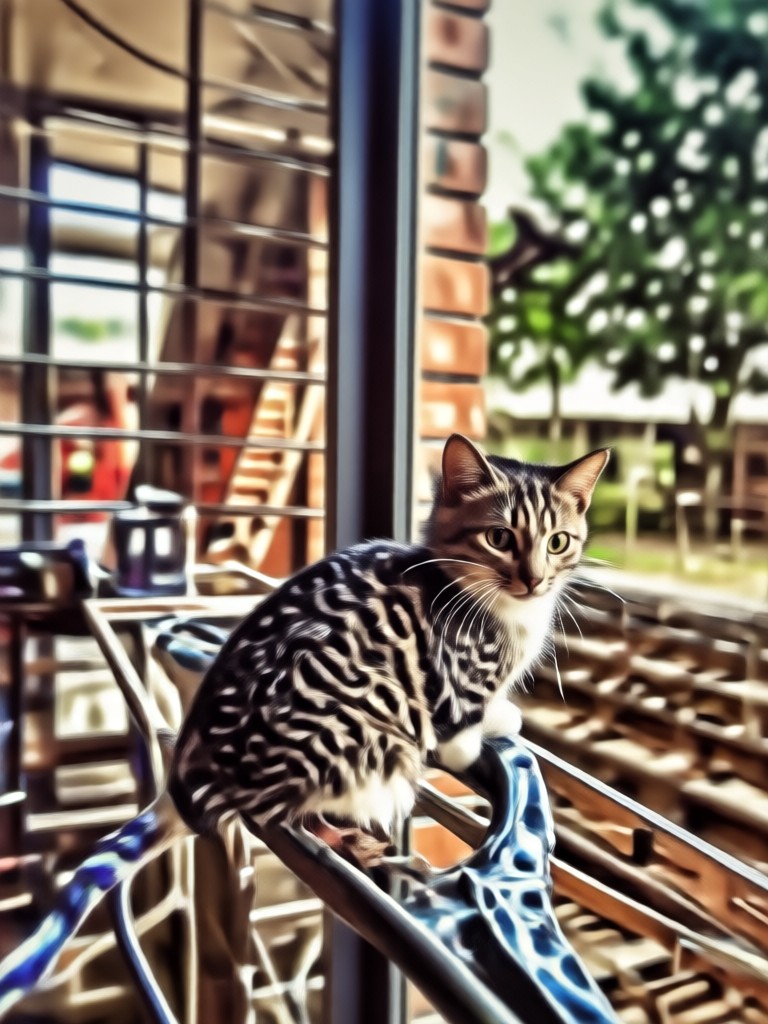
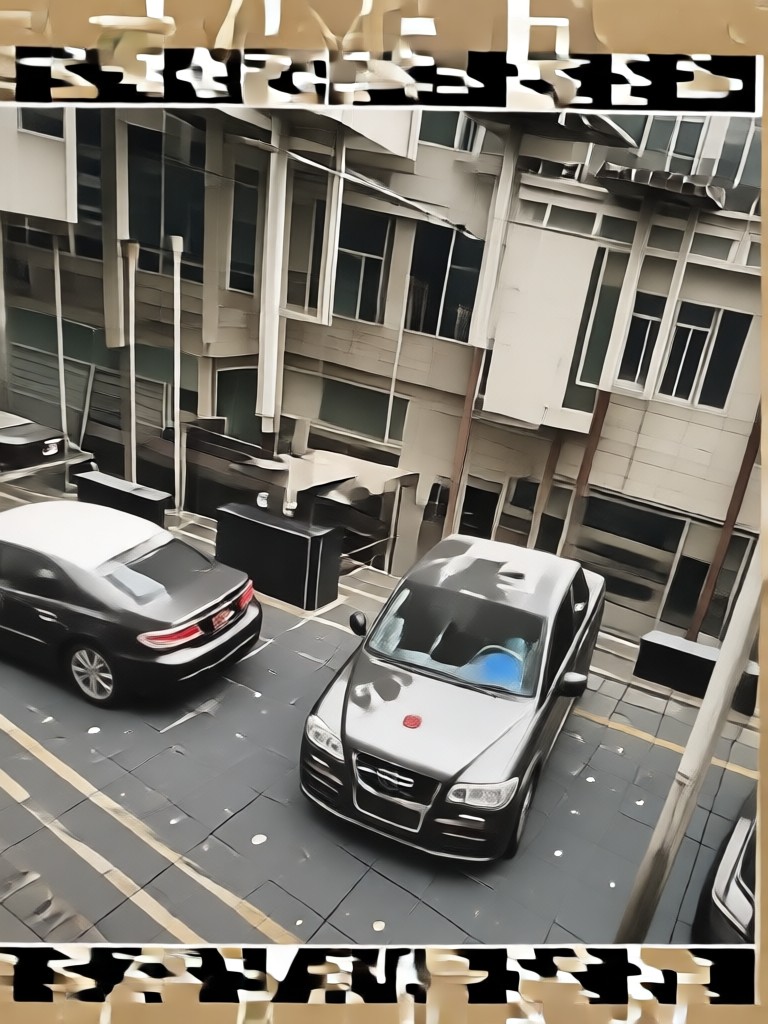
2016 Aesthetic Inspiration Gallery
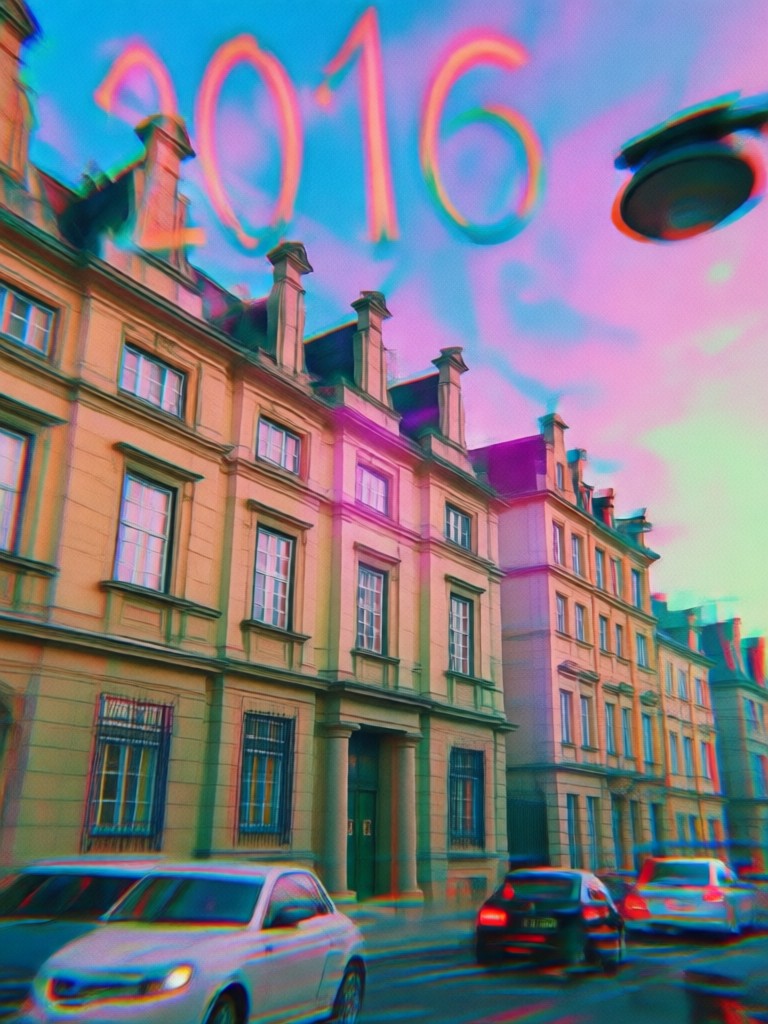
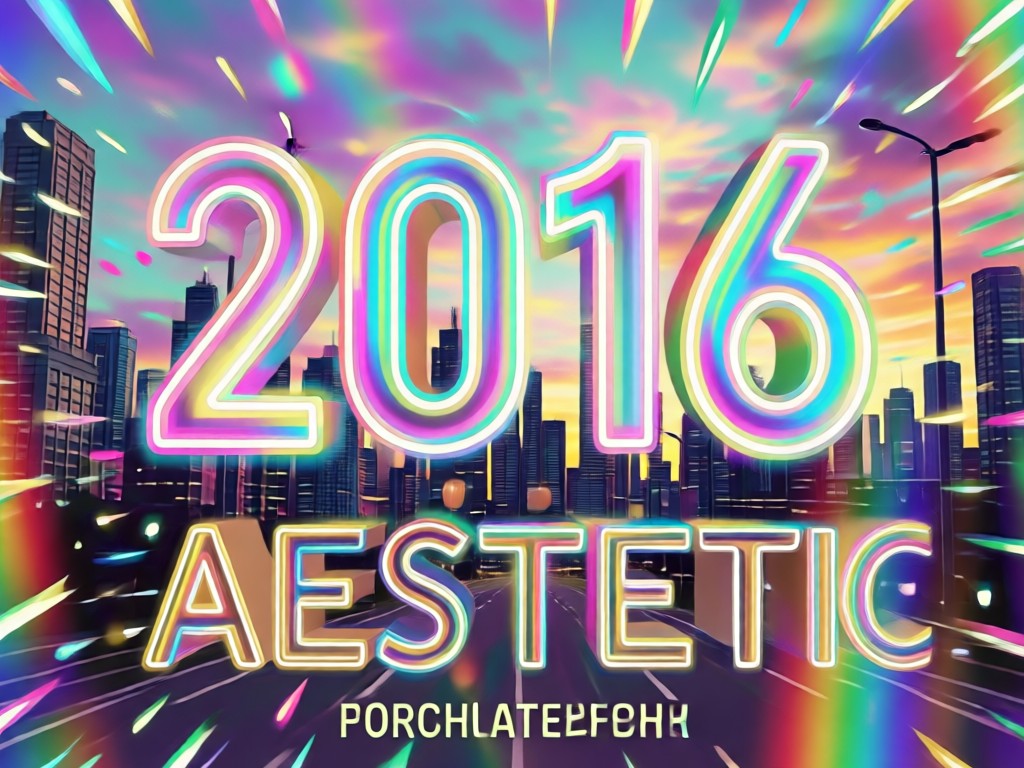
See how ordinary photos transform into nostalgic masterpieces. Browse real examples of portraits, landscapes, and everyday moments reimagined with the iconic 2016 photo filter look.
The Easiest 2016 Photo Editor
Forget spending hours in complex apps. Our AI is your all-in-one 2016 aesthetic photo editor. It captures the essence of the era's most sought-after styles with zero manual adjustments.
The Easiest 2016 Photo Editor
Forget spending hours in complex apps. Our AI is your all-in-one 2016 aesthetic photo editor. It captures the essence of the era's most sought-after styles with zero manual adjustments.
How to Apply the 2016 Aesthetic Filter?
Create perfectly nostalgic photos in three simple steps. No design skills or premium app subscriptions are needed.

Step 01.
Download the free app to access the complete library of authentic 2016 aesthetic filters and vintage photo effects on your phone.

Step 02.
Choose your favorite 2016 photo filter from categories like VSCO Mood, Vintage Fade, or Instagram Classic to match your photo's vibe.

Step 03.
Generate your transformed photo, then save and share it directly to social media to amaze your friends with your nostalgic editing skills.
What Creators Say About the 2016 Filter
Nailed the nostalgic vibe perfectly
I run a vintage fashion account and wanted my photos to match the 2016 era aesthetic. This filter gave me the exact faded, muted look I was trying to achieve manually for years. It's incredibly authentic.
My secret weapon for a cohesive feed
Consistency is key for my travel blog. This 2016 photo editor lets me batch edit all my photos from a trip with the same filter, making my Instagram feed look incredibly professional and nostalgic.
Brought my old photos back to life
I scanned a bunch of photos from 2016 and they looked flat. Applying this filter didn't just add style, it made them feel like they were actually edited back then. The emotional connection is real.
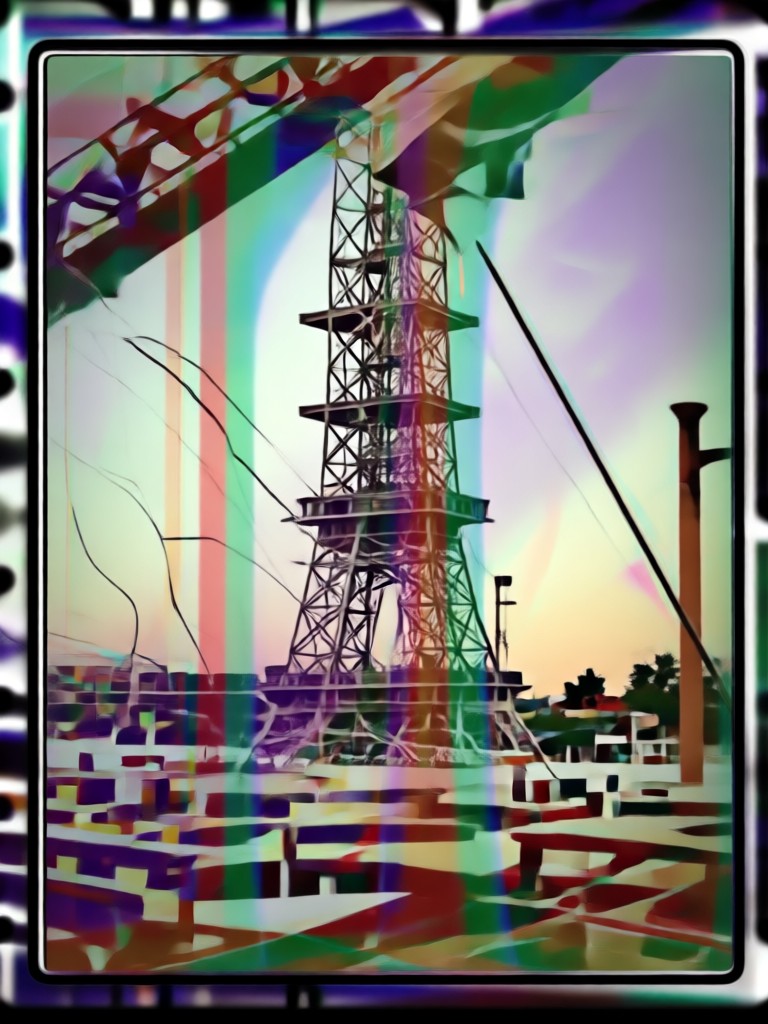
Your 2016 Aesthetic Toolkit, On the Go
Carry the iconic look of vintage Instagram and VSCO in your pocket. Edit photos anytime, anywhere, and build a perfectly nostalgic social media presence directly from your phone.

2016 Aesthetic Filter FAQs
Get quick answers about recreating the iconic vintage look, using the photo editor, and understanding why the 2016 aesthetic is making a major comeback.
More Aesthetic Styles You May Like
Explore more topics you may like and discover fresh ideas tailored to your interests.
Create Old Money Portraits with AI | Effortless Luxury Aesthetic
Celebrity Selfie AI: Star Photos & Movie Characters
Transform Photos into Classic Black & White Portraits with AI
AI Photo Face Swap: Effortlessly Put Faces on Any Photo
Create Old Money Portraits with AI | Effortless Luxury Aesthetic
Celebrity Selfie AI: Star Photos & Movie Characters
Transform Photos into Classic Black & White Portraits with AI
AI Photo Face Swap: Effortlessly Put Faces on Any Photo
Define Your Nostalgic Aesthetic Today
Stop searching for the perfect vintage look. Transform your modern photos into iconic 2016 memories with the most authentic filter and editor available.
Define Your Nostalgic Aesthetic Today
Stop searching for the perfect vintage look. Transform your modern photos into iconic 2016 memories with the most authentic filter and editor available.