What Are Beach AI Photo Editing Prompts?
Beach AI photo editing prompts are short natural language instructions you give to an AI image editor. Instead of learning complex masks, layers, or color grading, you describe the look you want. The AI then applies that style to your uploaded beach photo. You can ask for golden hour warmth, vintage film grain, tropical saturation, pastel tones, or a dramatic stormy sky. The right prompt helps the AI understand your scene, subject, and mood.
This guide shares 30 specific beach AI photo editing prompts you can copy into the rendia app. Each prompt works best with a clear photo of a person, shoreline, palm tree, or seascape. You can adjust any prompt to match your photo.
Why Specific Beach AI Photo Editing Prompts Beat Generic Filters
A generic instruction like make this beach photo better leaves too much to chance. The AI may boost saturation or sharpen the image, but it might not give you the warm sunset or retro film look you actually want. A specific prompt such as add a warm golden hour glow with soft pink clouds and gentle film grain tells the AI exactly which direction to take. The more visual words you include, the more control you have over the final result.
Beach photos have many changing parts: sand, water, sky, skin, swimwear, shadows, and reflections. Generic edits often make water too blue or skin too orange. Specific prompts separate the elements, so the AI can treat the sky and water differently from the subject. This is why a list of ready to use beach AI photo editing prompts is useful. You can copy a proven sentence instead of guessing.
How to Use Beach AI Photo Editing Prompts in rendia
Start by downloading the rendia app on Google Play. Open the image editor and upload a beach photo. Choose a style or enter a text prompt directly. The app uses your words to guide the edit while preserving the main subject. You can change colors, lighting, sky, and overall atmosphere without losing faces or key details.
For the best results, use a clear photo with good contrast. Avoid tiny faces or heavy shadows, because AI needs visible features. Enter a prompt that names the time of day, color palette, and mood. Then generate and try small changes if you want a different result.
30 Beach AI Photo Editing Prompts for Every Summer Style
Below are ready to use prompts. Copy any prompt, replace the words in brackets with details from your own photo, and run it in the rendia image editor.
Golden Hour and Sunset Prompts
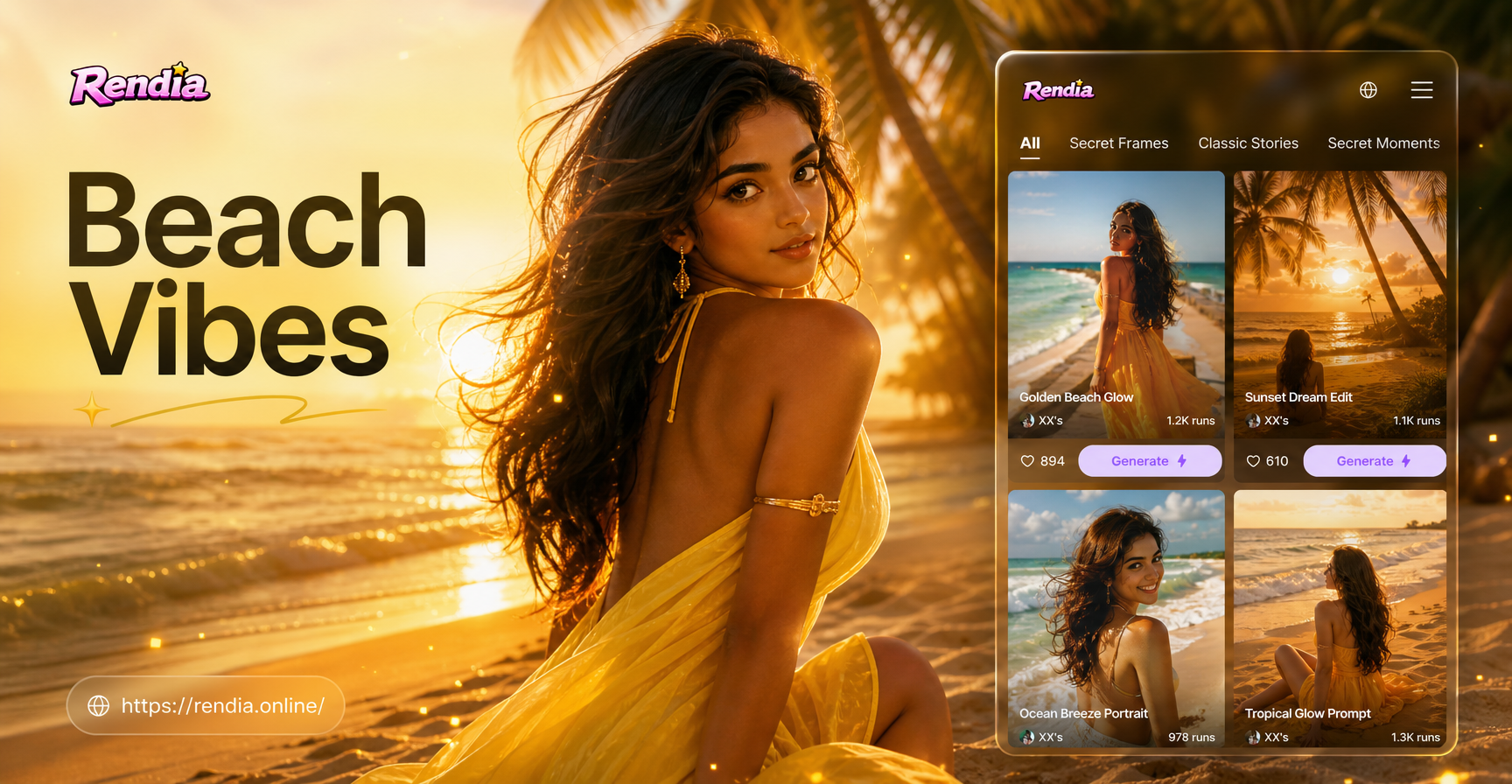
- Edit this beach photo with a warm golden hour glow, soft orange and pink sky, glowing skin, long soft shadows, and a relaxed summer mood.
- Transform this beach picture into a dreamy sunset scene with deep peach clouds, sun flare on the water, and gentle golden rim light around the subject.
- Add a warm late afternoon sun to this beach portrait, increase golden highlights on the sand, soften the waves, and give the whole photo a nostalgic vacation feel.
- Make this beach photo look like it was taken during a quiet sunset, with muted lavender and gold tones, calm water, and a peaceful expression.
- Edit this seascape with rich amber and coral colors, a glowing horizon, and soft backlight that turns the waves into liquid gold.
Tropical Vacation and Island Escape Prompts
- Give this beach photo a bright tropical look with turquoise water, lush green palm leaves, vivid blue sky, and a fresh summer energy.
- Turn this ordinary beach shot into a Caribbean travel postcard, with saturated aqua waves, crisp white sand, and sunny daylight.
- Edit this photo to feel like a luxury island resort, with warm sunlight, pastel beach umbrellas, clear water, and a relaxed vacation atmosphere.
- Make this picture look like a wanderlust travel photo, boosting the blue of the ocean, the green of the plants, and the brightness of the sky without making it look fake.
- Transform this beach scene into a lively tropical morning, with soft light, gentle wave foam, and colorful accents on swimwear or towels.
Retro Film and Vintage Postcard Prompts
- Apply a 35mm film look to this beach photo, with subtle grain, faded colors, soft contrast, and a warm vintage summer feel.
- Edit this beach picture like a 1970s postcard, with slightly faded yellows and blues, grainy texture, and an old travel magazine look.
- Give this photo a retro Kodak film style, with soft greens, warm skin tones, light leaks in the corners, and a nostalgic family vacation mood.
- Transform this beach snapshot into a grainy film photo from the 1990s, with muted color, soft focus, and a relaxed candid feel.
- Make this scene look like a vintage California surf poster, with warm sand tones, faded denim blues, and a low contrast analog finish.
Cinematic and Moody Beach Prompts
- Edit this beach photo with a cinematic teal and orange color grade, dramatic clouds, deep shadows, and a film still composition.
- Turn this seascape into a moody stormy beach scene, with dark blue gray waves, heavy clouds, and a mysterious atmosphere.
- Give this beach portrait a dramatic Hollywood look, with strong contrast, cool shadows, warm highlights on the face, and a blurred background.
- Make this photo feel like a still from an indie travel film, with muted colors, gentle film grain, and a quiet emotional mood.
- Edit this beach walk scene into a cinematic evening shot, with deep blue water, a soft mist near the shore, and glowing artificial lights in the distance.
Bright, Airy and Pastel Prompts
- Give this beach photo a soft pastel edit, with pale pink and baby blue tones, gentle light, and a dreamy summer memory feel.
- Turn this picture into a bright airy coastal photo, with clean white sand, light blue sky, and a fresh minimal background.
- Edit this beach portrait with a cream and peach palette, soft shadows, and a light ethereal glow that flatters the skin.
- Make this photo look like a serene morning at the beach, with pale lavender clouds, still water, and a peaceful minimalist composition.
- Add a pastel film look to this beach day photo, reducing harsh contrast and replacing bold colors with soft candy tones.
Creative and Artistic Beach Edits
- Transform this beach photo into a watercolor painting, with soft blended colors, visible paper texture, and gentle brush strokes.
- Edit this beach scene as a stylized 3D clay diorama, keeping the composition but making the sand, water, and figures look like miniature sculpture.
- Give this beach photo a Ghibli inspired animation look, with hand painted clouds, soft green plants, and a warm storybook atmosphere.
- Turn this ordinary beach picture into an oil painting, with rich textured brushwork, saturated sunset colors, and a classic art feel.
- Make this beach portrait look like a cyberpunk coastal scene, with neon reflections on wet sand, dark blue water, and a futuristic night mood.
How to Adapt Beach AI Photo Editing Prompts for Your Own Photo
Every beach photo is different, so a prompt that works for one image may need small changes. Start by naming your subject. If the photo shows a couple, say couple on the beach instead of person. If it shows a dog running in the surf, mention the dog. Add the time of day or weather. Change the color words to match the actual scene. A bright midday photo will not easily become a night cyberpunk scene unless you also ask for background replacement and strong lighting changes.
Use a simple structure: subject, beach setting, lighting or time, color palette, camera or art style, and mood. For example, edit this photo of a woman walking on the beach at sunset, warm gold and peach colors, soft film grain, relaxed happy mood. This formula helps the AI understand what to keep and what to change.
Fixing Common Weak Results from Beach AI Editing
Sometimes AI beach edits produce a washed out sky, strange face details, or overly saturated water. Improve weak results by adding more detail to your prompt. If the sky looks too white, ask for deep blue sky with soft clouds or golden sunset sky with orange and pink clouds. If the face looks distorted, reduce the strength or use an image with a larger, sharper face. If the colors look too fake, add natural colors and realistic skin tones to the prompt.
Another common problem is unrelated objects appearing in the edit. If a sailboat, jetty, or palm tree shows up where you did not ask for one, write keep the original beach layout and remove extra objects. Clear guidance reduces unwanted additions.
Useful Color and Lighting Words for Beach Edits
To write your own beach AI photo editing prompts, keep a short list of visual words. For warm light, use golden hour, amber, peach, coral, honey, or warm sunset. For cool tones, use teal, aqua, turquoise, steel blue, or deep navy. For soft looks, use pastel, airy, cream, blush, lavender, or baby blue. For film looks, use 35mm, Kodak, faded, grainy, light leak, or analog. For artistic styles, use watercolor, oil painting, Ghibli, clay, cyberpunk, or storybook. Combining two or three of these words creates a clear visual target.
Lighting words also matter. Bright midday light creates crisp shadows and strong blue skies. Overcast light gives soft, even tones. Backlight during sunset adds a warm halo around the subject. Side light from the horizon can create long shadows. If your original photo was taken in one lighting condition, the AI may need extra help to convincingly switch to another. Always pair a new lighting word with a color shift, such as warm golden light with soft orange clouds.
Quick Prompt Formula for Beach AI Photo Editing Prompts
If you want to create your own prompts, use this five part formula. First, name the edit type, such as edit this beach photo or transform this beach scene. Second, name the subject, such as woman in a straw hat or family near the shore. Third, choose the time and lighting, like bright midday or soft sunset. Fourth, add a color palette or style, like warm gold and teal or pastel pink and blue. Fifth, add a mood or finish, like peaceful or cinematic film grain. Combine all five parts into a clear sentence, and run it in the app.
How to Build a Series of Edits from One Beach Photo
A single beach photo can become an entire set of matching summer images. Start with a clean original and run it through three or four different prompt styles. Try a bright pastel version for social media, a warm golden hour version for a profile picture, and a moody cinematic version for a photo book cover. Because all edits come from the same original, they will feel connected even when the colors change.
To keep the set cohesive, use a repeating element in every prompt. For example, always include the phrase keep the original pose and beach layout at the start. Then change only the color words and finish. This creates variety without breaking the visual story.
Beach AI Editing for Couples, Groups, and Pets
You can use the same prompts for more than solo portraits. For couples, change the subject to couple kissing near the water or two friends walking on the sand. For group beach photos, mention group of friends and ask the AI to keep all faces clear. For pets, write dog running through shallow water or cat sitting on a beach towel. Adding the extra subject detail helps the AI avoid blending faces or losing the main focus.
From Still Photos to Short Beach Videos
Many beach AI editing prompts can be extended into video. Instead of just editing a still photo, you can ask the AI to animate the waves, make hair move in the wind, or add a slow zoom toward the horizon. For example, use a prompt like turn this beach photo into a gentle short video with moving water, blowing hair, and soft golden light. This creates a living memory from a single frame.
Common Mistakes to Avoid When Writing Beach AI Photo Editing Prompts
One common mistake is making the prompt too long and contradictory. For example, bright sunny beach but also dark stormy sky confuses the AI. Choose one dominant weather or time. Another mistake is ignoring the original photo. If the photo is a close up portrait, asking for wide drone shot of the entire beach will not work well. Keep the main composition unless you specifically want the AI to change it.
Overloading the prompt with brand names or celebrity names can also create odd results. Instead of asking for a specific film stock, describe the film look with words like soft grain, muted colors, vintage contrast. Instead of naming a person, describe the physical scene and emotion. This keeps the edit focused on your photo, not on an unrelated reference.
Short Answers to Common Beach Prompt Questions
Can I use beach AI editing prompts on a cloudy day photo? Yes, but ask for overcast pastel tones or a moody blue gray edit instead of bright tropical colors. Can I edit a beach video with these prompts? Yes, you can adapt the words to video and ask for gentle wave motion or hair movement. Do I need to be good at writing prompts? No, start with the prompts in this guide and change one or two words at a time. What if the result looks fake? Add the words natural colors, realistic skin tones, soft shadows to pull the edit back toward realism.
Bring Your Beach Memories to Life with the Right Prompt
The best beach AI photo editing prompts are specific, simple, and tied to the actual photo. Whether you want golden hour warmth, a tropical postcard look, or a moody cinematic scene, the right sentence can transform an ordinary snapshot. Download rendia, upload your favorite beach photo, and test a few prompts from this guide. Small changes in wording can create very different moods, so experiment until you find the edit that feels like your memory of that day.