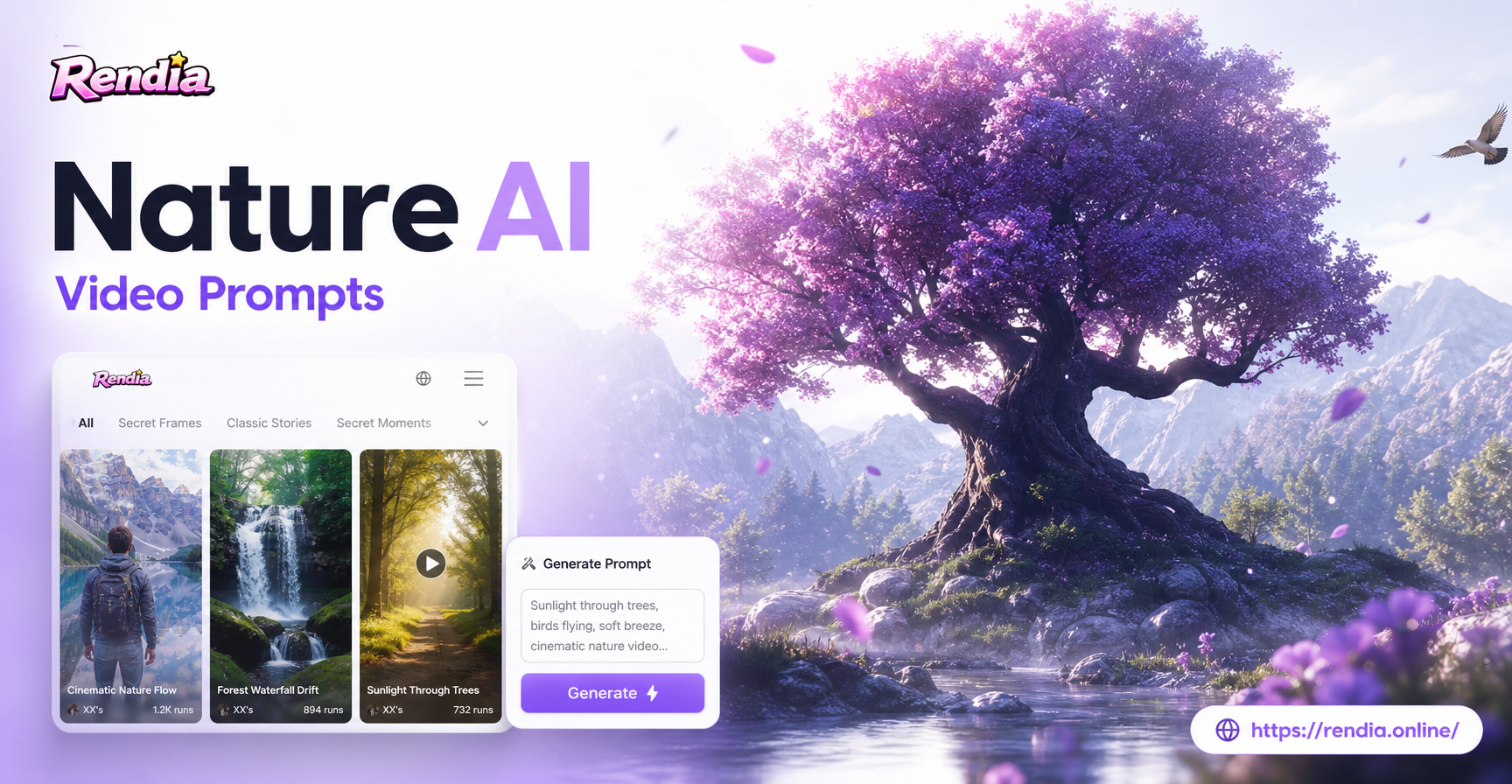
Searching for nature AI video prompts usually means you want a ready to use list of text instructions that produce cinematic clips of forests, oceans, mountains, weather, and wildlife. This guide gives you 25 specific prompts you can copy directly into rendia's text to video generator. Each prompt is written to reduce common AI mistakes and produce high quality motion footage, even if you have no prompt engineering experience. You will also find tips for adapting each prompt and fixing weak results.
Why Nature AI Video Prompts Matter
AI video generators turn words into motion, but the output quality depends heavily on your prompt. A vague request like "forest video" often returns a static, generic scene. A precise prompt that includes subject, action, lighting, camera movement, and resolution gives the AI clear direction. Nature scenes are especially dependent on small details: the way mist drifts, how light falls through leaves, or the speed of water. The prompts below handle those details for you.
You can use these prompts as they are. You can also swap one element, such as changing "dawn" to "night" or "forest" to "desert," and still get a usable result. This flexibility makes the collection a practical starting point.
How to Write a Strong Nature AI Video Prompt
Before you copy the prompts, it helps to know what makes them work. A good nature video prompt usually includes five parts: subject, environment, action, lighting and mood, and camera direction. For example, instead of "waterfall," write "a tall waterfall in a green rainforest, water crashing onto mossy rocks, soft morning light filtering through mist, slow motion pan from base to top, 4K documentary style."
- Subject: Name the main thing the camera sees, such as a red fox, a wave, a mountain peak, or a bee.
- Environment: Add the setting, including season, weather, and surrounding details like snow, fog, or coral.
- Action: Include motion verbs such as drifting, flowing, falling, swimming, panning, or zooming. Static descriptions lead to static videos.
- Lighting and mood: Specify the time of day, color tone, and atmosphere. Golden hour, overcast, bioluminescent, and dramatic are all useful.
- Camera and quality: End with camera movement like aerial, tracking, macro, or time lapse, plus resolution tags like 4K or 8K.
Do not overload the prompt with contradictory terms. "Bright night scene" confuses the AI. Keep one dominant lighting condition and one clear mood per prompt.
25 Nature AI Video Prompts You Can Use Today
Copy any prompt below directly into rendia's text to video tool. You can keep the same wording or edit one element to match your vision.
Forests and Trees
- A misty ancient pine forest at dawn, low hanging fog drifting between tall trunks, soft golden light breaking through branches, moss and ferns on the forest floor, cinematic slow motion, 4K nature documentary style.
- Sun rays piercing through a dense redwood forest, ferns and wildflowers swaying in a gentle breeze, shallow depth of field, slow camera pan, ultra realistic, high dynamic range.
- Aerial view of a vibrant green rainforest canopy, clouds moving over the treetops, a waterfall in the distance, bright natural colors, smooth drone shot, 60 fps.
- Autumn maple forest with golden and red leaves falling, a winding path covered in leaves, warm sunset light, soft wind, cinematic tilt shift, 4K.
- A single birch tree in a foggy meadow, dew drops sparkling on grass, sunrise light, slow zoom, minimalist nature scene, high dynamic range.
Oceans and Water
- Waves crashing on a rocky coastline at golden hour, sea spray sparkling in the backlight, slow motion water splash, rugged cliffs, cinematic wide angle, 8K.
- Underwater coral reef with tropical fish swimming, light rays filtering from the surface, colorful sea anemones swaying, documentary style, high clarity, smooth camera movement.
- A calm turquoise lake reflecting snow capped mountains, gentle ripples from a light breeze, early morning mist, serene atmosphere, 4K drone shot.
- Rain falling on a dark ocean surface, dramatic storm clouds overhead, distant lightning, slow motion, moody color grade, cinematic atmosphere.
- A river flowing through a mossy canyon, smooth long exposure effect, water rushing over rounded rocks, green tones, aerial follow shot, nature documentary.
Mountains and Landscapes
- Snow capped mountain peaks at sunrise, alpenglow turning the summits pink, clouds flowing over ridges, dramatic scale, cinematic aerial footage, 8K.
- A vast desert landscape with orange sand dunes, wind blowing ripples across the sand, a lone acacia tree, heat haze, warm golden light, cinematic wide shot.
- Rolling green hills with wildflowers, a small stream in the valley, sheep grazing in the distance, soft morning light, tilt shift effect, peaceful mood.
- A volcanic landscape with steam vents and dark basalt rocks, red glow from lava in the cracks, dramatic clouds, high contrast, documentary style.
- The Northern Lights dancing over a frozen lake, green and purple aurora reflections on ice, starry sky, time lapse, wide angle, cinematic.
Weather and Sky
- A summer thunderstorm building over a wheat field, dark cumulonimbus clouds, lightning illuminating the clouds, slow motion, dramatic wide shot.
- Fog rolling over hills at dawn, wind turbines slowly turning in the mist, soft pastel colors, aerial view, serene nature video.
- A rainbow appearing after rain over a waterfall, water droplets in the air, bright sun breaking through clouds, cinematic slow motion, high resolution.
- Snow falling gently on a pine forest at night, moonlight through the branches, quiet winter scene, slow motion, blue tones, 4K.
- Time lapse of a sunset over the ocean, clouds changing from gold to purple to dark blue, stars appearing, smooth transition, wide angle.
Wildlife and Macro
- A hummingbird hovering near a bright flower, wings in slow motion, iridescent feathers sparkling, macro lens, soft background blur, 4K.
- A red fox walking through a snowy forest, breath visible in the cold air, warm fur against white snow, shallow depth of field, cinematic tracking shot.
- Honeybees working on a lavender field, pollen on their bodies, macro close up, golden sunlight, gentle breeze, documentary style.
- A sea turtle swimming gracefully over a coral reef, light rays from above, bubbles rising, underwater cinematic shot, high detail.
- A bear catching salmon in a rushing river, water splashing, slow motion, forest background, nature documentary, telephoto lens.
How to Adapt These Nature AI Video Prompts
The best prompt is one you make your own. Change one or two elements to avoid repetition and fit your project.
- Swap the biome: Replace "pine forest" with "bamboo forest," "mangrove," or "arctic tundra." Keep the same lighting and camera movement.
- Change the time: Shift "dawn" to "midday" or "night." Adjust the color tone accordingly, such as "cool blue night" or "harsh noon sun."
- Adjust the weather: Add "after a rainstorm," "during a heatwave," or "in light snow." Weather adds motion and atmosphere.
- Alter the camera: Replace "aerial shot" with "macro close up," "orbiting shot," or "handheld tracking." Camera language changes the entire feel.
- Add a subject: Insert an animal or person. For example, add "a lone hiker with a red backpack" to a mountain landscape prompt.
Common Weak Results and How to Fix Them
AI video generators sometimes miss the mark. Here are quick fixes for common issues.
- Static or lifeless video: Add motion verbs like drifting, flowing, panning, or zooming. Include a specific camera movement such as "slow push in" or "aerial orbit."
- Washed out colors: Specify "golden hour," "high contrast," "vibrant natural colors," or "deep blue hour." Avoid generic "colorful."
- Wrong subject appears: Remove ambiguous words. Replace "animal" with "red fox" or "hummingbird." Keep the main subject at the start of the prompt.
- Low resolution or soft image: End the prompt with "4K," "8K," "high detail," or "sharp focus." These tags often trigger better output.
- Unnatural lighting: State the light source and direction, such as "warm side light from the left" or "soft overcast sky." Avoid mixing daylight and moonlight in one prompt.
How to Generate Nature AI Video Prompts in rendia
rendia is a mobile app that turns text prompts into video through its text to video tool. After you download the app from Google Play, follow these steps.
- Open the app and tap the text to video feature.
- Paste one of the prompts from this guide into the text box.
- Choose a style filter that matches your nature scene, such as cinematic, documentary, or aerial.
- Generate the video, preview the result, and adjust the prompt if needed.
- Save and share your clip.
The app also supports image to video, so you can upload a nature photo and animate it. If a prompt gives an almost great result, keep the strong parts and change one element at a time.
Frequently Asked Questions About Nature AI Video Prompts
Can I use these prompts in any AI video generator?
Yes. These prompts follow common text to video conventions and work in most generators. rendia's app is one option that makes it simple with style filters.
Do I need to be a prompt engineer to create nature videos?
No. The prompts in this guide are ready to use. You only need to copy, paste, and maybe swap one word to fit your scene.
How long can a nature AI video be?
It depends on the app and plan. Start with short clips of five to fifteen seconds, then stitch multiple generations together for longer sequences.
Why is my nature video blurry or unnatural?
Usually the prompt lacks motion, lighting, or resolution details. Add a camera movement, specify a light source, and end with a quality tag like 4K.
Can I generate a time lapse nature video with AI prompts?
Yes. Include "time lapse" in the prompt and mention the changing element, such as clouds moving, a sunset, or stars appearing.
Start Creating Nature Videos Today
You now have 25 specific nature AI video prompts covering forests, oceans, mountains, weather, and wildlife. Copy one into rendia, adjust a single detail to make it your own, and generate your next clip. The best way to learn is to try different camera movements and lighting conditions with the same scene. Download the app and turn these prompts into motion.