Low Poly Art Prompt
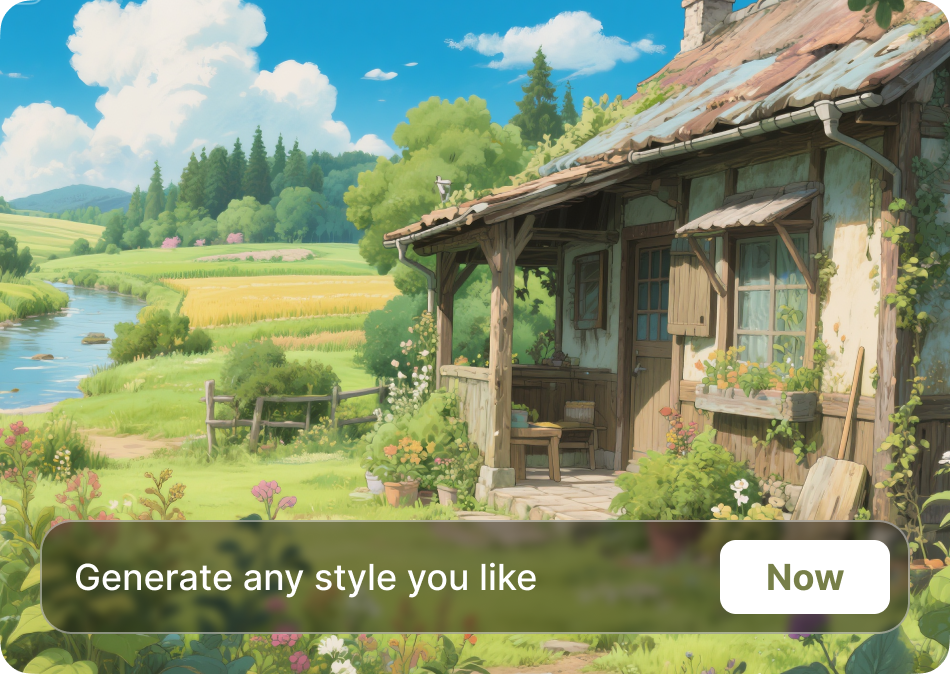
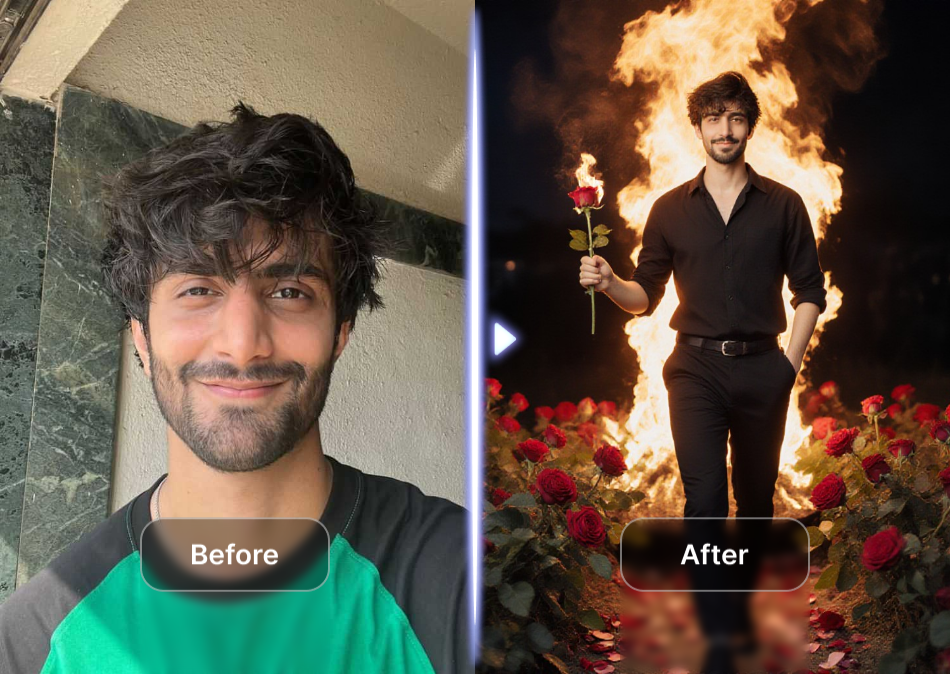
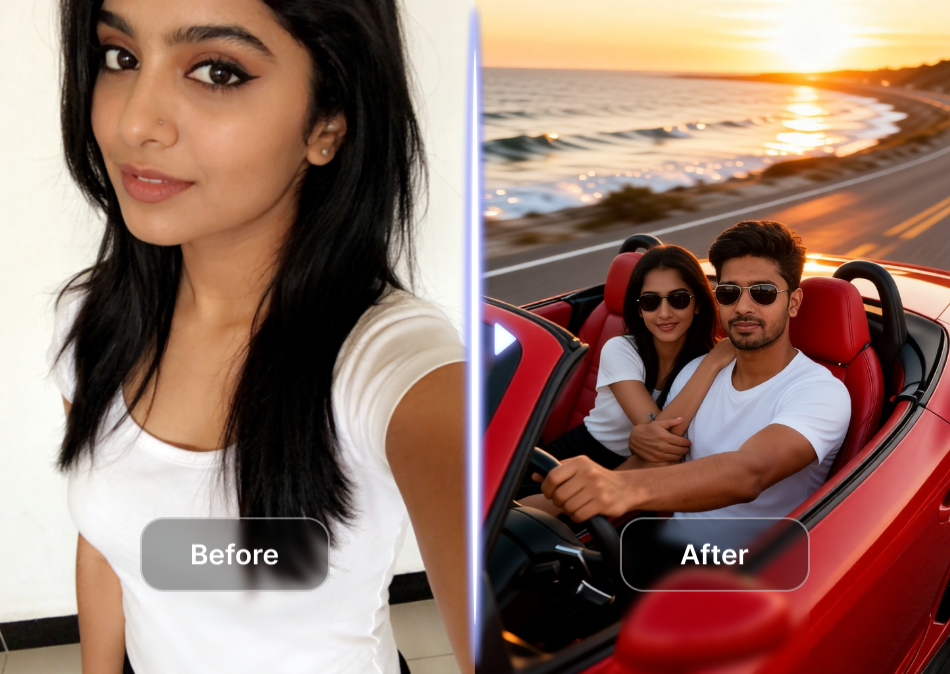
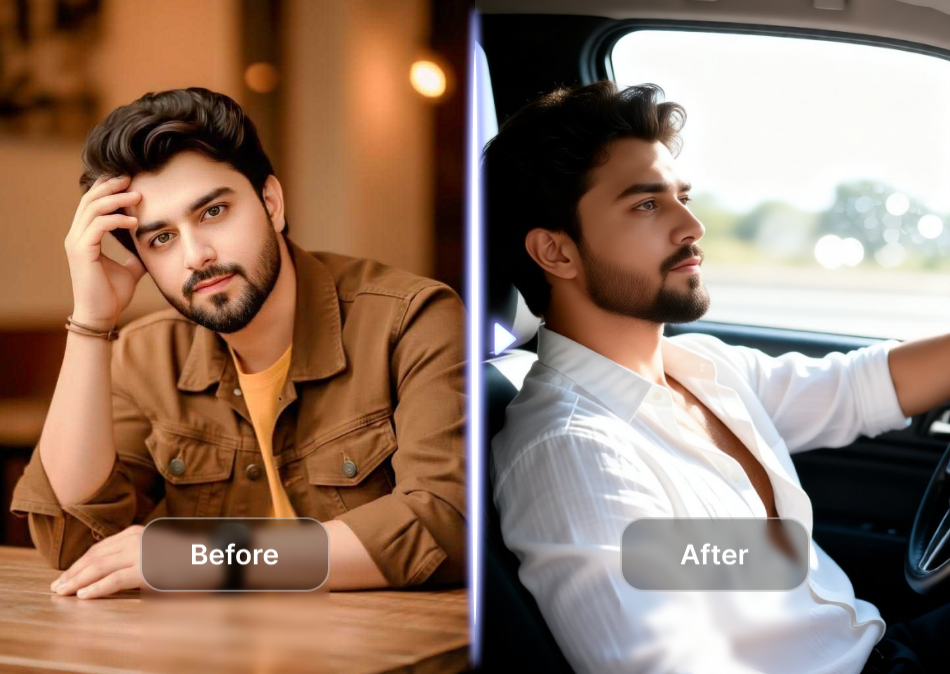
Choose the Low Poly Style That Matches Your Vision
Explore a range of geometric filters and style templates designed for low poly art. From flat vector portraits to crystalline landscapes, find the perfect preset for your prompt.
Key Features of Low Poly Art Prompt
The rendia app makes it easy to generate striking low poly artwork without advanced tools or complicated edits. These core features help you create polished results from the first prompt.
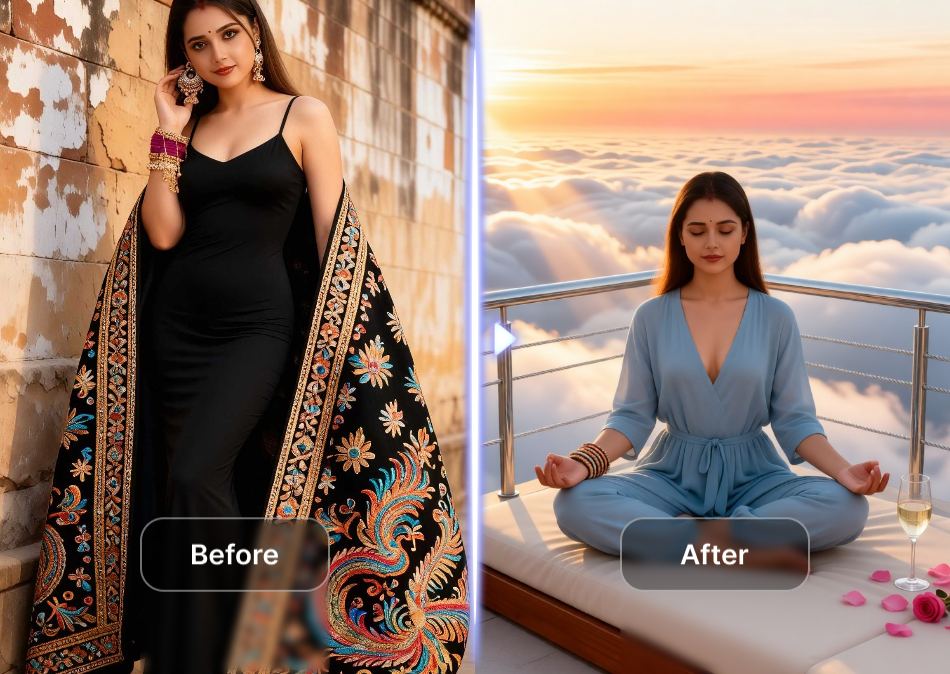
Text to Low Poly Image
Type a simple scene or subject and the AI builds a faceted geometric composition. Great for concept art, game assets, and social posts.
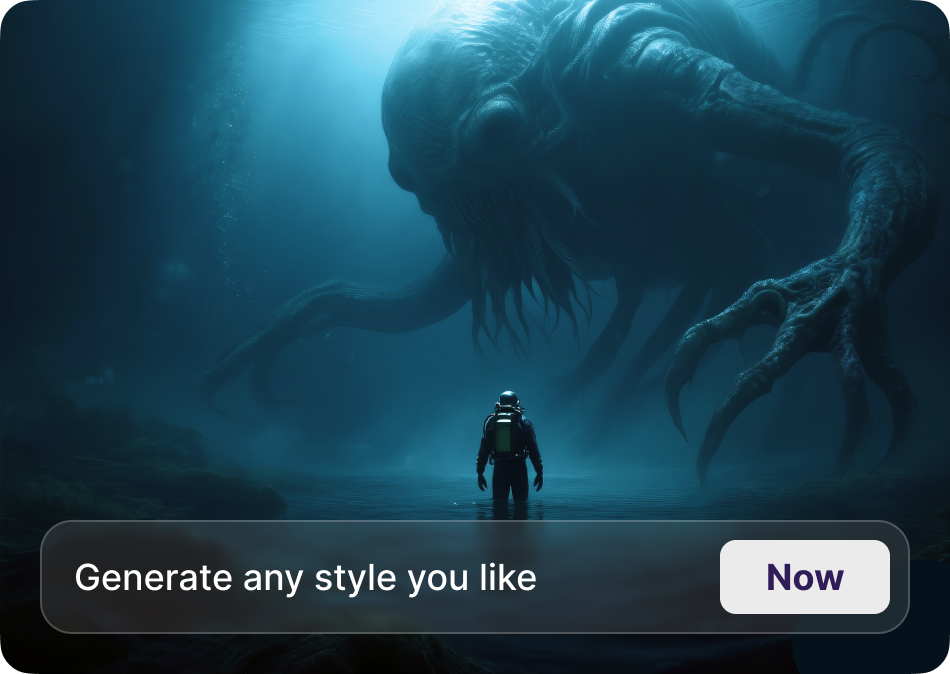
Geometric Style Transfer
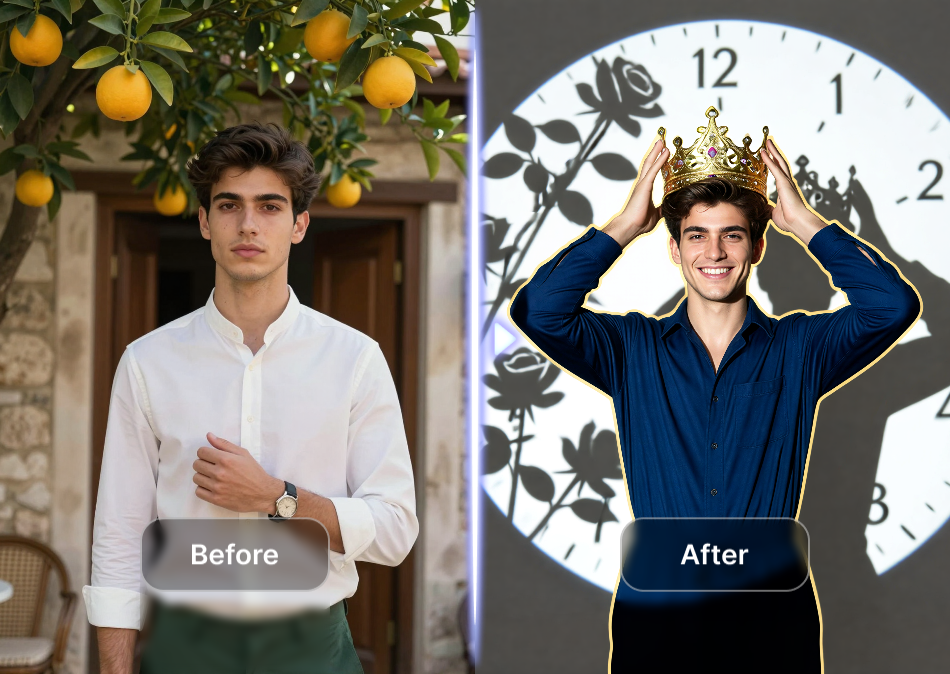
Upload an existing photo and apply a low poly reinterpretation while keeping the original subject recognizable. Ideal for portraits, pets, and product shots.
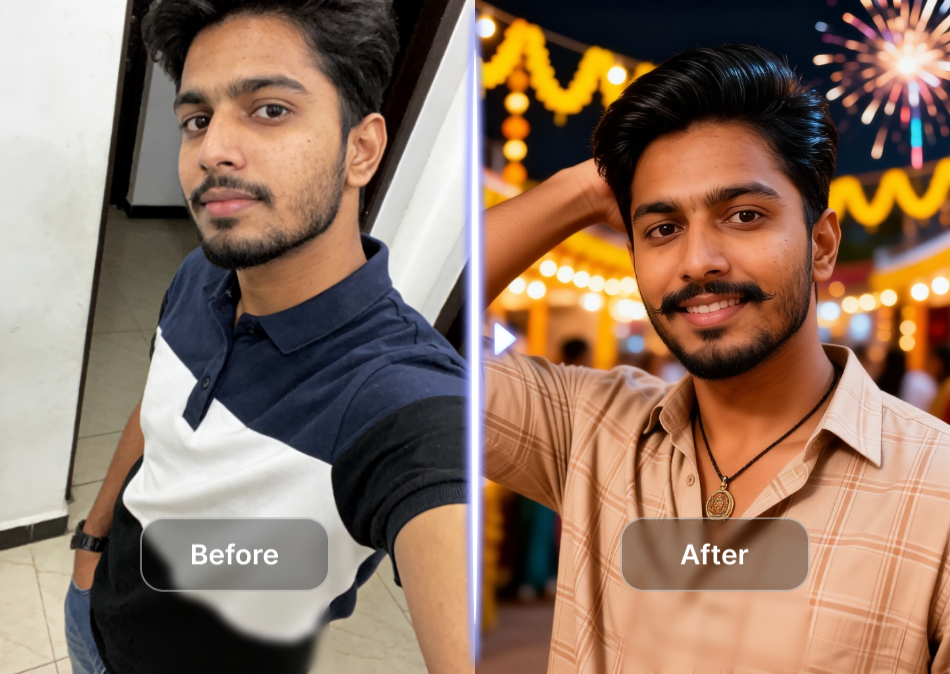
Massive Style Template Library
Access thousands of geometric presets tuned for different moods, lighting, and color stories. Switch styles instantly between flat shading, wireframe, and faceted 3D looks.
Popular Low Poly Art Sample Categories
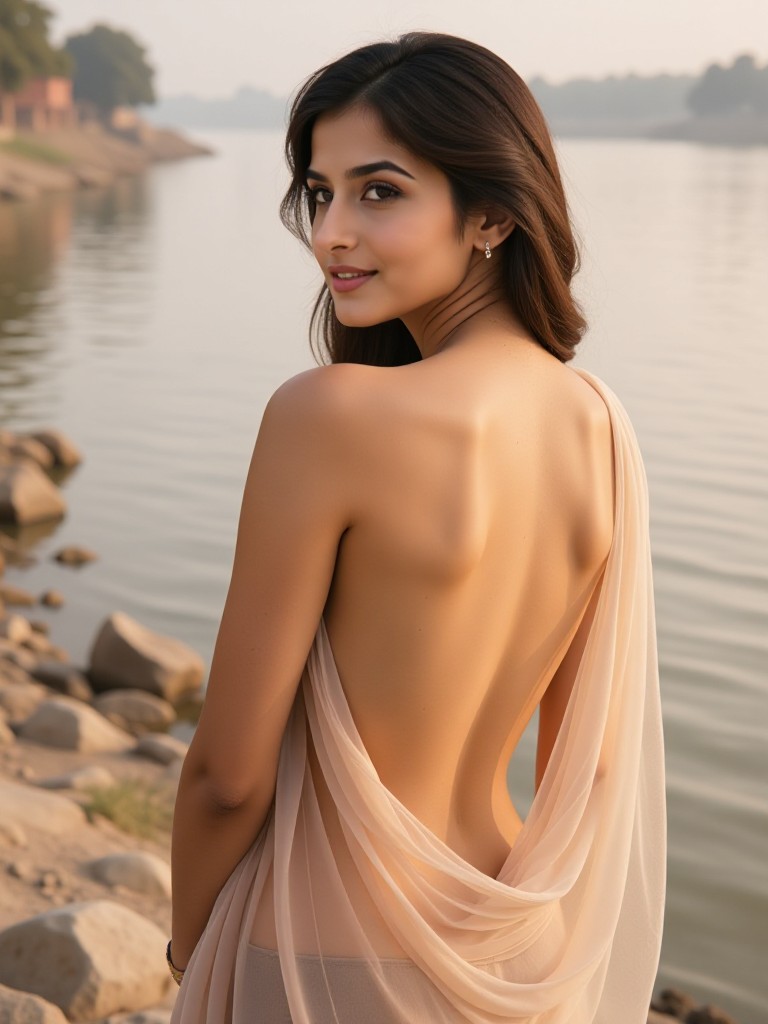
Download popular low poly style references and recreate similar art with rendia in minutes. Right click any image to save it for inspiration or practice.


Why Use rendia for Low Poly Art
Most low poly generators force you to learn 3D software or spend hours manually triangulating shapes. rendia removes that barrier. You describe your idea in plain language, pick a geometric style preset, and get a clean low poly result in seconds. It is fast, mobile first, and built for creators who want professional visuals without the steep learning curve.
How to Use Low Poly Art Prompts
Create clean geometric art in three simple steps using the rendia mobile app.

Step 01.
Get started by downloading rendia from Google Play to generate low poly artwork anytime, anywhere.
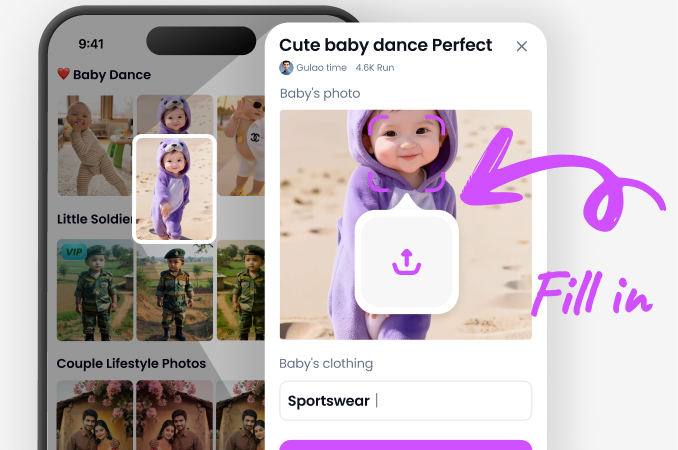
Step 02.
Pick a geometric style filter or type a detailed low poly prompt to define your scene, colors, and subject.
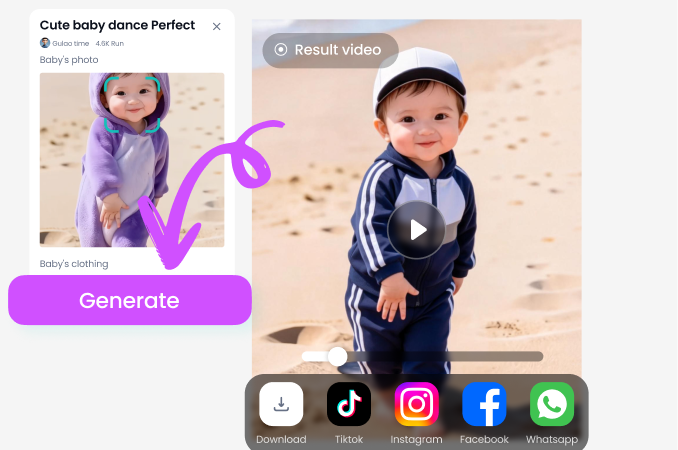
Step 03.
Generate your low poly image, adjust it with a new prompt if needed, then download and share your result.
Low Poly Art Generator on Your Phone
Turn any prompt into angular geometric art in seconds. Download rendia from Google Play and start creating from anywhere.

What Creators Say About rendia
My low poly portraits finally look intentional
I used to spend hours in vector software trying to get the faceted look right. With rendia I type a prompt, tap a style preset, and get a portrait I can post the same day.
Perfect for quick game asset ideas
As an indie game developer I need fast concept sketches. Low poly prompts give me clean, readable silhouettes and color blocking that I can hand off to my team.
The style variety is incredible
Flat, wireframe, glowing, pastel. I can generate low poly art for every mood without leaving the app. It has become my go to tool for Instagram content.
Frequently Asked Questions About Low Poly Art Prompts
Find clear answers to common questions about generating low poly art with prompts and getting the most from the rendia app.
More Topics You May Like
Explore more topics you may like and discover fresh ideas tailored to your interests.

Anime Landscape Prompt: Create Stunning Scenery
Discover the best anime landscape prompts to generate breathtaking scenery. Turn text into vivid anime backgrounds and cinematic worlds in seconds with rendia.
Swiss Poster Prompts for Striking AI Designs
Generate Swiss design posters with simple prompts. Use rendia's AI filters for bold typography, modular grids, and high contrast layouts. Download the app and start creating.

Giant Fruit Photo Prompt: Easy AI Ideas to Try Now
Create surreal giant fruit photo prompts with rendia. Upload a photo, type a simple prompt, and get stunning oversized fruit scenes in seconds. Try free ideas now.

Craft Perfect Bag Prompts for AI Design
Discover ready to use bag prompts for AI image generation. From luxury handbags to streetwear backpacks, create product photos, editorial shots, and creative concepts in seconds.
Ready to Create Low Poly Art in Seconds
Download rendia from Google Play and start turning your ideas into geometric masterpieces today. No design experience needed.

Ready to Create Low Poly Art in Seconds
Download rendia from Google Play and start turning your ideas into geometric masterpieces today. No design experience needed.