AI Close Up Photo Prompt


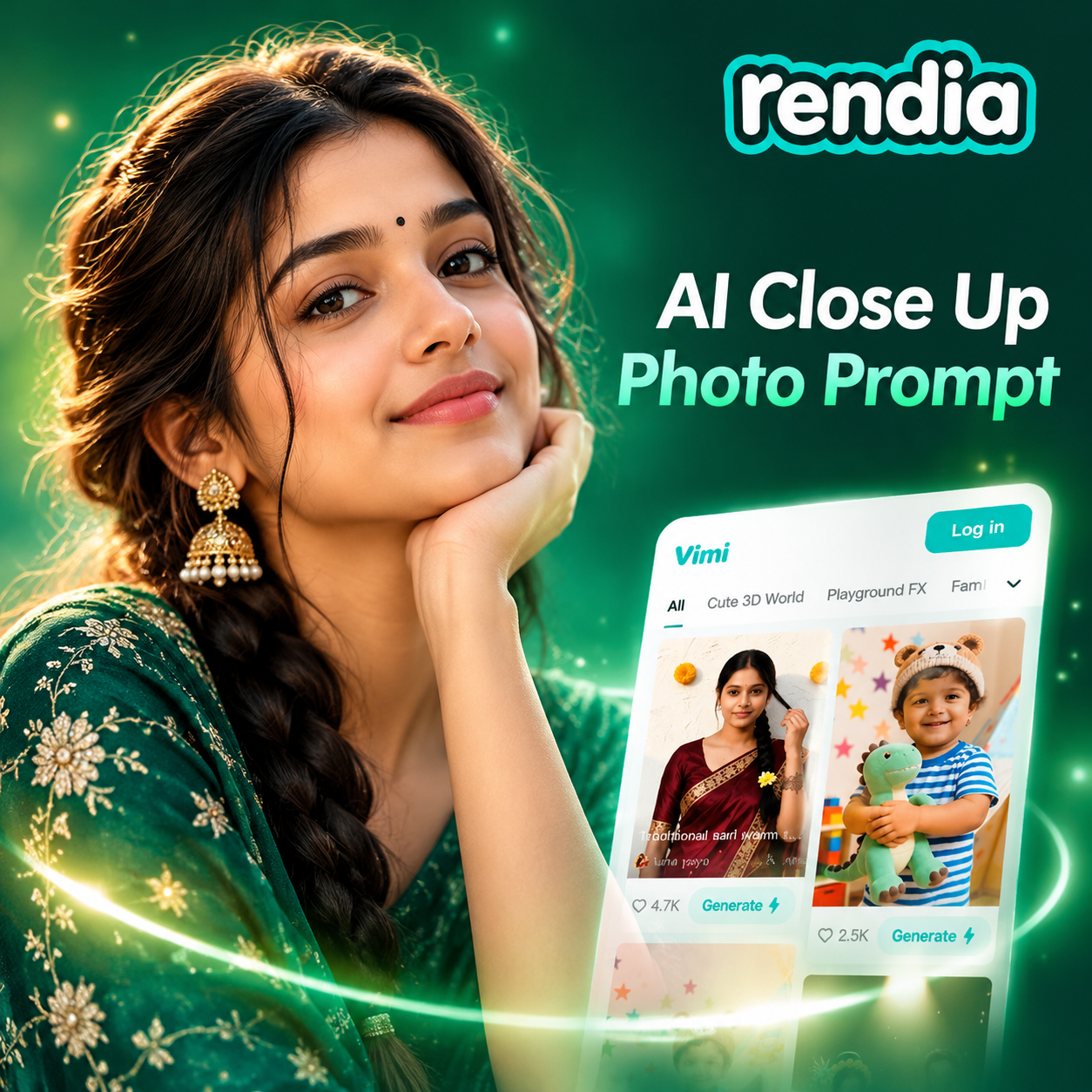
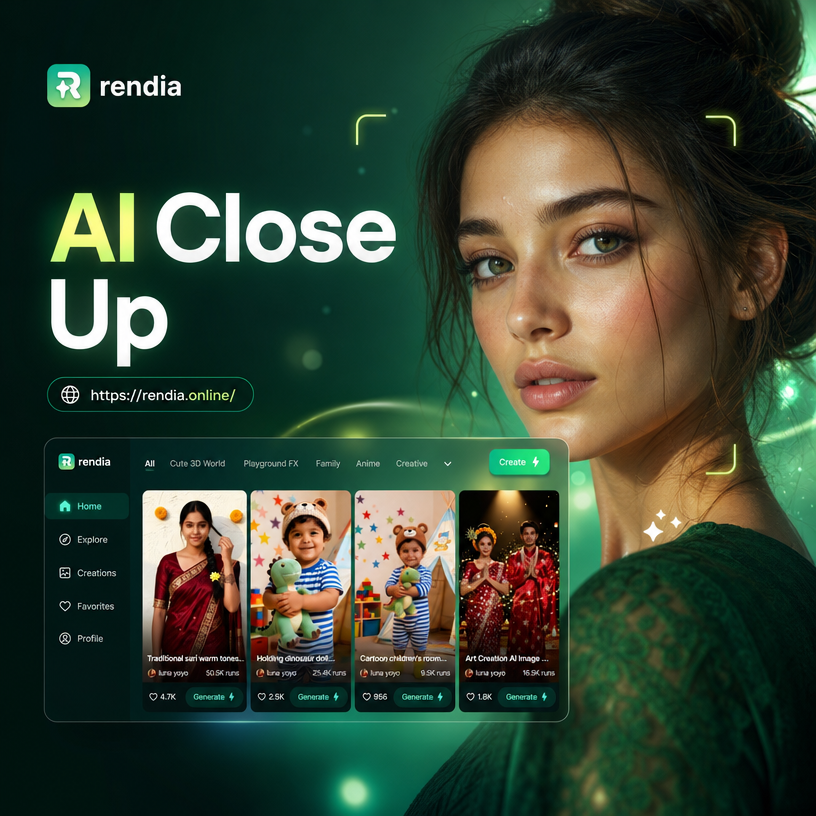
Pick a Close Up Style That Fits Your Mood
Explore curated filters for macro photography, cinematic portraits, soft glow, and high detail textures. Each style transforms your close up photo prompt into a unique visual story.
Why rendia Excels at Close Up Photo Prompts
Use plain language to guide fine details, mood, and framing. rendia's style filters handle the heavy lifting so your close up shots look professional and intentional.
Precision Detail Rendering
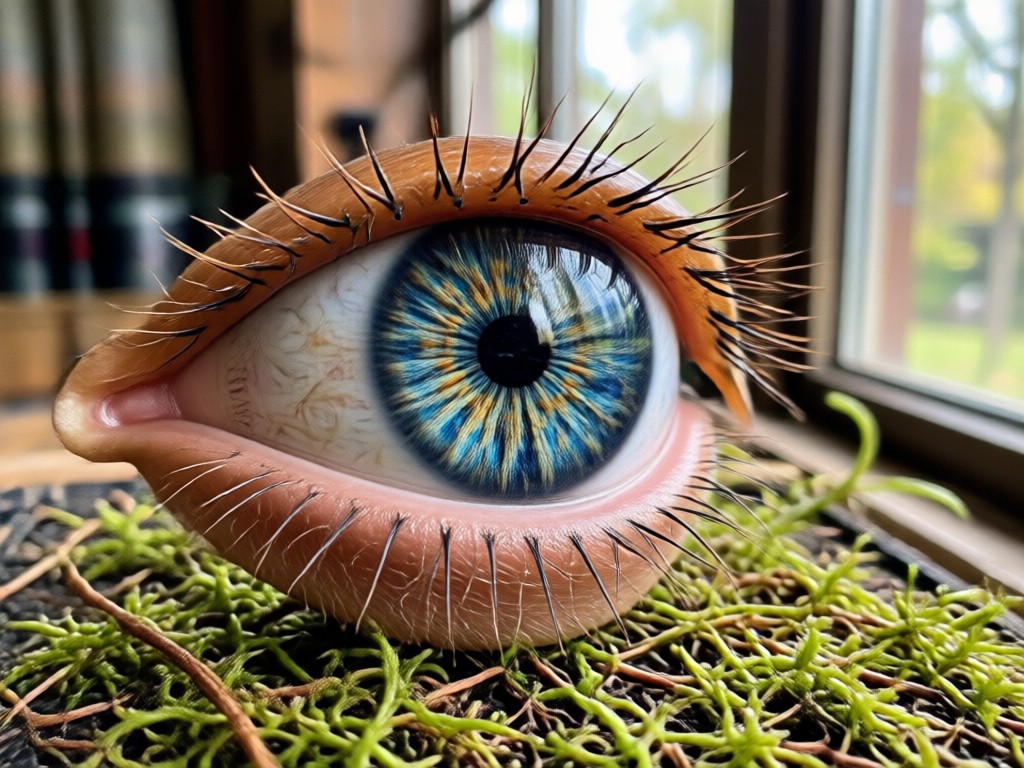
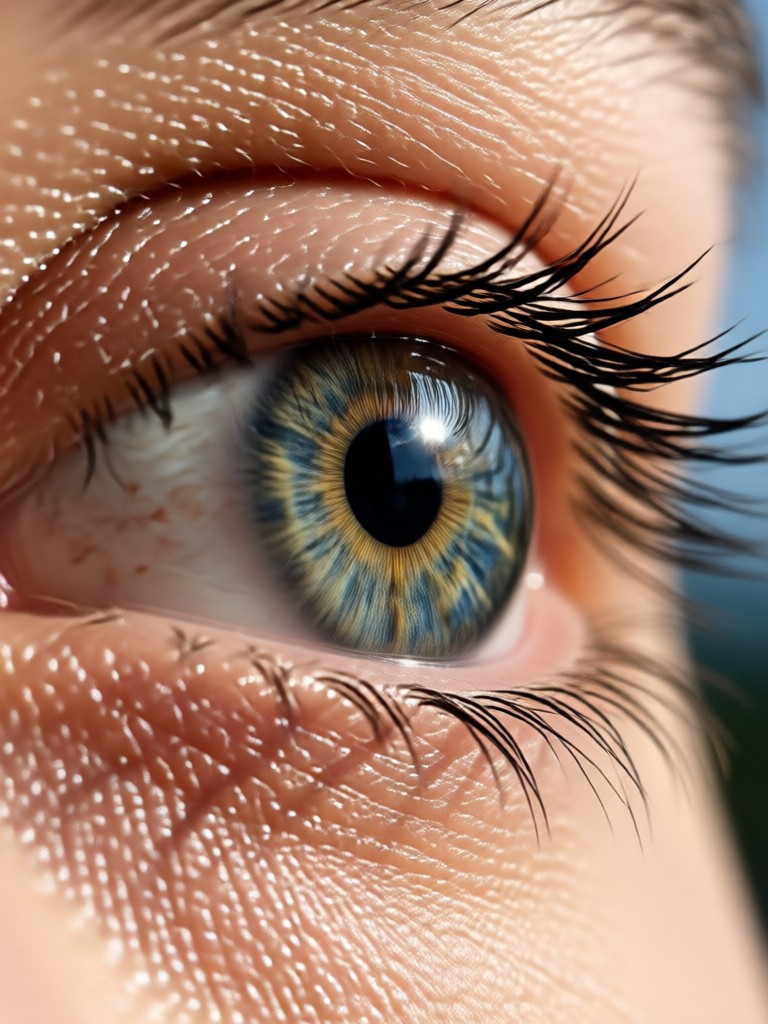
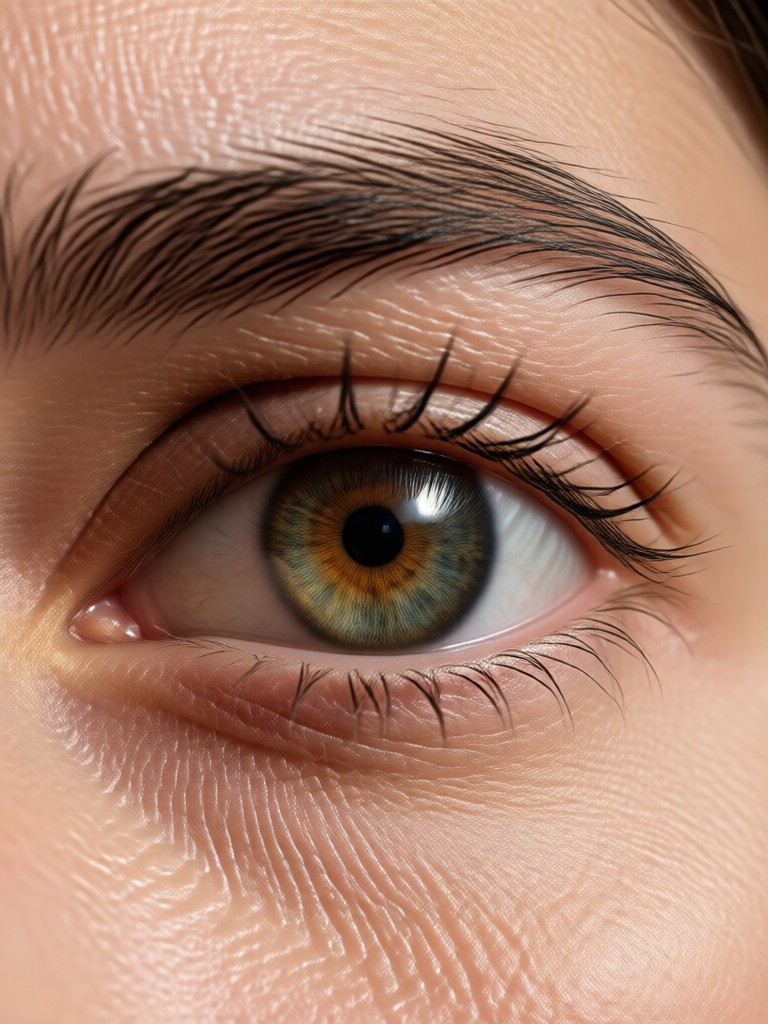
Describe texture, light, and lens effects in simple words. rendia interprets your prompt and preserves fine details like pores, fabric weave, and water droplets without heavy manual editing.
Precision Detail Rendering
Describe texture, light, and lens effects in simple words. rendia interprets your prompt and preserves fine details like pores, fabric weave, and water droplets without heavy manual editing.
One Tap Style Control
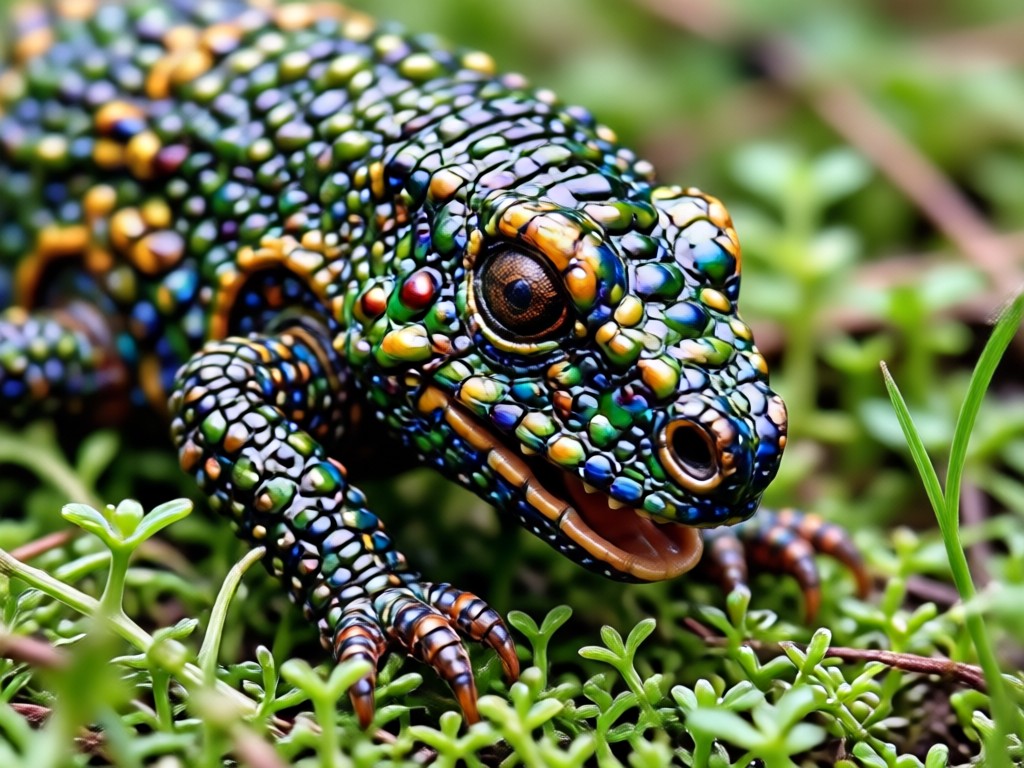
Switch from dreamy soft light to gritty macro by changing a style template. No need to rewrite complex prompts or adjust camera settings.
One Tap Style Control
Switch from dreamy soft light to gritty macro by changing a style template. No need to rewrite complex prompts or adjust camera settings.
Subject Consistency
Upload a reference photo and keep the subject recognizable while applying a new close up framing or dramatic light. Great for portraits and product shots.
Subject Consistency
Upload a reference photo and keep the subject recognizable while applying a new close up framing or dramatic light. Great for portraits and product shots.
AI Close Up Photo Prompt Inspiration Gallery
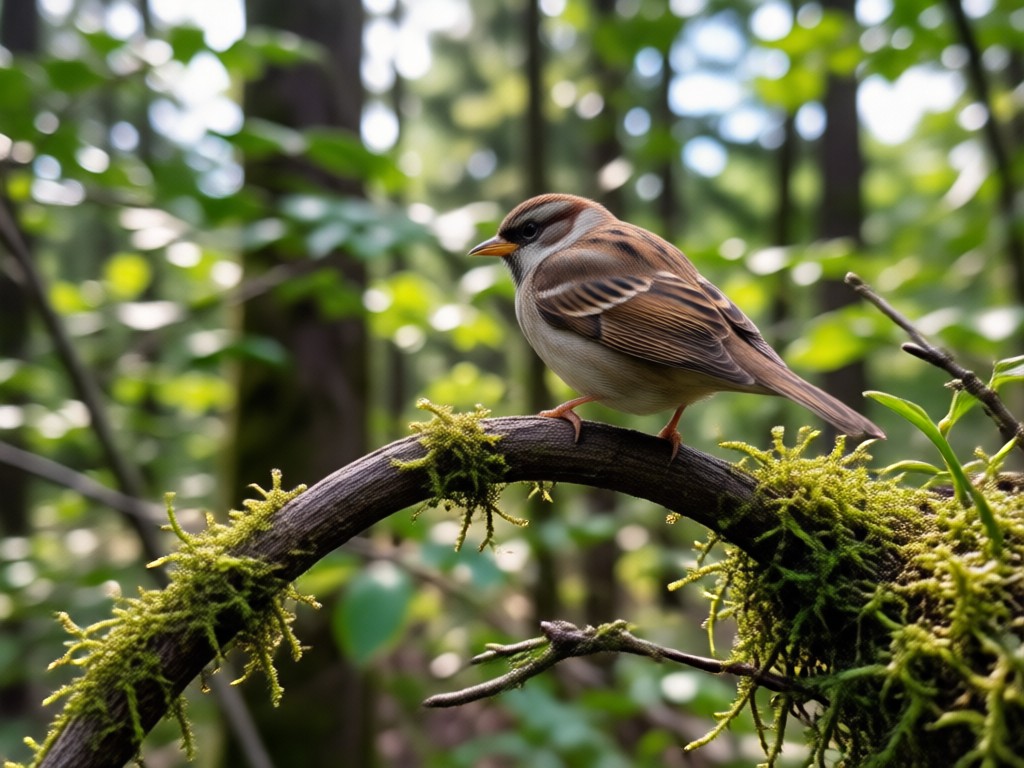
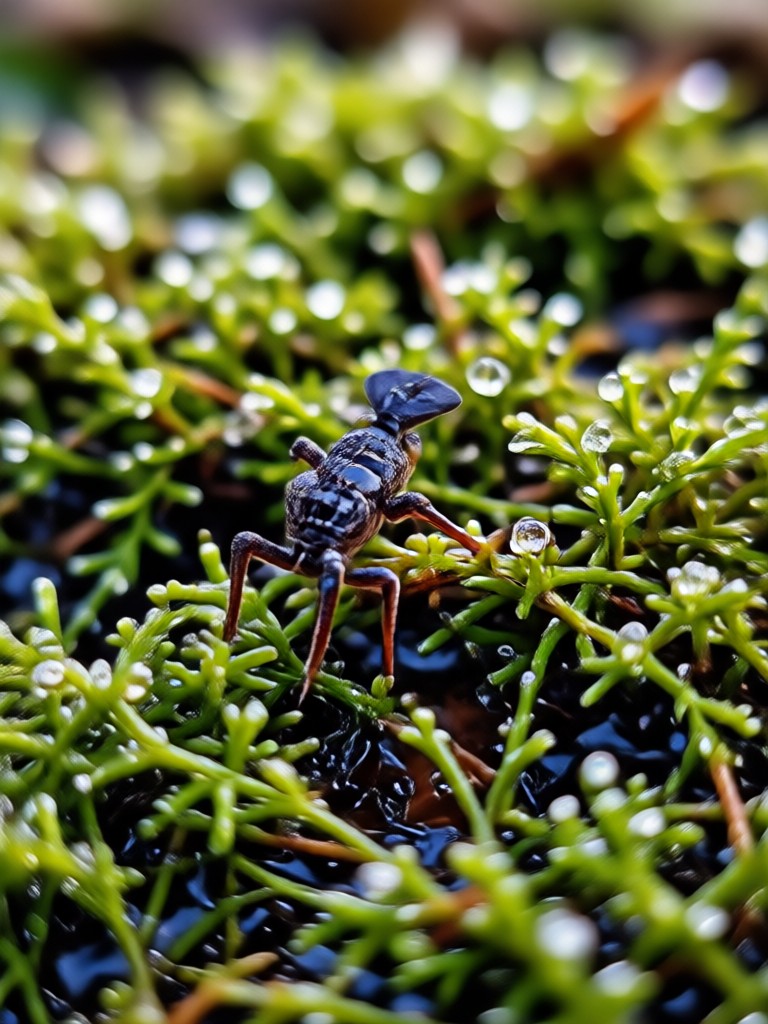
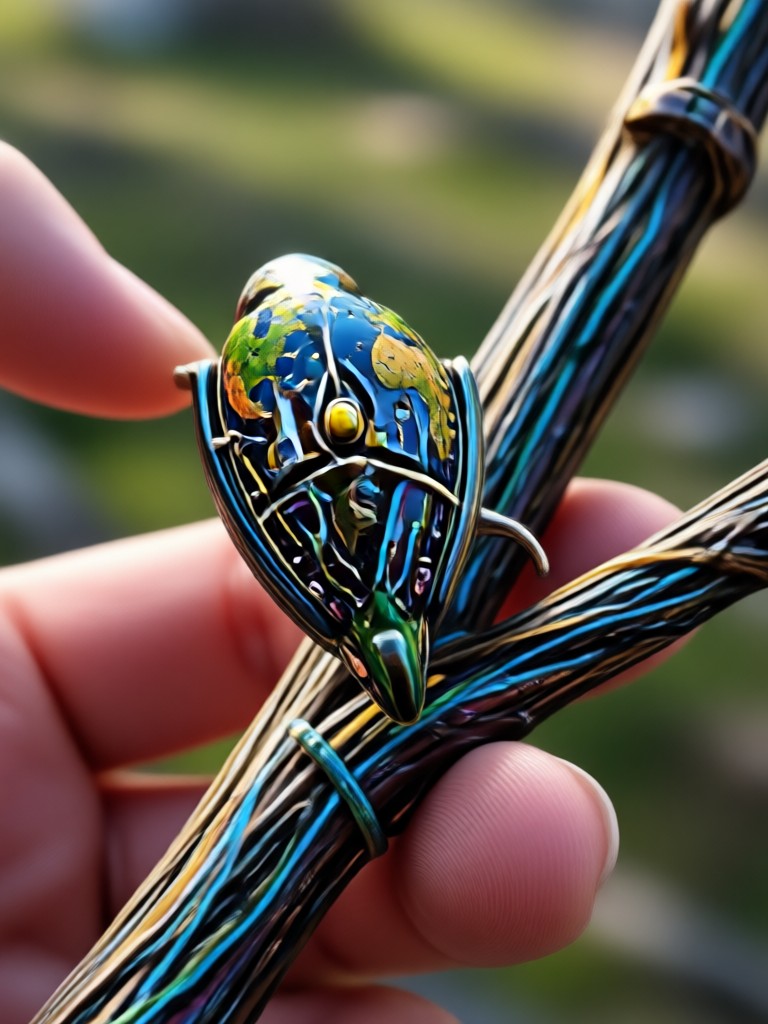
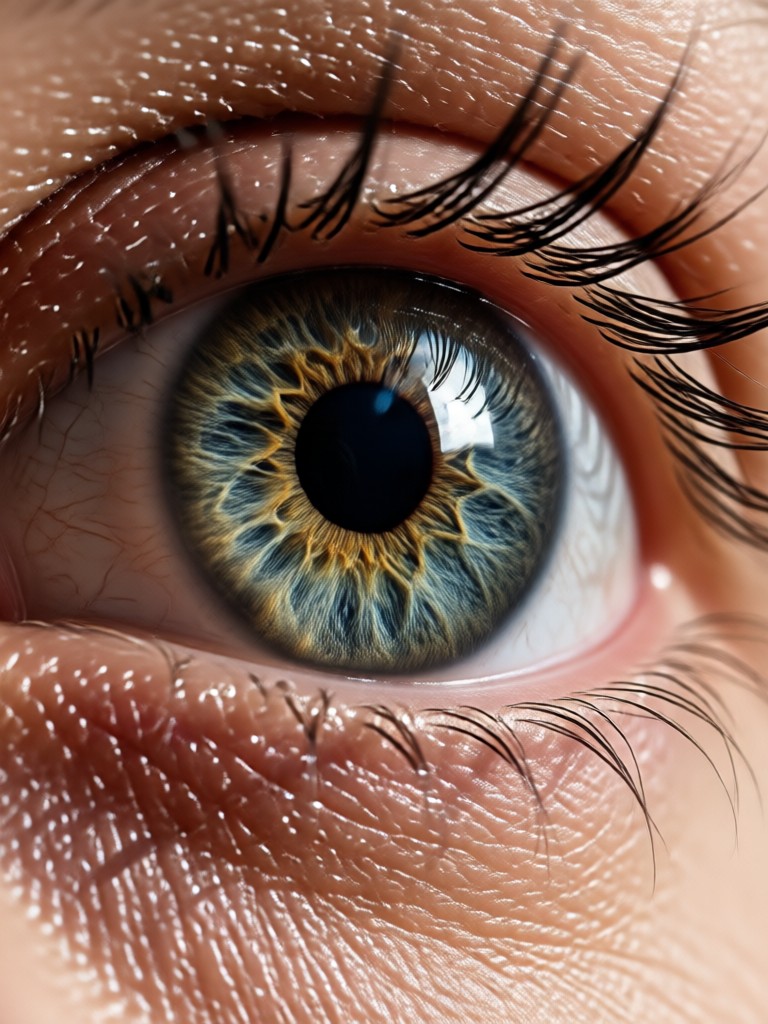
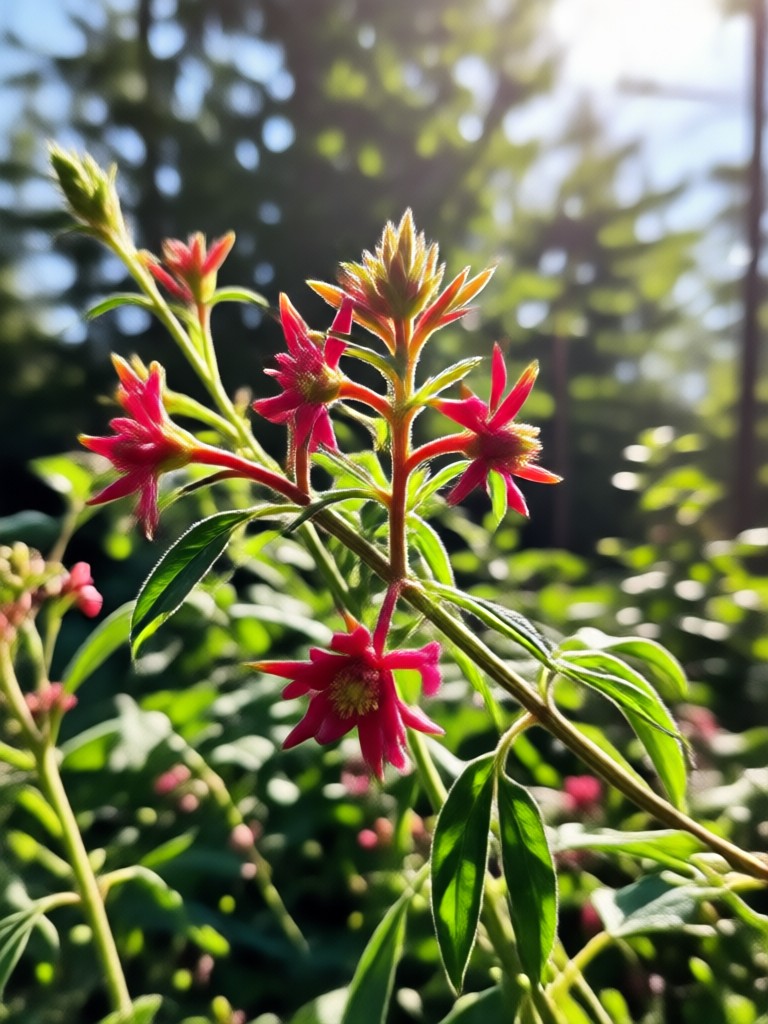
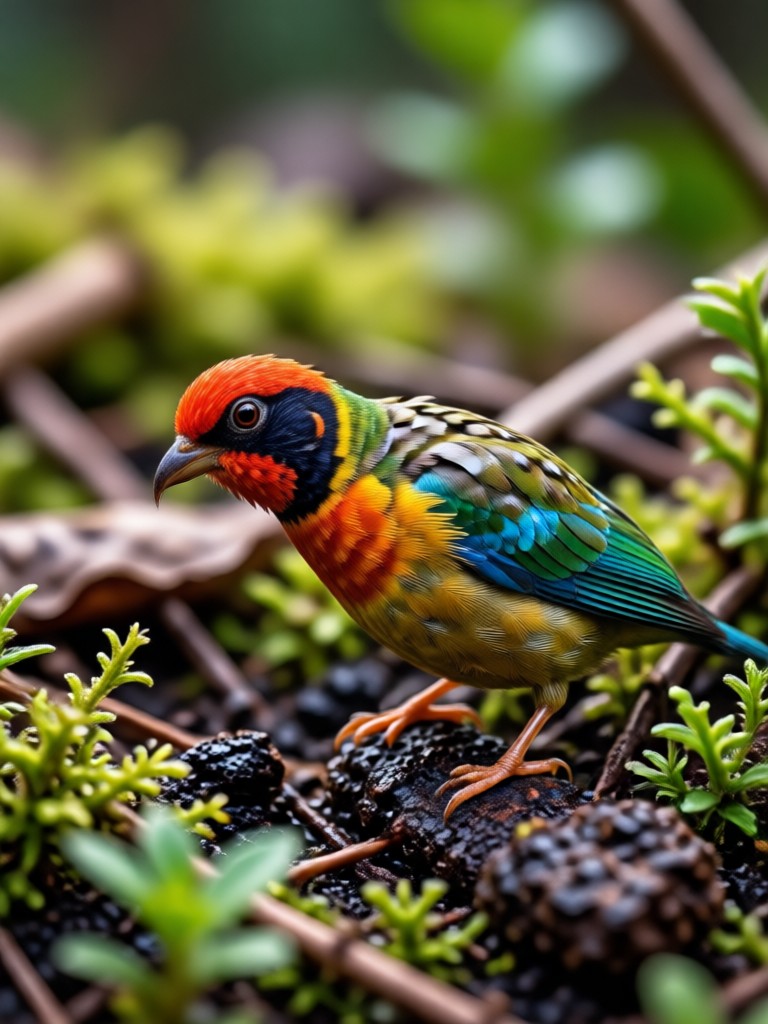
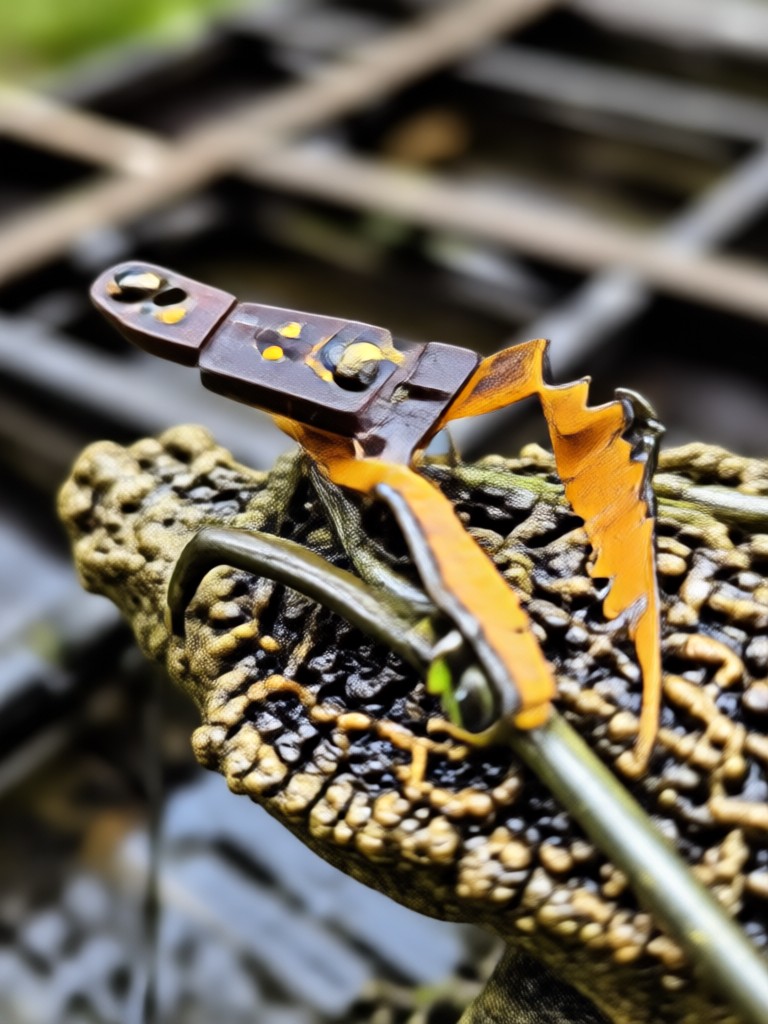
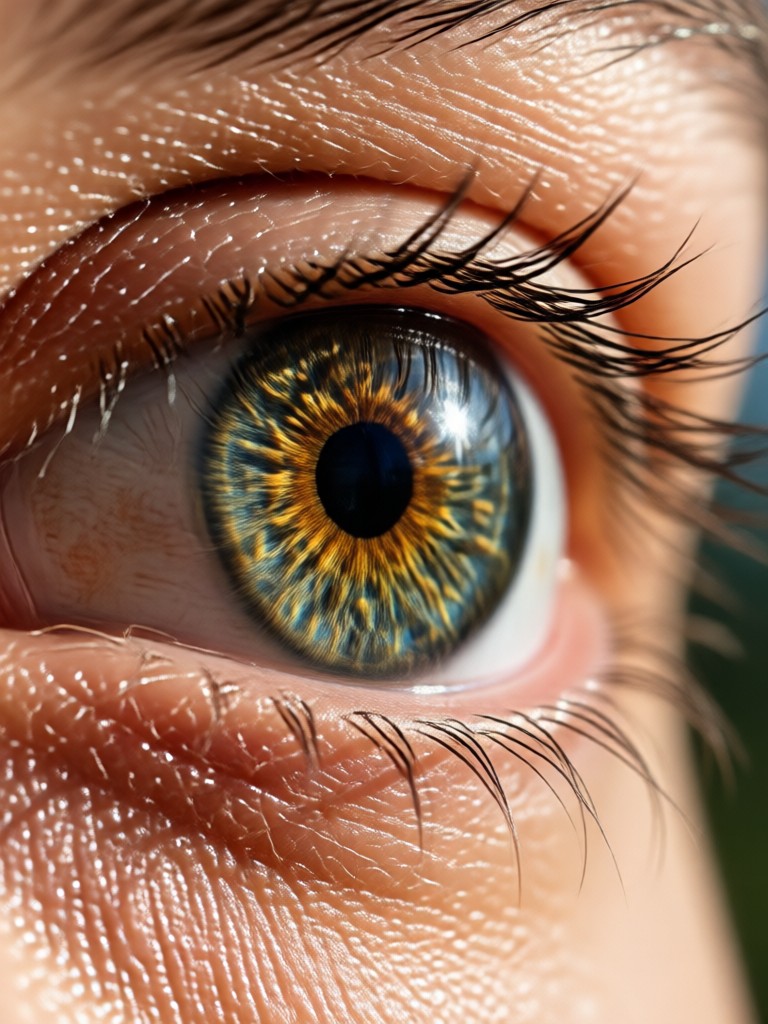
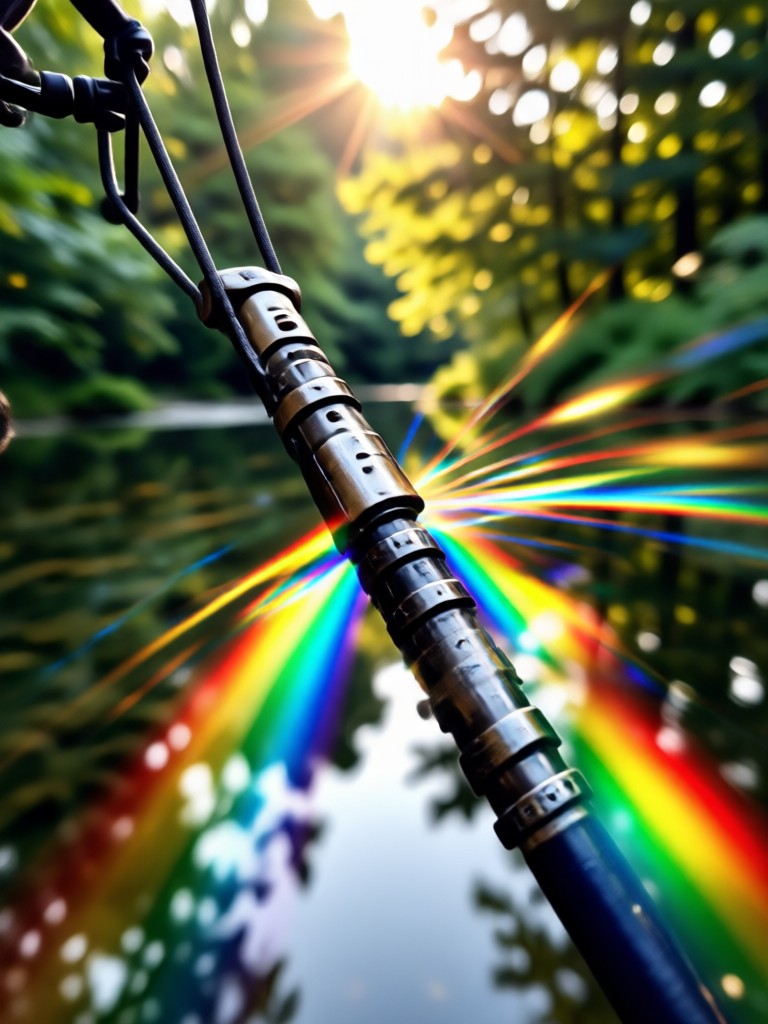
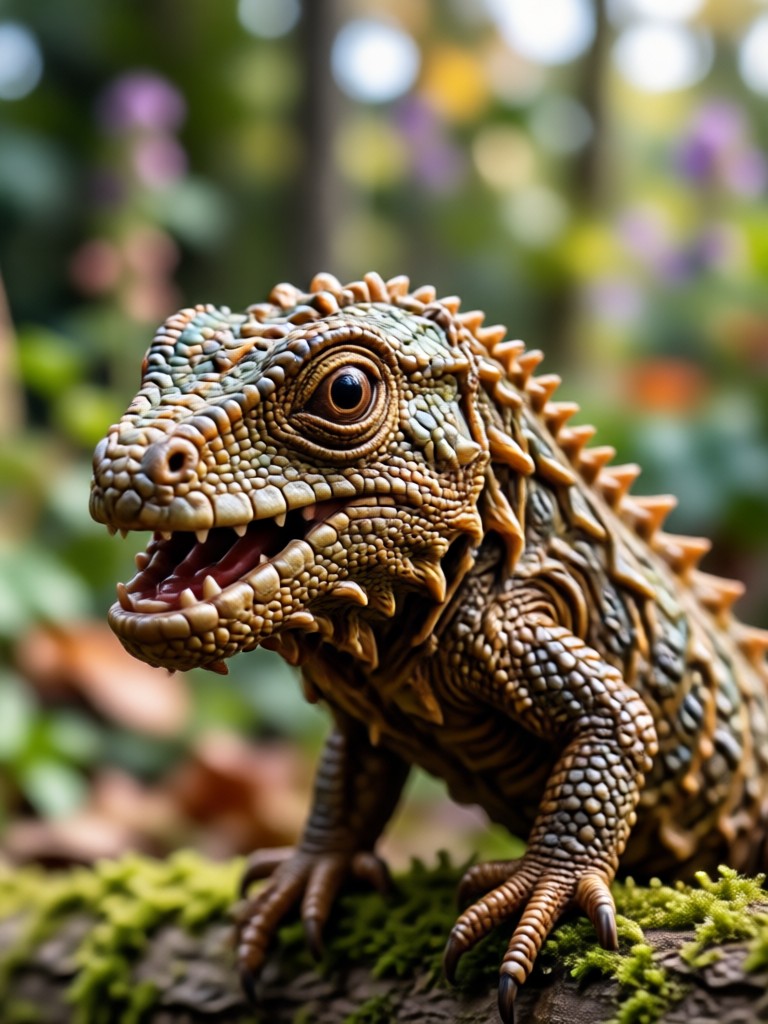
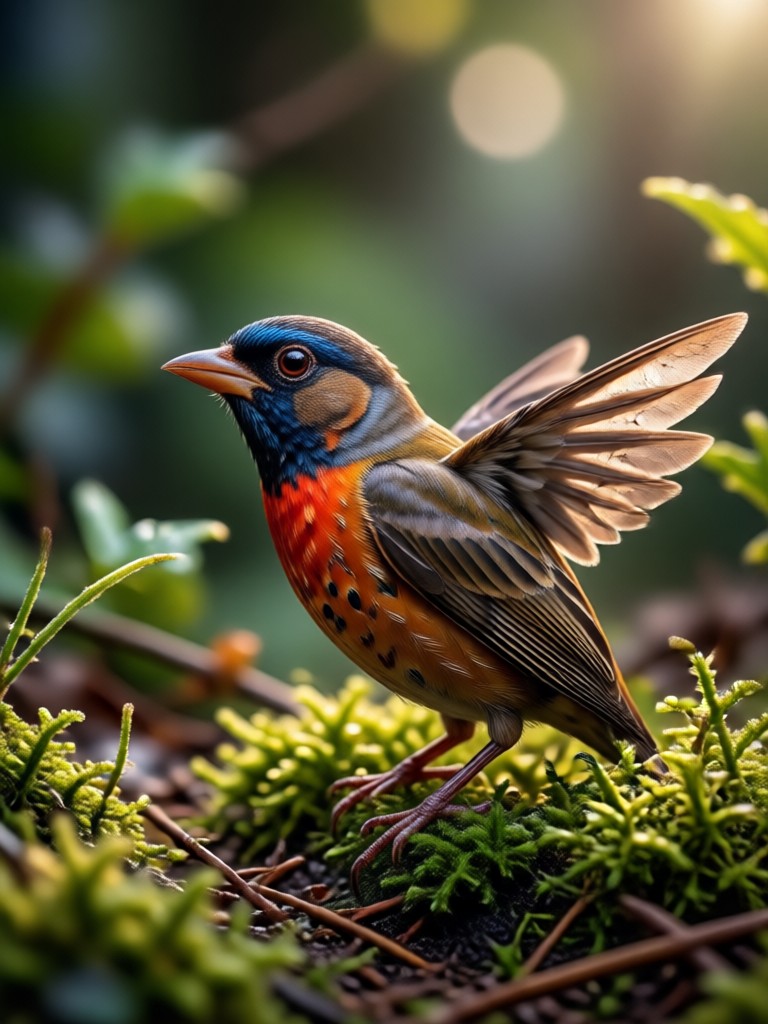
Browse close up shots generated with rendia. From macro nature to cinematic faces, see how simple text prompts become detailed, realistic photos ready to share.
How to Use AI Close Up Photo Prompts
Create stunning close up photos in three simple steps with rendia on your Android phone.
Step 01.
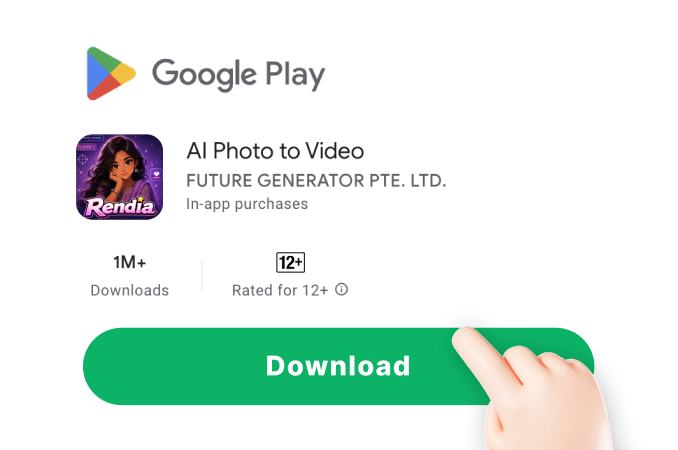
Download the rendia app from Google Play and sign in. All close up photo prompt tools are available on mobile, so you can create anytime, anywhere.
Step 02.
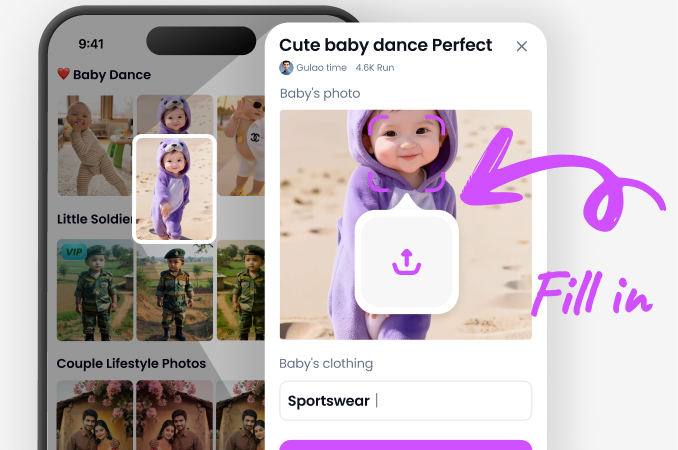
Pick a close up style filter such as macro, cinematic, soft light, or high contrast. You can also upload your own reference image for more control.
Step 03.
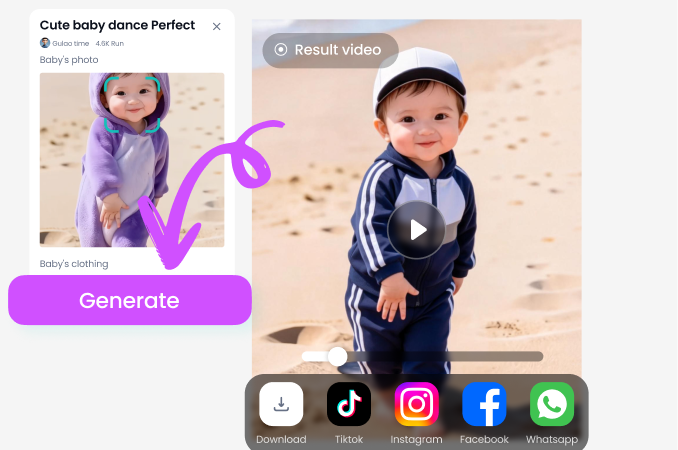
Type your AI close up photo prompt, adjust the details if needed, and generate. Save or share your high resolution close up shot directly from the app.
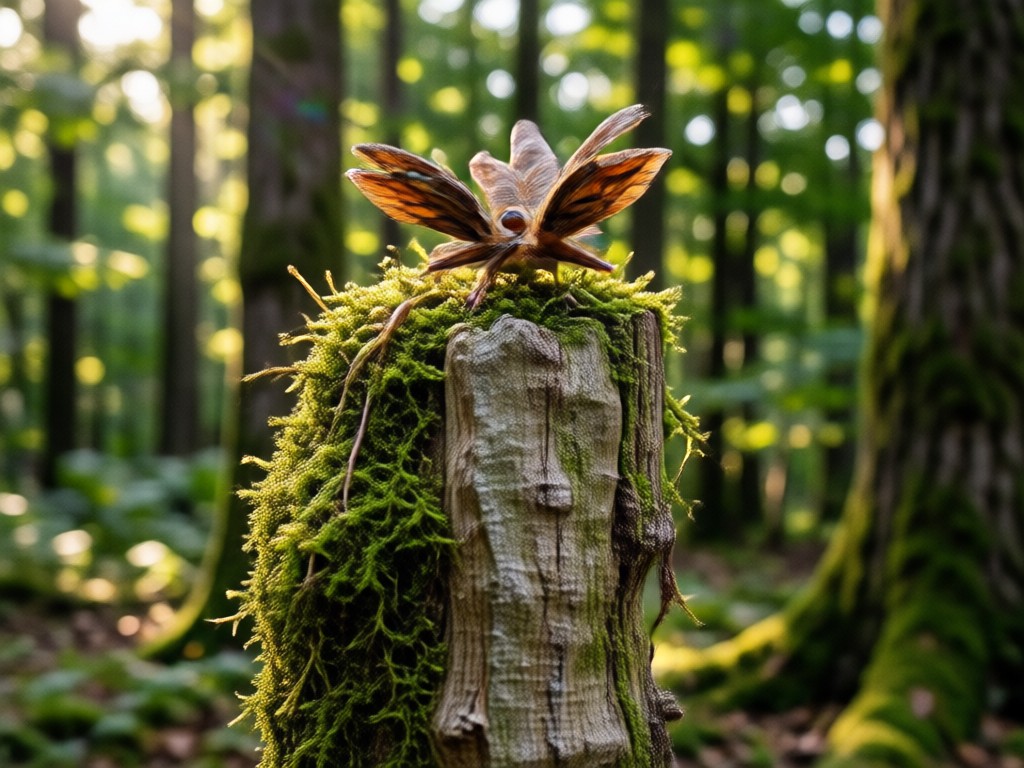
Why rendia Is the Best Tool for Close Up Prompts
rendia turns your written ideas into sharp close up photos without complex prompt engineering. You get access to a million style filters, fast mobile generation, and fine control over light, texture, and focus. Perfect for creators, product designers, and social media storytellers.
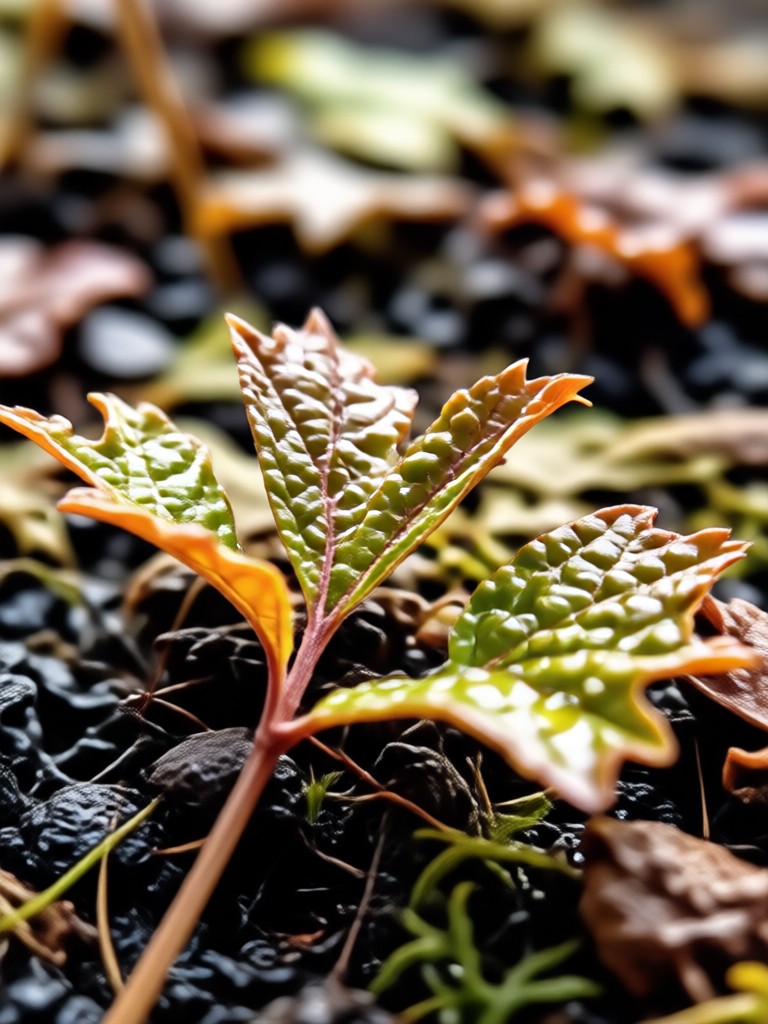
Turn Close Up Prompts Into Shareable Photos
Download rendia from Google Play and start generating detailed close up photos on your Android device. No desktop setup, no complex tools, no watermark on your saved images.

What Creators Say About Close Up Photo Prompts
Macro shots without a macro lens
I used rendia for product close ups of jewelry. The AI picked up tiny reflections and metal texture that my phone camera missed. It saved me hours of editing and gave my shop a professional look.
Cinematic portraits with zero setup
I typed a close up prompt for a moody face with window light and got results that looked like a film still. The style filters make it easy to change the entire mood in one tap.
Fast close up inspiration
My team uses rendia to explore close up framing before a shoot. It helps us communicate the exact angle and lighting to our videographer without drafting long briefs.
Frequently Asked Questions About AI Close Up Photo Prompt
Find clear answers to common questions about creating close up photos with rendia.
Watch AI Close Up Photo Prompt Tutorials
See how creators use rendia to turn close up prompts into realistic photos and videos. Learn tips for macro detail, cinematic light, and subject consistency.
More Close Up and AI Prompt Guides
Explore more topics on close up photography and AI prompt design to deepen your skills.
Medical Student Photo Prompts for AI Apps
Medical Student Photo Prompts for AI Apps
Create Your First Close Up Photo Today
Download rendia and turn simple text into detailed, realistic close up shots. Access millions of styles, generate in seconds, and share your favorite results.

Create Your First Close Up Photo Today
Download rendia and turn simple text into detailed, realistic close up shots. Access millions of styles, generate in seconds, and share your favorite results.