AI Bloom Effect
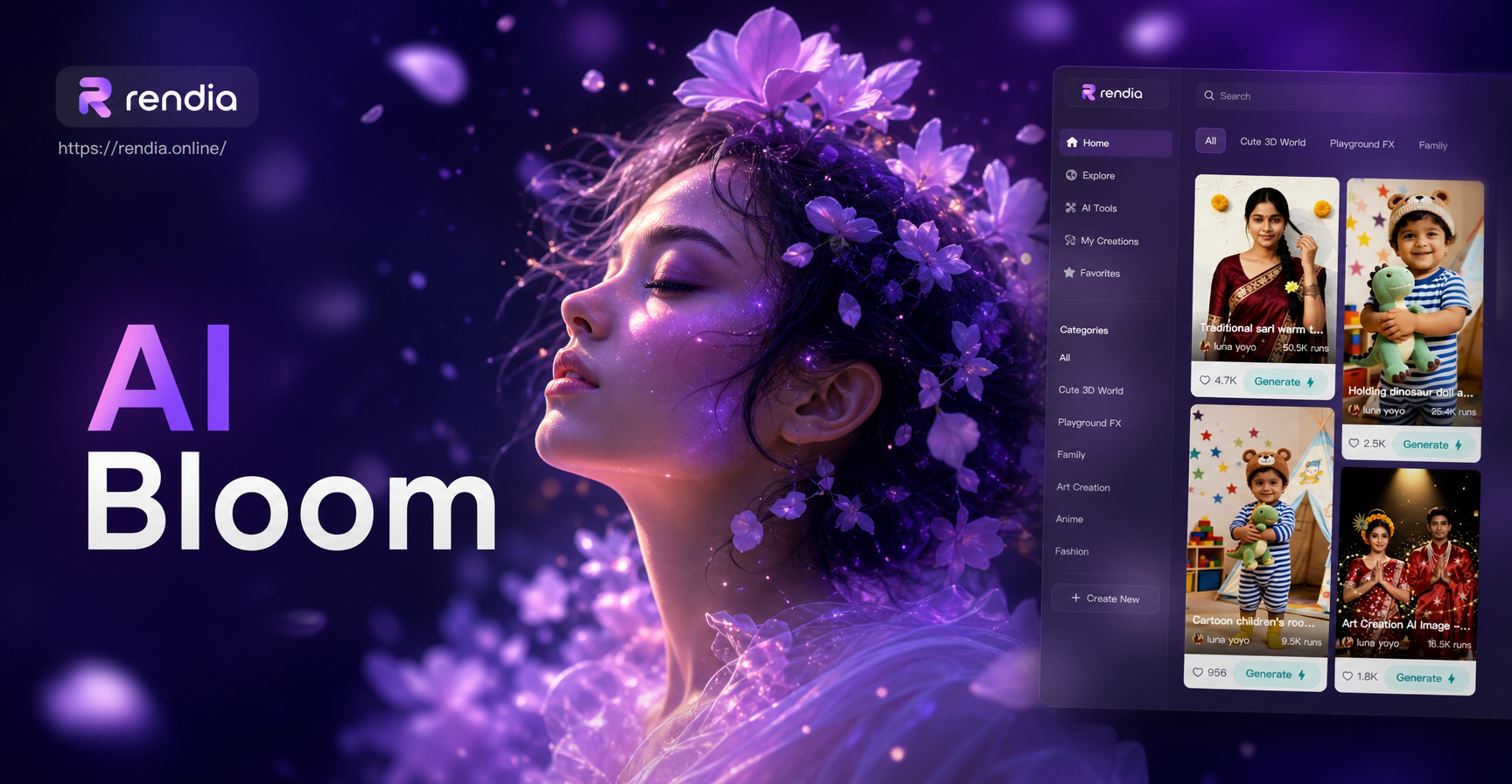
Explore Related Dreamy Effects
Discover a suite of AI filters designed to add magic and atmosphere to your creations, from soft glows to cinematic lighting.
Why the AI Bloom Effect Stands Out
Go beyond simple filters. Our AI intelligently analyzes your image to apply a bloom that feels natural, enhances mood, and highlights your subject perfectly.
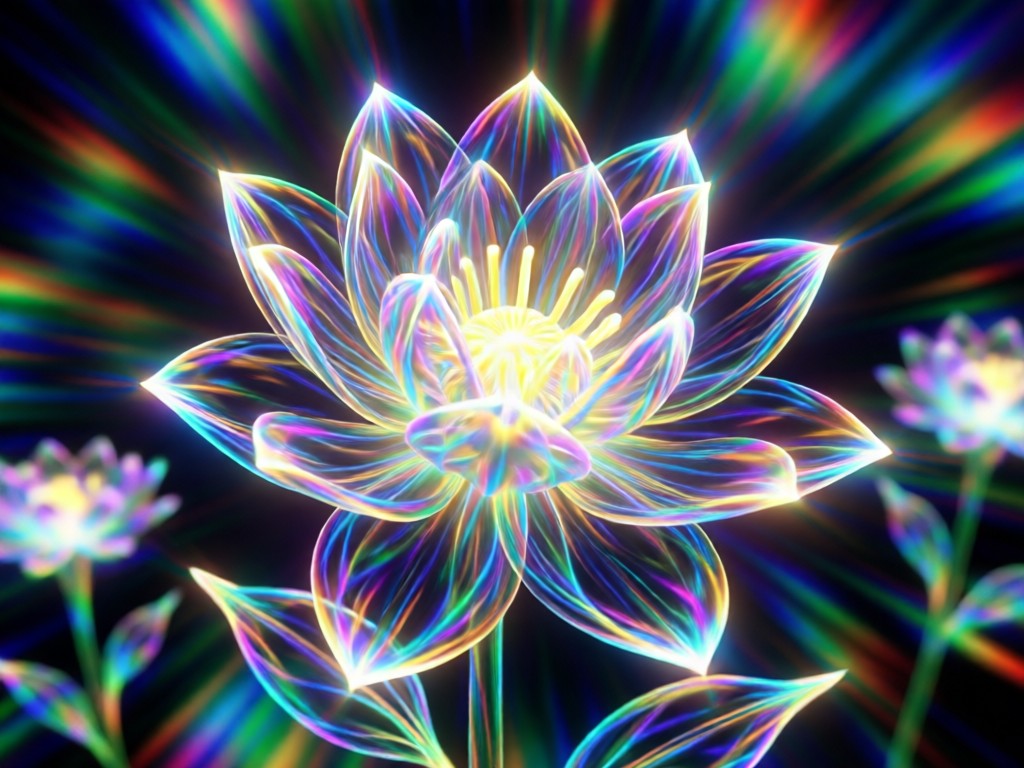
Intelligent Light Detection
The AI doesn't just overlay a glow. It detects light sources, highlights, and edges in your photo to apply bloom effects realistically, making lights sparkle and subjects glow from within.
Intelligent Light Detection
The AI doesn't just overlay a glow. It detects light sources, highlights, and edges in your photo to apply bloom effects realistically, making lights sparkle and subjects glow from within.
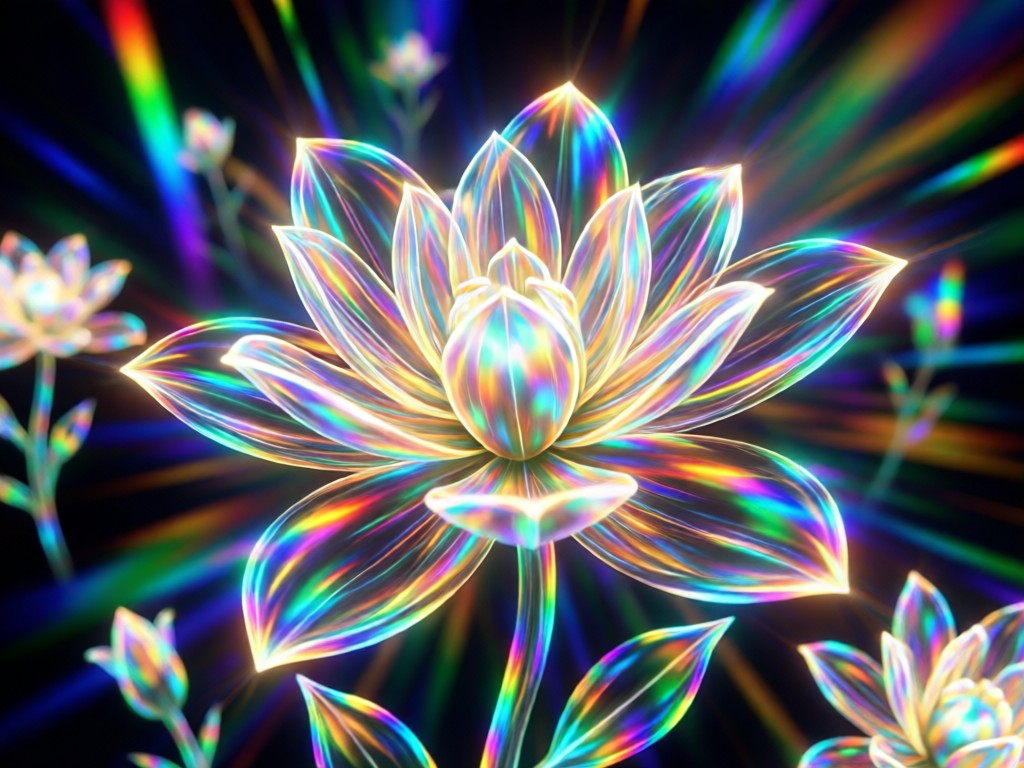
Fully Customizable Glow
Adjust the intensity, spread, and color temperature of the bloom. Create subtle halos for portraits or intense, magical glows for fantasy and landscape scenes.
Fully Customizable Glow
Adjust the intensity, spread, and color temperature of the bloom. Create subtle halos for portraits or intense, magical glows for fantasy and landscape scenes.
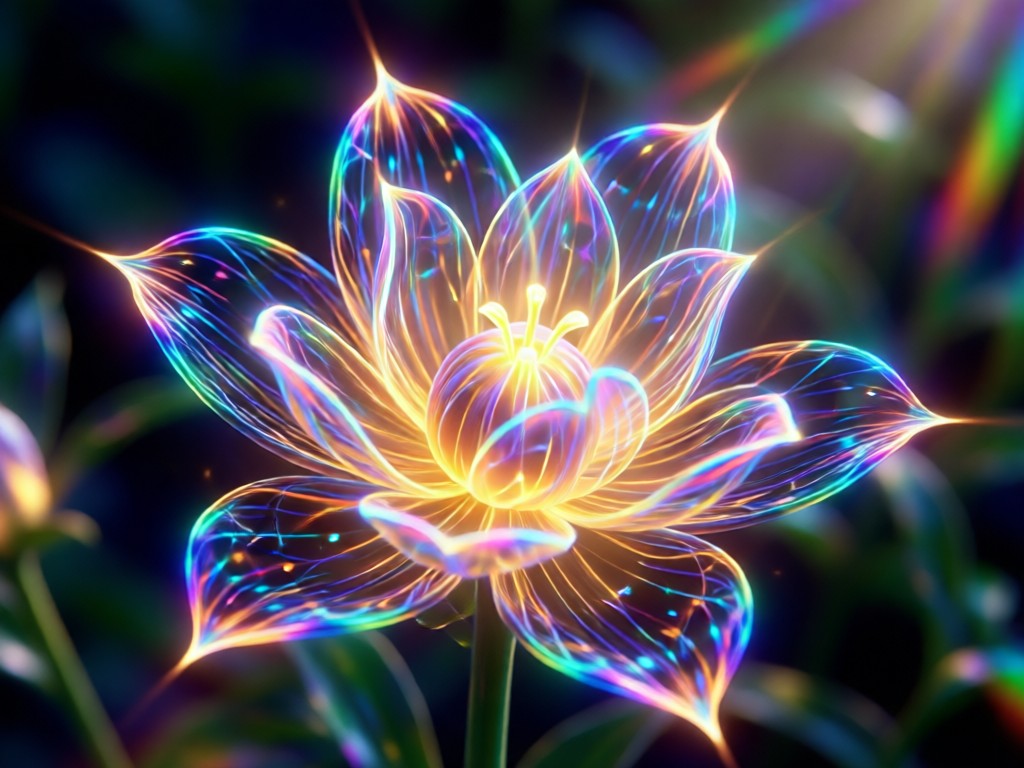
Works on Photos & Videos
Apply the enchanting bloom effect not just to static images but also to videos. Add consistent, dreamy lighting to your clips for cohesive and magical social media content.
Works on Photos & Videos
Apply the enchanting bloom effect not just to static images but also to videos. Add consistent, dreamy lighting to your clips for cohesive and magical social media content.
Gallery of Bloom Effect Transformations
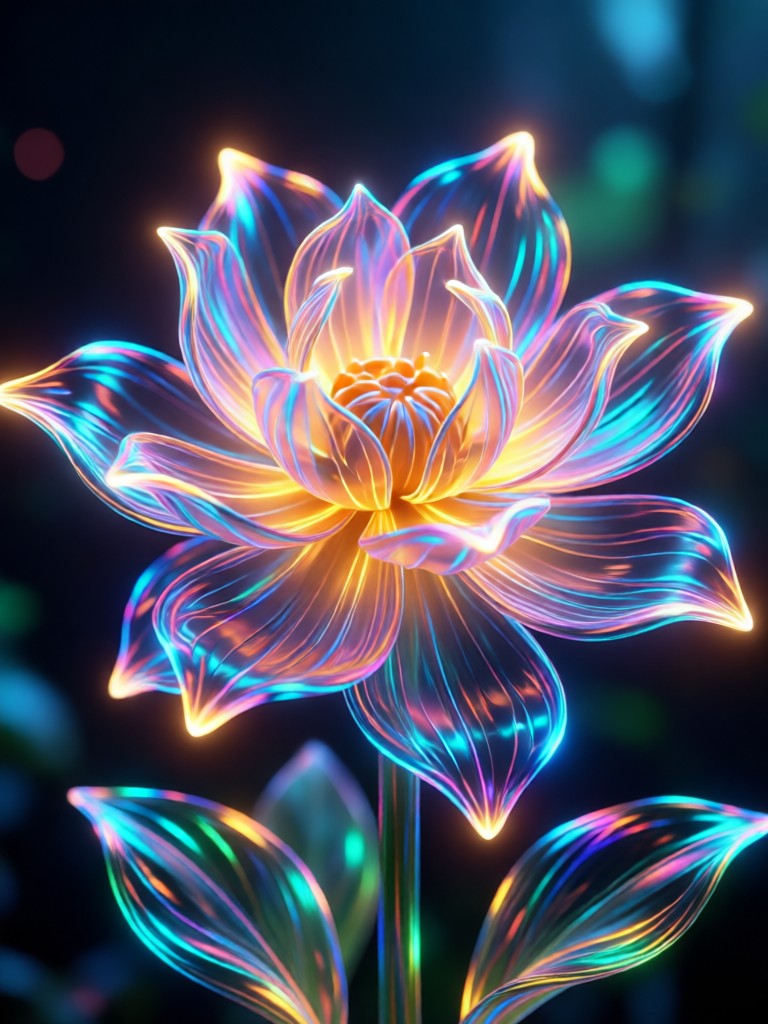
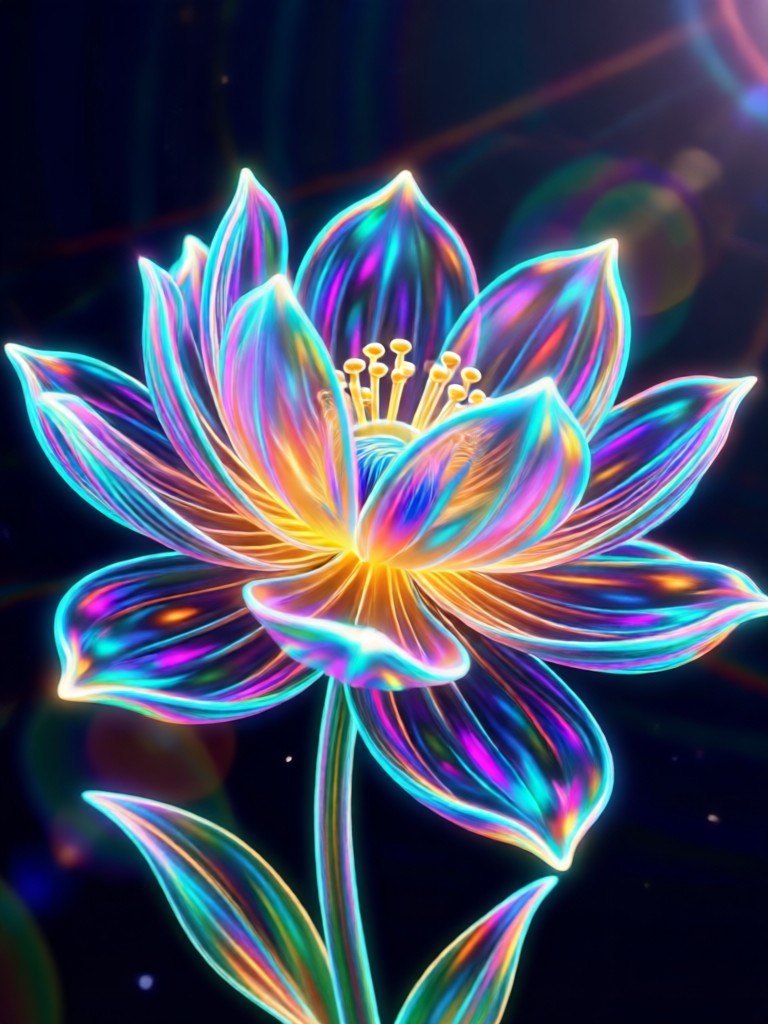
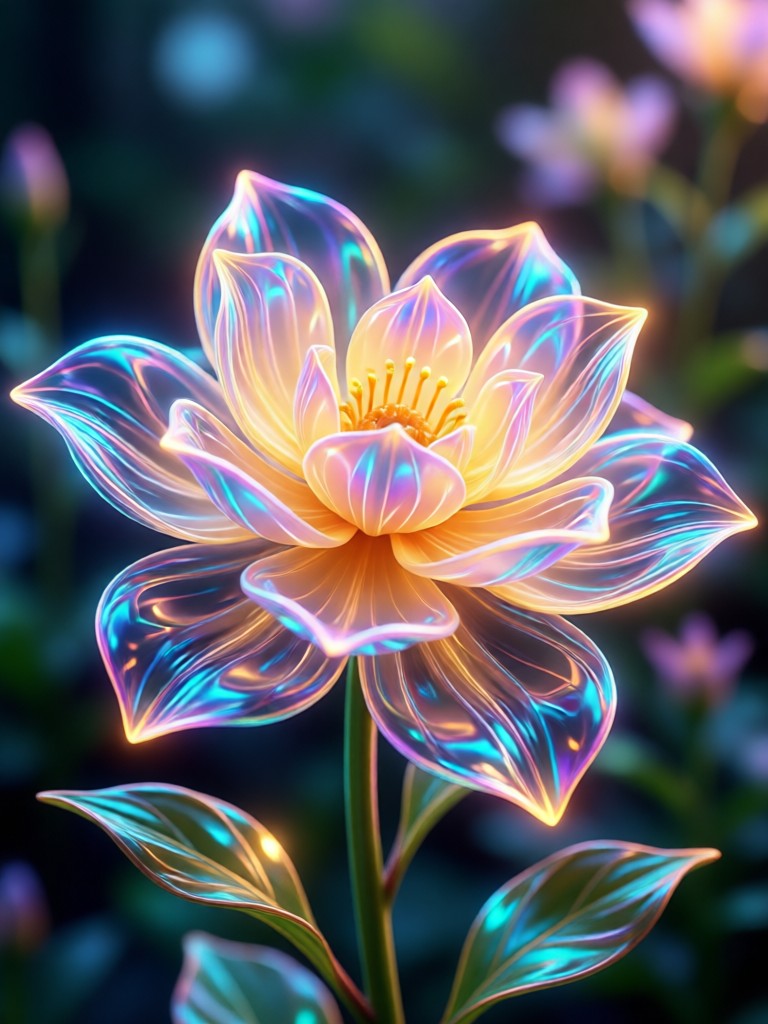
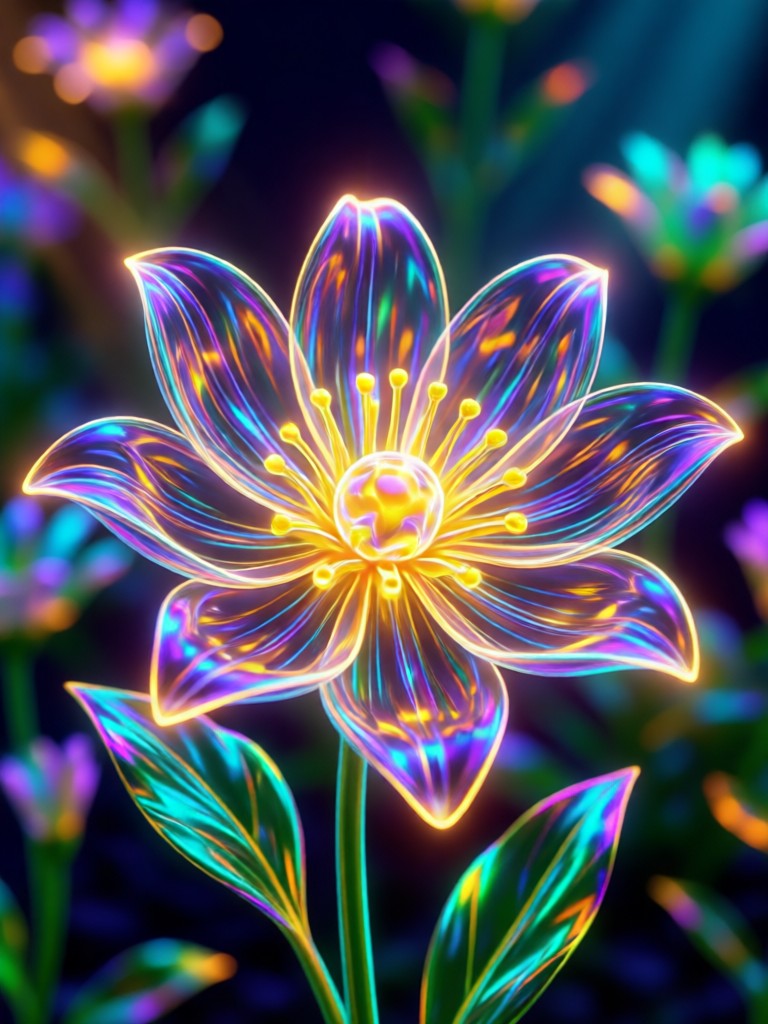
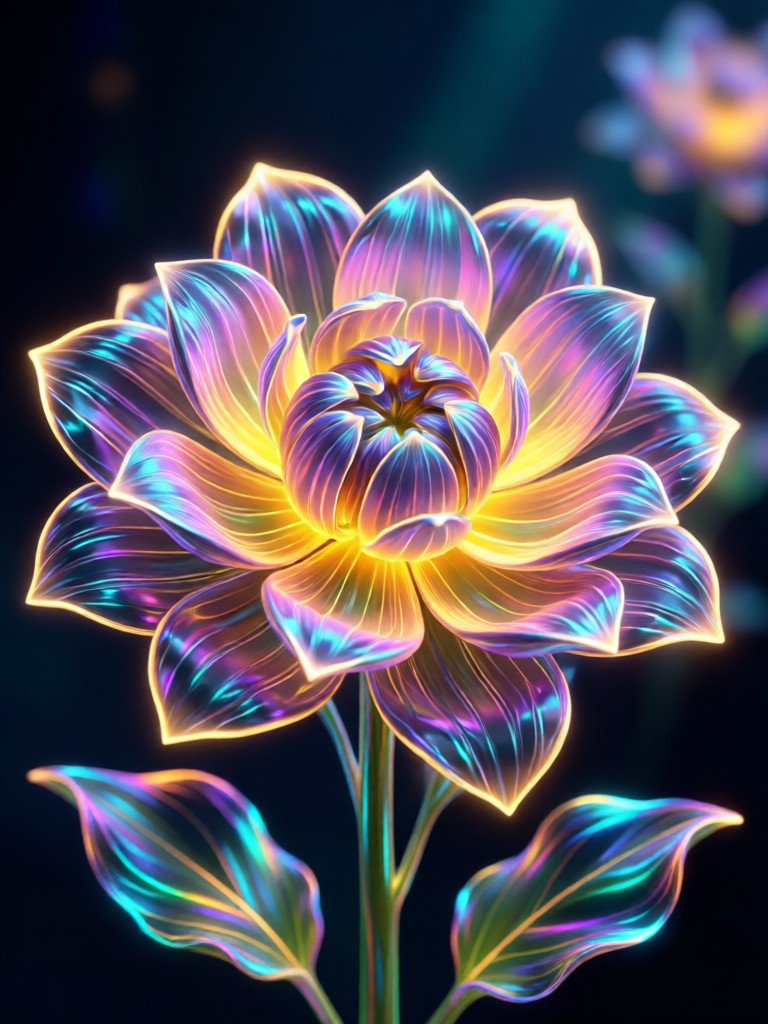
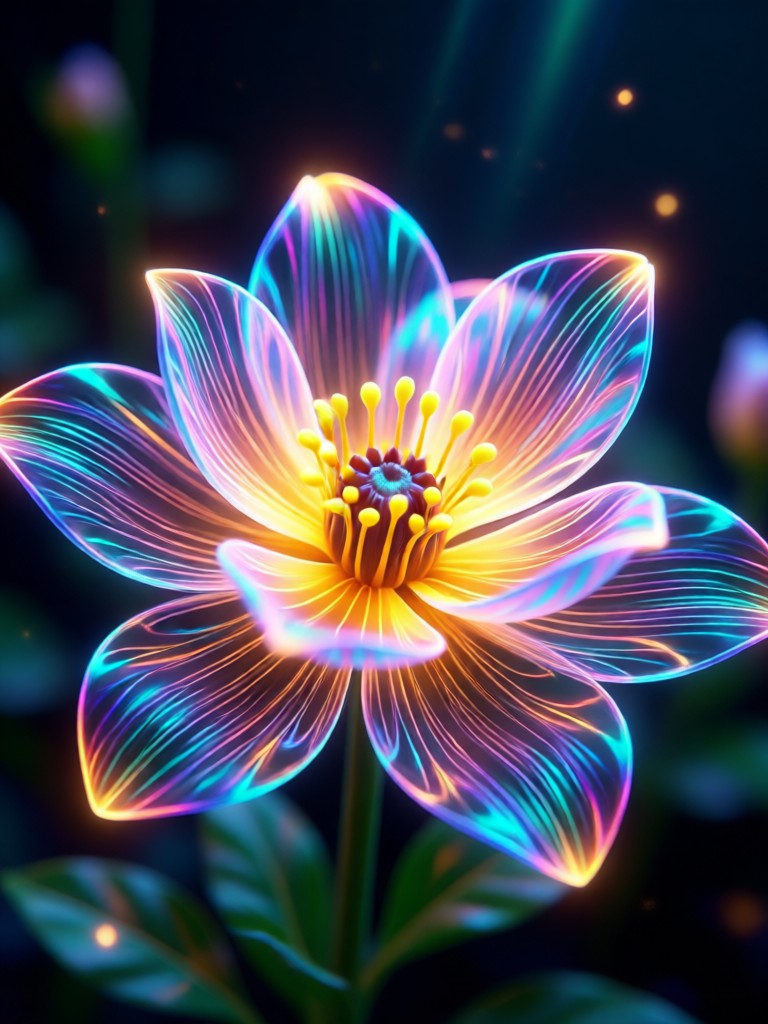
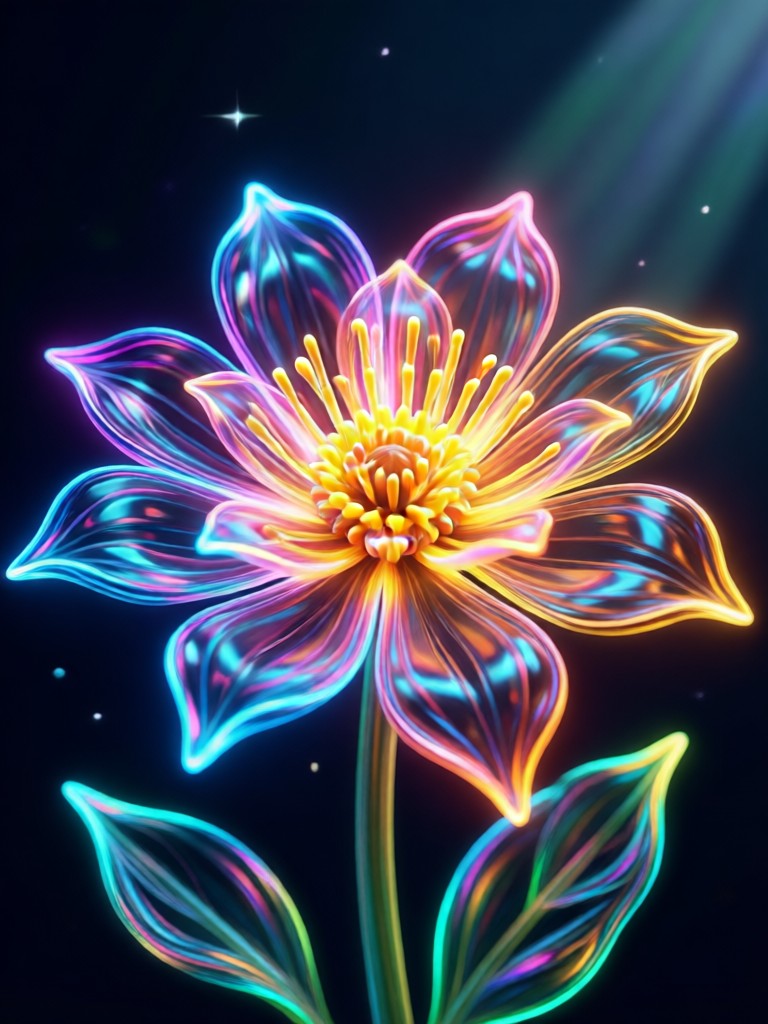
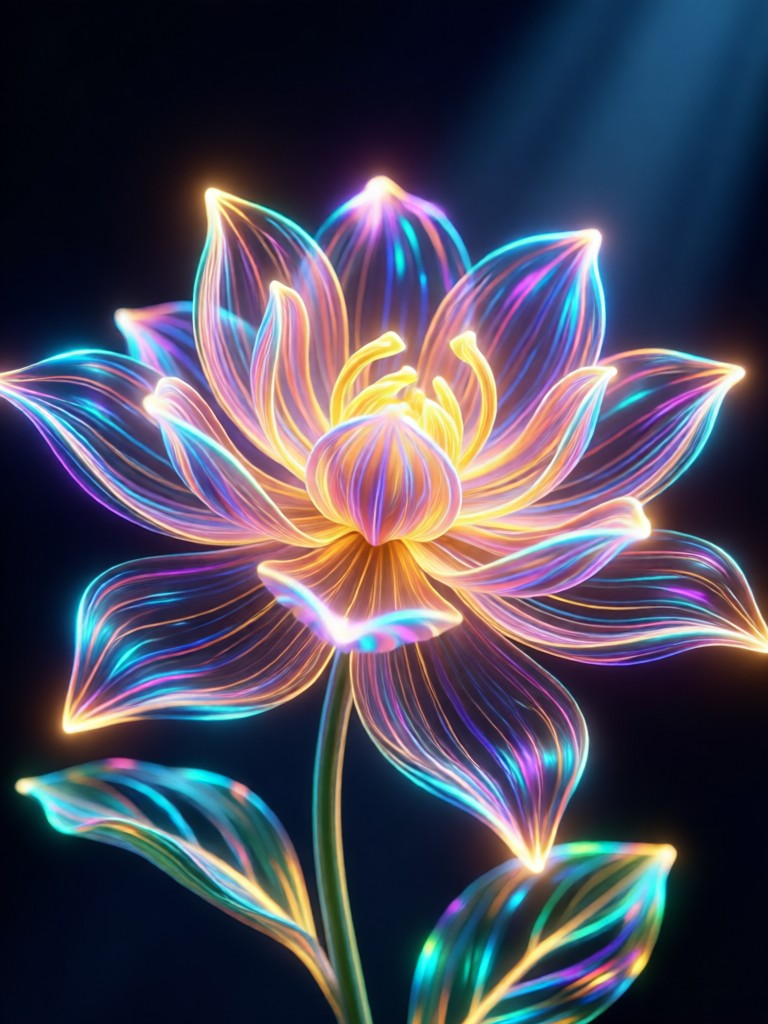
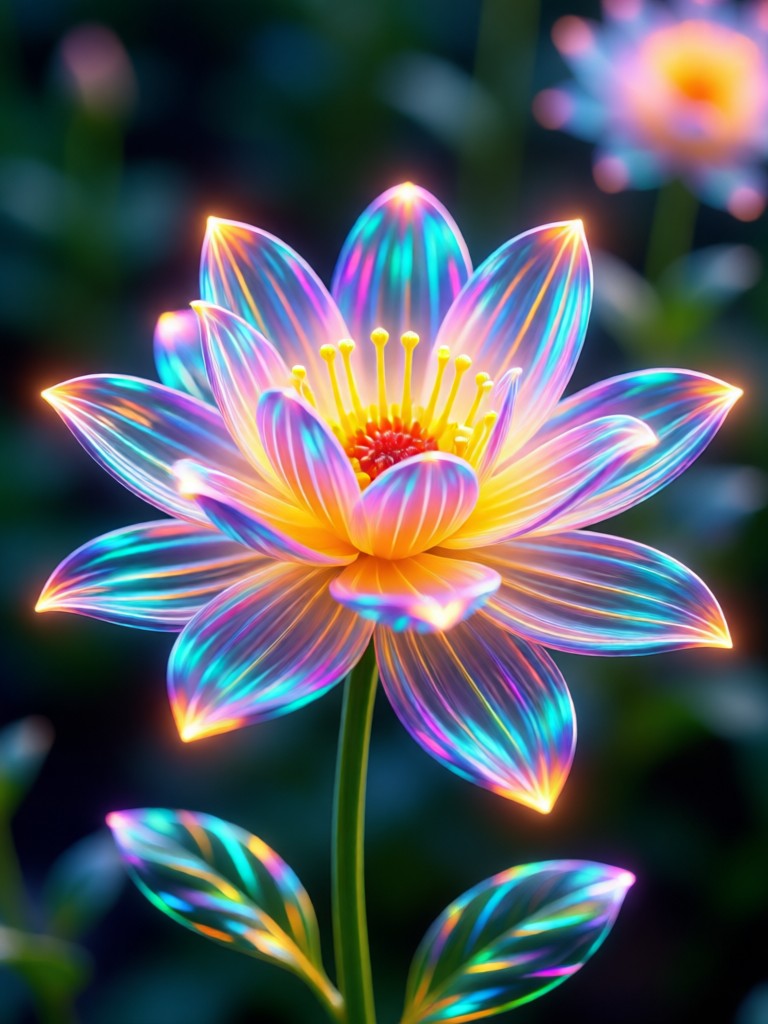
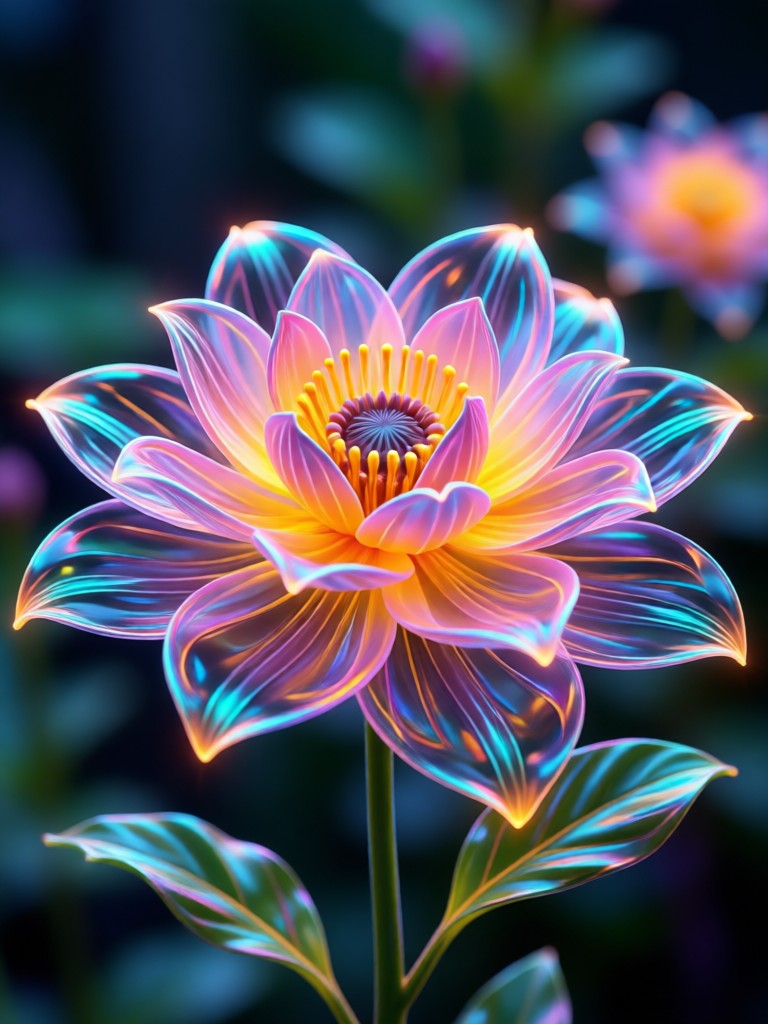
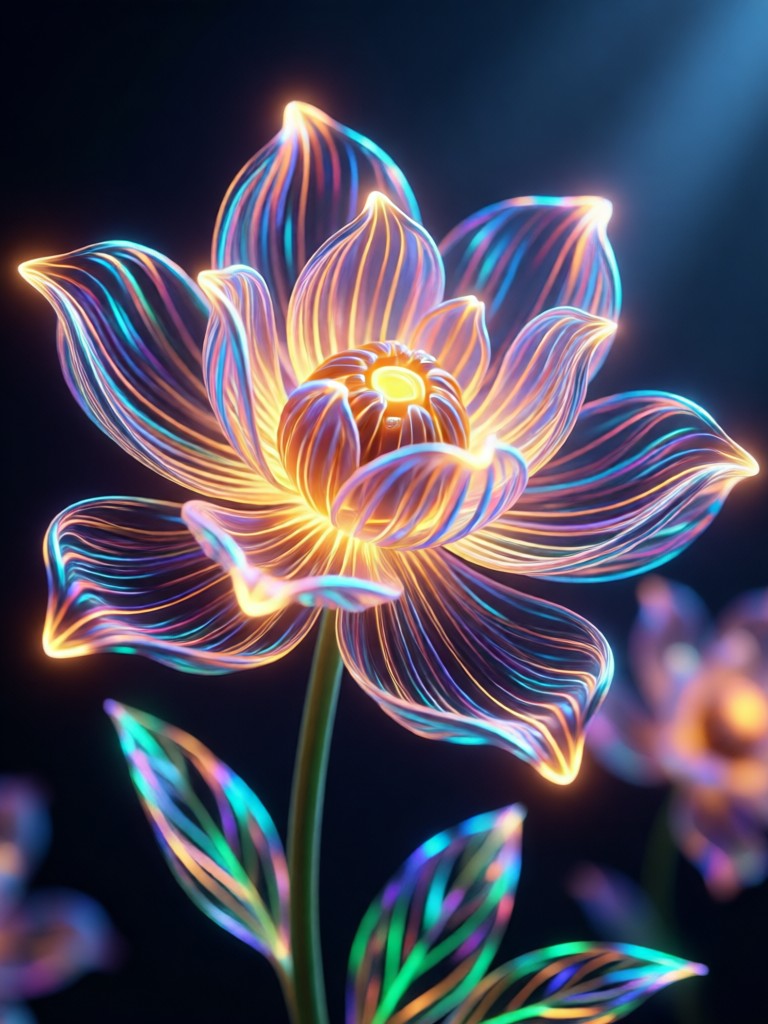
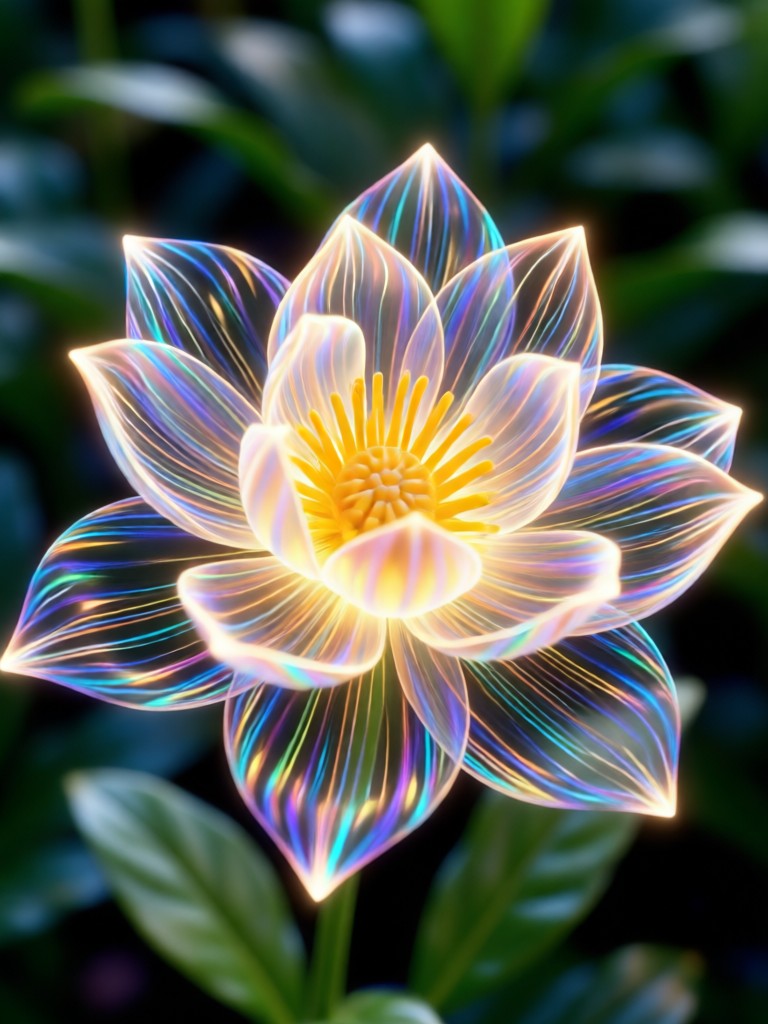
See how the AI Bloom Effect can completely change the mood and atmosphere of different types of images, from portraits and weddings to landscapes and urban scenes.
How to Apply the AI Bloom Effect?
Add a magical glow to your content in just three simple steps. The entire process happens right in your pocket.

Step 01.
Download the Rendia app from Google Play. It's your all-in-one mobile toolkit for AI photo and video magic, including the Bloom Effect.

Step 02.
Open the app, upload your photo or video, and find the 'Bloom' category within the style filters. Browse different bloom preset intensities.

Step 03.
Tap to apply. Use the adjustment sliders to fine-tune the glow, then save and share your beautifully bloom-enhanced creation directly.
Creators Love the AI Bloom Effect
Transformed my portrait photography
I shoot a lot of outdoor portraits. The AI Bloom Effect adds that perfect, natural-looking halo light I usually need expensive lenses or golden hour for. It's now my secret weapon for dreamy client shots.
Essential for my fantasy art
As a digital artist, I use Rendia to add final touches. The Bloom Effect is incredible for adding magical light to my character illustrations. The AI understands where to place the glow realistically.
Makes my travel videos cinematic
I vlog my travels, and the video Bloom Effect is a game-changer. It makes city lights at night look phenomenal and gives sunny beach clips a soft, romantic vibe. One tap does what used to take me 20 minutes in editing software.
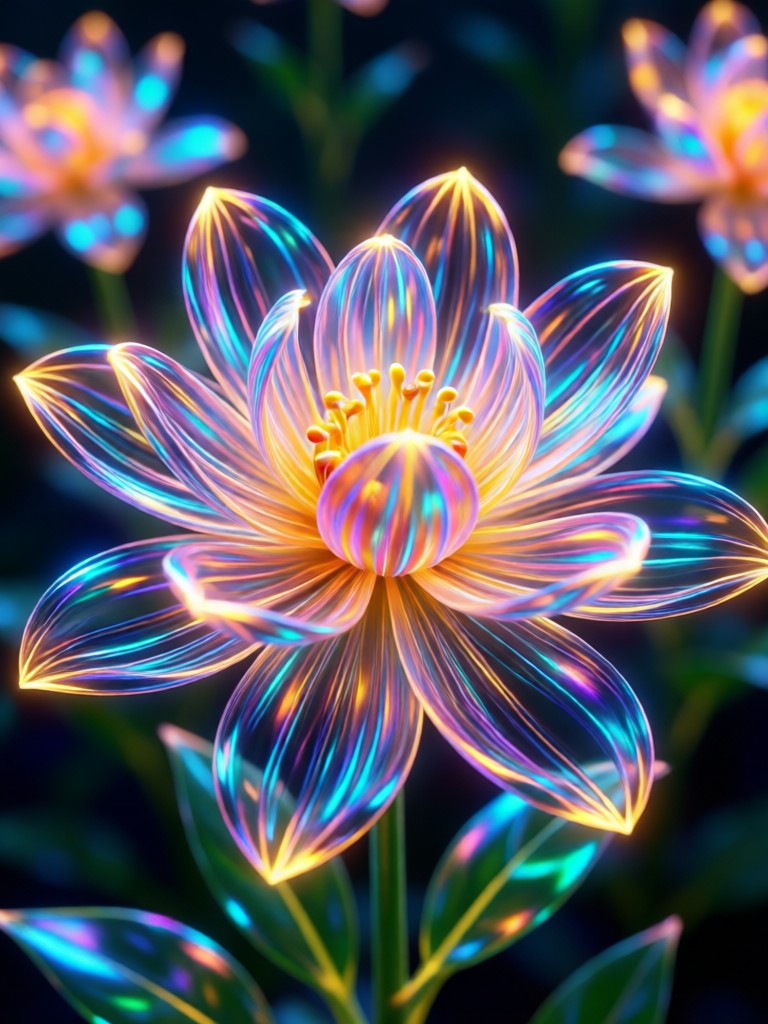
Your Magic Glow, On the Go
Why wait for perfect lighting? Create it instantly. The AI Bloom Effect is just one of thousands of creative tools inside the Rendia mobile app.

AI Bloom Effect FAQs
Got questions about creating dreamy visuals with the Bloom Effect? Find quick and clear answers here.
Ready to Add a Touch of Magic?
Stop scrolling and start creating. Download Rendia now and discover how the AI Bloom Effect can transform your ordinary photos and videos into extraordinary, glowing artworks.
Ready to Add a Touch of Magic?
Stop scrolling and start creating. Download Rendia now and discover how the AI Bloom Effect can transform your ordinary photos and videos into extraordinary, glowing artworks.